
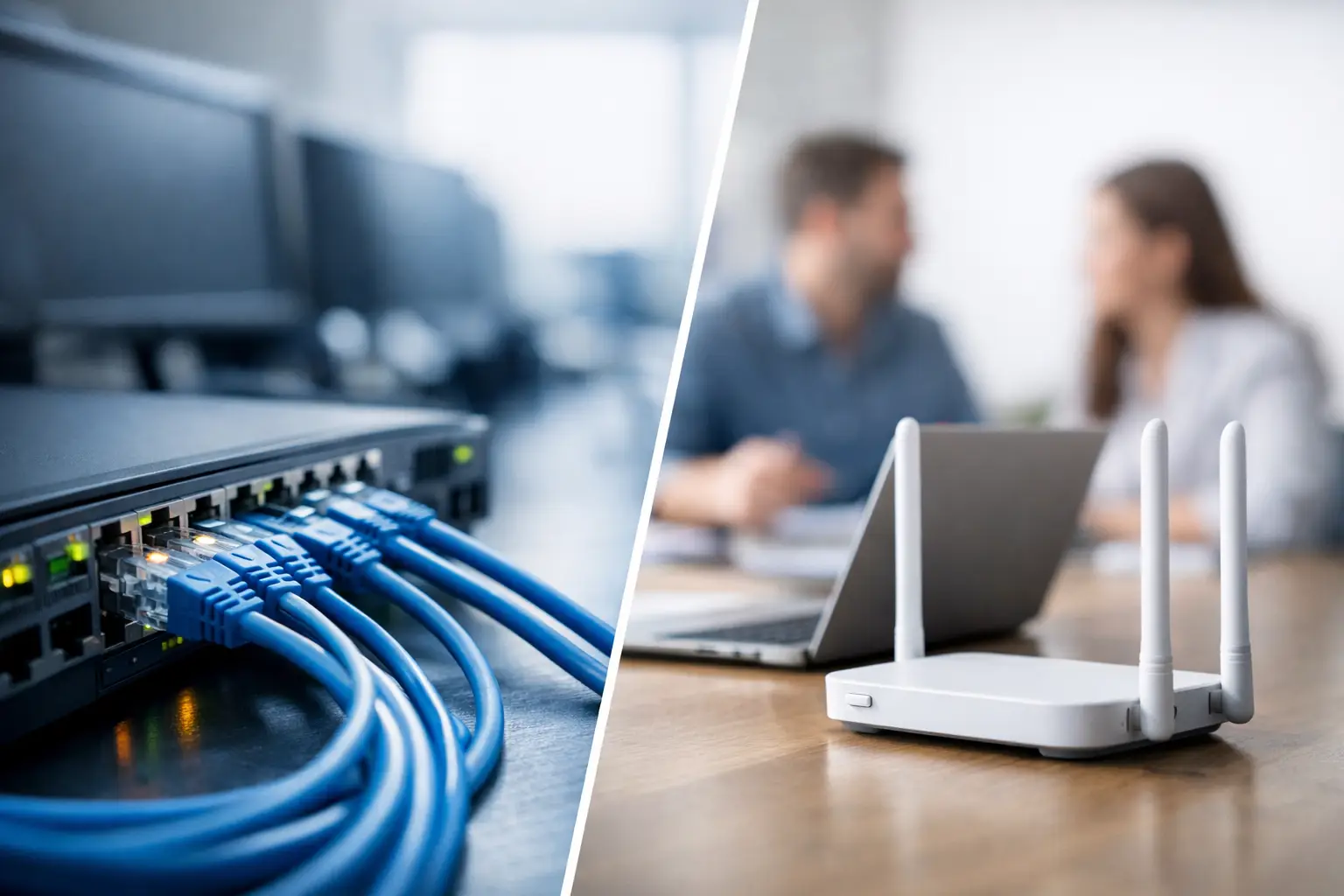
An office can have new laptops, cloud applications, IP phones, and smart security systems, yet still lose productive hours to unstable connections. The issue is often not the internet plan. It is the network design behind it. When evaluating wired vs wireless networking, business leaders need to look beyond convenience and consider how people work, what systems must stay online, and how much disruption the organization can accept.
For most businesses, the strongest answer is not choosing one technology over the other. It is assigning each one to the job it performs best, then building both on a properly planned infrastructure.
Wired vs Wireless Networking: The Business Difference
A wired network connects devices through structured cabling, usually Cat6, Cat6A, or fiber optic cabling. Computers, servers, IP phones, printers, access points, CCTV cameras, and switches can communicate over physical cables. This creates a direct, consistent connection that is less affected by distance, walls, interference, or the number of users online.
A wireless network uses Wi-Fi access points to connect laptops, phones, tablets, scanners, guest devices, and other mobile equipment without a physical cable at the endpoint. It gives employees the freedom to work from meeting rooms, shared spaces, warehouses, classrooms, and customer-facing areas.
The practical difference is straightforward. Wired networking prioritizes predictable performance and control. Wireless networking prioritizes mobility and flexibility. Both can be secure and high-performing when correctly designed, but neither should be treated as a universal replacement for the other.
When a Wired Network Is the Better Choice
Wired networking remains the foundation for business systems that cannot tolerate inconsistent performance. A desktop used for large file transfers, a workstation running business-critical applications, or a server supporting multiple departments benefits from a dedicated cable connection.
Performance That Does Not Depend on the Room
Wi-Fi performance changes with building layout, construction materials, nearby networks, device density, and user movement. A wired connection does not face the same variables. This matters in offices with heavy cloud usage, design teams moving large files, call centers, video production, financial operations, and other environments where delays affect output.
A properly installed cable network also delivers low latency. That is especially valuable for voice and video calls, IP telephony, real-time collaboration tools, and systems that communicate continuously across the network. The goal is not just faster speed on a test. It is a stable working experience throughout the day.
Better Fit for Fixed and Security-Critical Devices
CCTV cameras, network video recorders, access control panels, biometric readers, servers, switches, and many IP phones are typically better served by wired connections. These devices often operate around the clock and may be part of a wider security or compliance requirement.
Power over Ethernet, commonly called PoE, makes this approach even more useful. A single network cable can carry both data and electrical power to compatible access points, cameras, phones, and door access devices. This reduces the need for separate power outlets at every installation point and supports a cleaner, more manageable deployment.
Stronger Physical Control
A cable is harder to access casually than a wireless signal that reaches beyond meeting room walls or office boundaries. That does not make wired networks automatically secure, but it gives IT teams a more controlled starting point. Port security, network segmentation, managed switches, and firewall policies can limit what connected devices are allowed to do.
For organizations handling confidential records, payment activity, internal intellectual property, or sensitive video footage, that control is meaningful. Security still depends on configuration, monitoring, credential management, and staff behavior. The cable alone is not the security strategy.
Trade-Offs of Wired Deployment
The main limitation is that cables need to be planned and installed. Existing buildings may require ceiling work, trunking, conduit, floor boxes, or coordination with renovation schedules. Changes in seating layouts can also require additional outlets or patching work.
The upfront investment can be higher than placing a few Wi-Fi routers around an office. However, structured cabling is long-term infrastructure. When designed with spare capacity and clear labeling, it can support future technology changes without rebuilding the physical network from scratch.
When Wireless Networking Makes More Sense
Wireless networking is essential where work is mobile. Employees expect to move between desks, meeting rooms, training areas, and common spaces while staying connected. Retail teams may use mobile point-of-sale terminals. Warehouse staff may depend on handheld scanners. Teachers and students need access across classrooms. These are not edge cases – they are normal business operations.
Mobility Improves How Teams Use Space
A well-designed Wi-Fi environment lets a business use its workplace more effectively. Hot-desking, flexible meeting spaces, visitor collaboration, and mobile device use become practical without adding a data outlet for every possible seat.
Wireless also simplifies temporary setups. Training sessions, project rooms, events, and expansion areas can be brought online quickly when sufficient access point coverage and network capacity already exist. For an organization changing its office layout frequently, this flexibility has real operational value.
Wi-Fi Is Not Just About Coverage
A common mistake is measuring wireless success by whether a phone shows a signal. Coverage is only one part of the design. A business Wi-Fi network must also have enough capacity for the number of users and devices, sufficient throughput for applications, proper channel planning, and reliable roaming between access points.
An office with 20 employees may still have 80 or more connected devices once laptops, phones, tablets, meeting room equipment, printers, cameras, and visitor devices are counted. A consumer-grade router may work for a small household but struggle with this density, particularly during video meetings or cloud backups.
Enterprise-grade access points and centrally managed Wi-Fi platforms give IT teams more control. They can separate staff, guest, and Internet of Things traffic; apply access policies; monitor performance; and identify devices causing issues. The best placement is based on a site survey and the building’s actual conditions, not simply where a network cable is easiest to find.
Wireless Security Requires Deliberate Design
Business Wi-Fi should use current encryption standards, strong authentication, segmented networks, and a separate guest network. Guests should never share unrestricted access with corporate laptops, file servers, cameras, or access control systems.
For higher-security environments, identity-based access can ensure users and devices receive only the network permissions they need. Firewall rules, endpoint protection, and regular software updates remain part of the picture. Wireless can be secure, but only when security is designed into the network rather than added after employees are already connected.
Why a Hybrid Network Usually Delivers Better Results
The most dependable business networks use a hybrid model. Wired cabling supports the fixed devices and the network backbone. Wireless access points extend connectivity to mobile users. Importantly, those access points are themselves usually connected back to the network through wired PoE cabling.
This approach avoids forcing Wi-Fi to carry workloads better handled by a cable. A server, CCTV recorder, desktop workstation, and IP phone do not need mobility. Connecting them by wire leaves more wireless capacity for the devices that do.
A practical setup might wire desks used by finance, customer service, and operations teams; connect CCTV, door access, printers, and conference room systems through managed switches; then provide secure Wi-Fi for staff laptops, mobile devices, guests, and flexible work areas. Network segmentation can isolate these groups so a visitor device cannot communicate with security equipment or internal business systems.
This model also supports growth. When a business adds people, rooms, cameras, or new technology, it can expand from a known foundation instead of repeatedly patching together standalone solutions.
Factors to Assess Before Making a Decision
The right design depends on the business, the site, and the services being supported. Start with business-critical applications. If cloud systems, VoIP calls, video conferencing, point-of-sale terminals, or security monitoring must be continuously available, those requirements should lead the design.
Next, assess the building. Concrete walls, metal shelving, multiple floors, high ceilings, and neighboring tenants can all affect Wi-Fi. Older offices may have limited cabling pathways, while a relocation or renovation creates an ideal opportunity to install structured cabling before ceilings and walls are finished.
Think about user behavior as well. A fixed workstation team has different requirements from a mobile sales force, a school, or a multi-site retailer. It is also wise to plan for device growth rather than sizing the network only for the current headcount.
Finally, consider management. A network should be documented, labeled, segmented, and built with equipment that can be monitored and maintained. The lowest initial price can become expensive if outages take longer to diagnose or expansion requires redoing earlier work.
I-Weblogic helps organizations coordinate structured cabling, enterprise Wi-Fi, firewall protection, IP telephony, CCTV, and access control as one infrastructure project. This reduces gaps between separate contractors and makes it easier to align connectivity with daily operations and physical security requirements.
Before approving the next network upgrade, map the devices and workflows that your team cannot afford to lose. That exercise will usually make the wired, wireless, or hybrid choice much clearer.

