
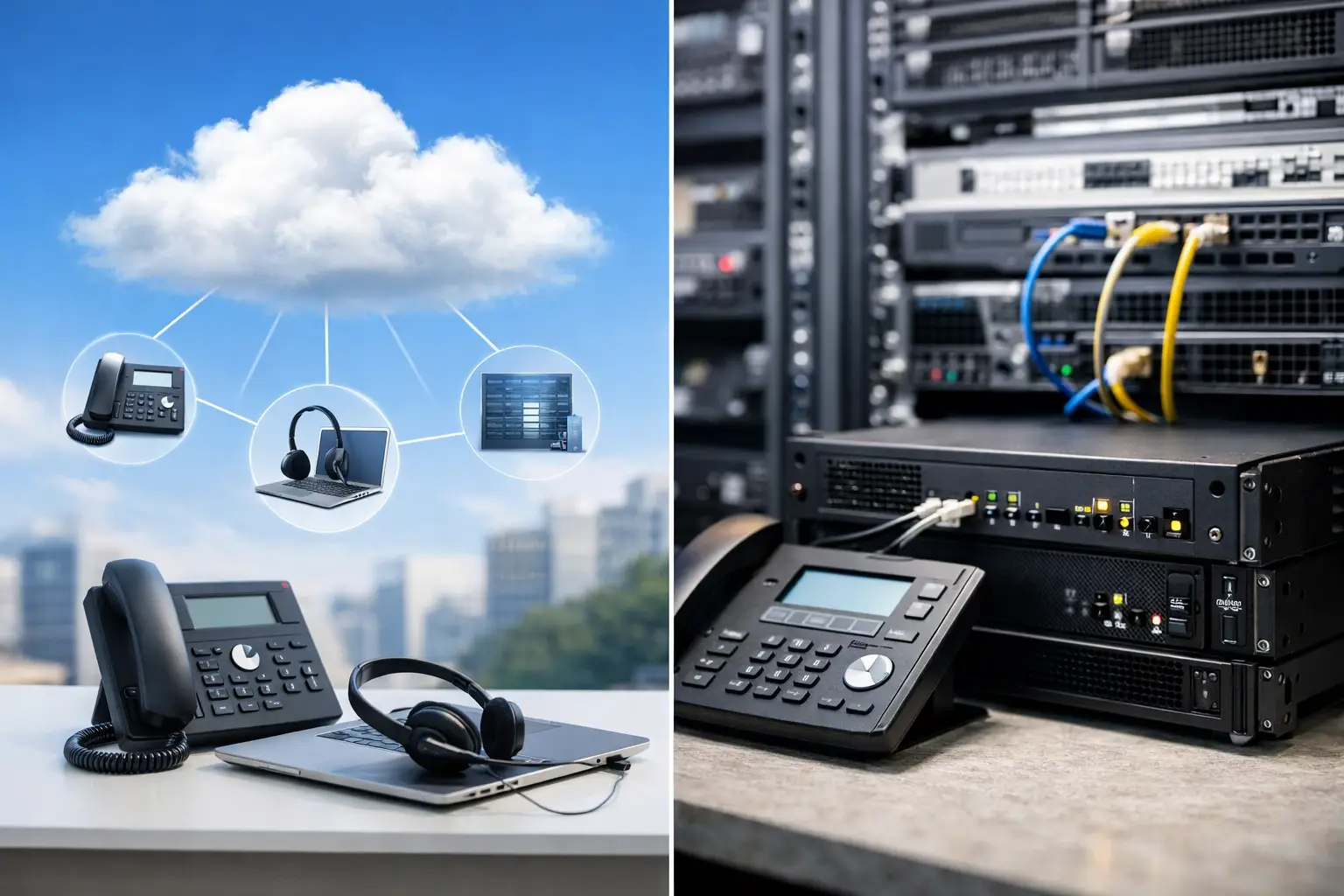
A phone system decision often appears during a larger operational change: an office relocation, an expiring support contract, a new branch, or persistent complaints about missed calls. The cloud PBX vs onsite PBX choice is not simply about replacing desk phones. It determines where your call control lives, who maintains it, how your teams work across locations, and how well communications hold up during disruption.
For business leaders, the right answer depends on the existing network, security requirements, call volumes, available IT resources, and plans for growth. A cloud service may reduce the burden of maintaining phone servers. An onsite system may offer tighter local control and predictable performance for a site with the right infrastructure. Both can support professional, reliable business communications when designed and implemented properly.
Cloud PBX vs Onsite PBX: The Core Difference
A cloud PBX is a private branch exchange hosted in a provider’s data center. Your users connect through IP desk phones, softphones, or mobile apps over an internet connection. The provider operates the call platform, while your business manages users, settings, and devices to the degree allowed by the service plan.
An onsite PBX, also called an on-premises PBX, runs on equipment installed at your office, campus, or data center. Your organization owns or controls the call server and typically connects it to SIP trunks, analog lines, or other carrier services. Internal calls can stay within the local network, while external calls route through the chosen telecom provider.
The distinction matters because it changes responsibility. With cloud PBX, the service provider handles the underlying platform. With onsite PBX, your business or technology partner is responsible for the server, software updates, backups, and longer-term lifecycle of the system.
Cost: Subscription Flexibility vs Capital Investment
Cloud PBX usually shifts spending toward recurring monthly fees per user. This can be attractive for organizations that want a lower upfront cost, have fluctuating headcount, or prefer a predictable operating expense. New users can often be added quickly without buying additional server capacity.
The monthly figure is not the full cost picture. Internet upgrades, business-grade routers or firewalls, quality IP phones, licensing tiers, and support plans may still be needed. Review calling limits, international rates, number porting costs, and fees for advanced contact center or recording features before comparing quotes.
Onsite PBX requires more investment at the start. Costs can include the PBX appliance or server, software licenses, gateways, SIP trunk setup, IP phones, installation, and support. For a stable organization with many users and a long expected system life, that investment can be commercially sensible. Once deployed, the ongoing cost may be more focused on carrier services, maintenance, and periodic upgrades rather than per-seat cloud subscriptions.
The financial question is therefore not which option is cheapest in month one. It is which model produces the best total cost over three to five years while meeting operational requirements. A rapidly expanding company may value cloud flexibility. A larger established site with in-house IT capability may prefer the economics and control of a well-supported onsite deployment.
Reliability Depends on More Than the PBX
Cloud PBX relies on your connection to the internet. If the office internet service fails and no contingency plan exists, desk phones may be unable to make or receive calls. That does not make cloud calling unreliable, but it means network design is central to the project.
A resilient cloud deployment may include dual internet connections, automatic failover, a properly configured firewall, voice traffic prioritization, and call forwarding rules to mobile devices or another location. These measures help staff remain reachable even when one connection or office site has a problem.
An onsite PBX can continue to process internal calls when the internet or SIP service is unavailable, provided local network equipment and power remain available. However, external calling still depends on carrier connectivity. An onsite PBX also needs protected power, regular backups, monitoring, hardware replacement planning, and skilled support. A local server is not automatically more reliable if these fundamentals are neglected.
For either approach, assess the entire voice path: cabling, switches, Wi-Fi where softphones are used, firewalls, internet circuits, power protection, and carrier service. Voice quality problems are frequently network problems disguised as phone problems.
Security and Control Considerations
Both cloud and onsite PBX systems can be secure, but they require different controls. Cloud providers may offer encrypted signaling and media, redundant hosting, platform monitoring, and managed software updates. Your business remains responsible for user access, password policies, device management, and securing the network that connects to the service.
With an onsite PBX, your organization has greater control over call records, configurations, integrations, and the location of the system. This can be valuable for businesses with strict internal policies, specialized workflows, or integration needs involving access systems, intercoms, paging, and facility operations. It also places more responsibility on the organization to patch software, restrict administrative access, monitor unusual calling activity, and maintain secure backups.
Fraud prevention should be part of either design. International calling permissions, after-hours rules, administrator multi-factor authentication where available, call logs, and alerting can reduce the risk of account compromise and unexpected charges.
How Cloud and Onsite PBX Compare in Practice
| Business consideration | Cloud PBX | Onsite PBX | |—|—|—| | Initial investment | Typically lower | Typically higher | | Ongoing cost model | Per-user subscription | Maintenance, carrier service, and lifecycle costs | | Scaling users | Usually fast and simple | May require licenses, capacity, or hardware planning | | Remote and mobile work | Often built in | Possible, but may need VPN, SBC, or additional configuration | | Local system control | Provider-managed platform | High control for the business or its IT partner | | Dependence on internet | High for office calling | Required for external IP services, but local calling can continue | | Maintenance responsibility | Primarily provider-managed | Primarily business or managed support partner |
The table is useful for first-pass planning, but it should not replace a site assessment. A cloud platform can be the wrong fit if a location has poor internet resilience. An onsite system can be excessive if a small, distributed team mainly needs mobile calling and simple collaboration features.
When Cloud PBX Is Usually the Better Fit
Cloud PBX is often a practical choice for businesses with multiple small locations, hybrid teams, seasonal staffing changes, or limited internal IT resources. It supports a consistent business number across desk phones, laptops, and mobile devices, which can improve responsiveness for sales, support, and field teams.
It also suits organizations that want to avoid managing a phone server. If the provider offers the features your teams need, the business can focus on user setup, call flows, and service quality rather than platform maintenance. The key requirement is a network designed to support voice traffic and a clear plan for internet outages.
When Onsite PBX Is Usually the Better Fit
Onsite PBX is often appropriate for organizations with a centralized office or campus, significant call volumes, established IT support, and a requirement for direct control over their communications environment. It can also be a strong choice where IP telephony must work closely with door intercoms, paging, reception consoles, analog devices, or custom business applications.
Education sites, larger offices, and facilities with complex physical infrastructure may benefit from a locally managed system, especially when it is paired with structured cabling, managed switching, protected power, and properly segmented networks. The system should be sized for future users and supported with documented backup and recovery procedures.
Make the Decision Around Your Operating Model
Before selecting a platform, map how calls move through the business. Consider where staff work, which calls cannot be missed, how reception and after-hours coverage operate, whether employees use mobile devices, and what should happen when a site loses power or internet access. Then review the condition of the network itself. Aging cabling, undersized switches, weak Wi-Fi, or a single internet circuit can undermine even the best PBX platform.
A technology partner that understands cabling, networking, telephony, and physical security can assess these dependencies as one environment rather than as separate projects. I-Weblogic approaches communications infrastructure this way, helping businesses align IP telephony with the network foundation and operational safeguards it requires.
The most useful next step is not to choose cloud or onsite based on a feature checklist alone. Start with the calls your business cannot afford to lose, then design the connectivity, fallback procedures, and support model that will keep those conversations moving.

