
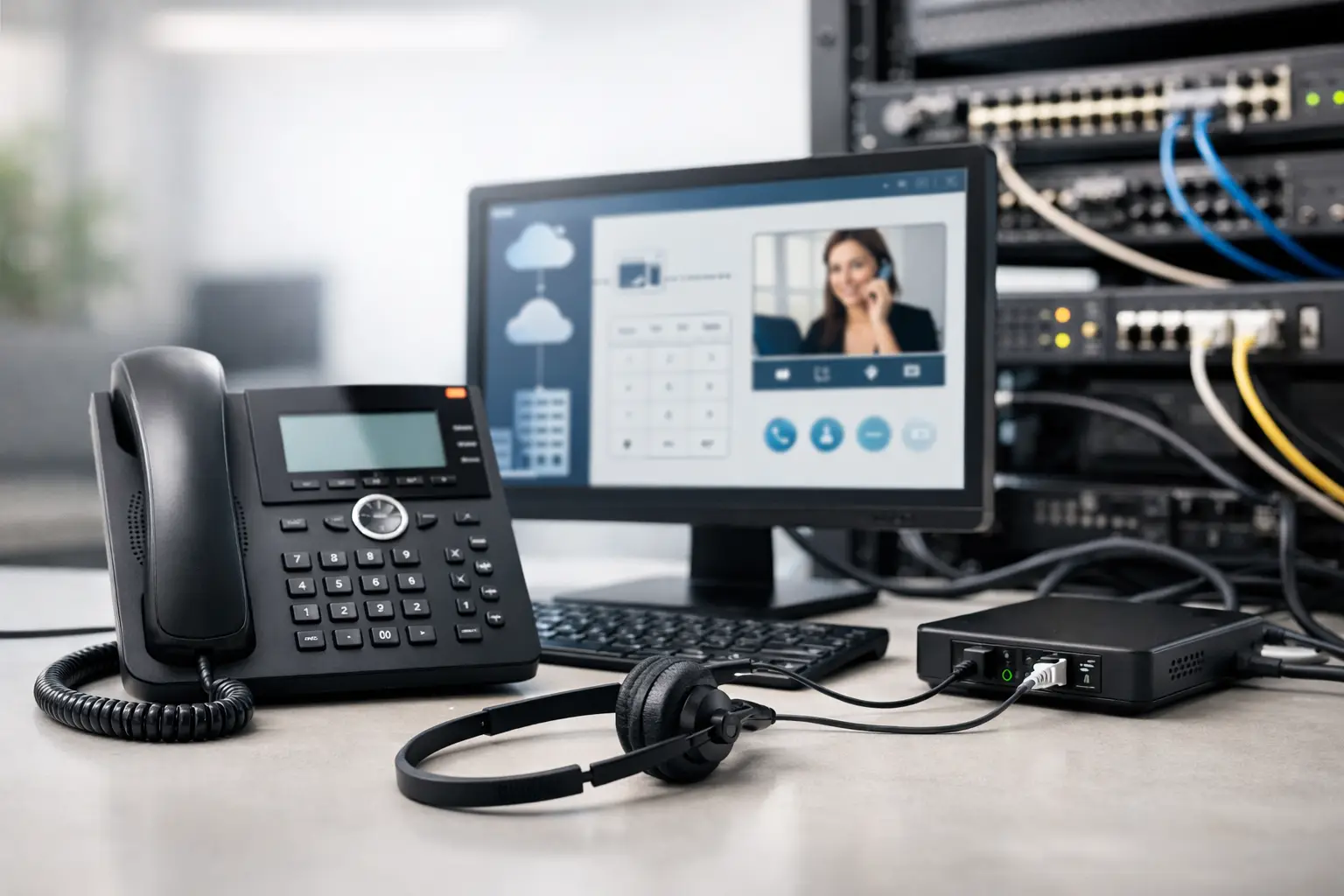
A new phone system can look straightforward until calls begin dropping during busy periods, reception loses visibility of incoming lines, or a network upgrade interrupts business operations. Knowing how to deploy IP telephony properly means treating it as an infrastructure project, not simply plugging in new handsets. The system relies on the quality of your cabling, switching, wireless coverage, internet connectivity, security controls, and rollout plan.
For offices, schools, retail locations, and multi-site organizations, IP telephony can improve mobility, simplify administration, and support growth without the limitations of a traditional PBX. The result, however, depends on decisions made before the first phone is installed.
Start With Business Requirements, Not Phone Models
A successful deployment begins with how people communicate today and what needs to improve. An operations team may need clear call routing between departments. A customer-facing business may require reception console visibility, call recording, after-hours routing, and backup options when a site loses connectivity. A growing company may need a phone platform that can add users and locations without redesigning the entire system.
Document the number of users, locations, incoming call volume, existing phone numbers, and key workflows. Include employees who work remotely, shared workstations, meeting rooms, reception desks, warehouses, and security posts. These users may need different devices or calling features than desk-based staff.
It also helps to define service expectations early. Consider acceptable call quality, maximum outage time, emergency calling requirements, call retention policies, and who will administer users after go-live. These details shape the design and prevent costly changes later.
Assess the Network Before You Deploy IP Telephony
Voice traffic is sensitive to delay, packet loss, and jitter. A data network that appears adequate for email and web browsing may still produce poor call quality when multiple voice calls, video meetings, cloud applications, and guest devices compete for bandwidth.
Review the existing LAN, WAN, internet connection, firewalls, switches, Wi-Fi, and structured cabling. Confirm whether network switches provide Power over Ethernet, or PoE, so desk phones can receive power through the Ethernet cable. Where PoE is not available, each phone requires a separate power adapter, which increases outlet requirements and complicates desk moves.
The assessment should identify aging cable runs, unmanaged switches, crowded communications racks, weak wireless areas, and single points of failure. Cat5e cabling can often support IP telephony, but cable condition, termination quality, and testing results matter. For new installations or major upgrades, Cat6 structured cabling provides a practical foundation for current voice and data needs.
Separate Voice and Data Traffic
A voice VLAN is standard practice for most business IP telephony deployments. It separates phone traffic from user data traffic, making it easier to apply security policies, prioritize calls, and troubleshoot issues. The design should also use Quality of Service settings to give voice packets priority over lower-priority traffic when the network is busy.
Quality of Service is not a substitute for sufficient bandwidth. If an internet circuit is already saturated by cloud backups, video conferencing, or large file transfers, prioritizing calls may reduce symptoms without resolving the underlying capacity issue. Bandwidth planning should account for peak simultaneous calls, not only the total number of extensions.
Choose an Architecture That Fits Operations
IP telephony can be deployed using an on-premises IP PBX, a cloud-hosted service, or a hybrid model. There is no single right answer. The best fit depends on your sites, internet resilience, compliance needs, existing systems, internal IT resources, and expected growth.
An on-premises system can provide greater local control and may suit organizations with reliable server infrastructure, specialized integrations, or limited dependence on public internet connectivity. It also requires responsibility for hardware lifecycle, backups, software updates, and local resilience.
Cloud-based telephony reduces on-site PBX hardware and can make multi-site management simpler. It is often attractive for distributed teams, but call availability depends more heavily on internet performance and provider design. Businesses should understand the provider’s support model, number porting process, redundancy arrangements, and options for emergency outbound calling during an internet failure.
A hybrid approach can be appropriate when a business needs local survivability at a key site while supporting remote users or cloud-based management. The architecture should be selected around operational risk and daily workflows, not just upfront licensing cost.
Design for Security and Business Continuity
Phones, PBXs, softphone applications, session border controllers, and network switches are all part of the communications environment. Each needs appropriate protection. Weak credentials, unpatched devices, exposed management interfaces, and poorly configured firewall rules can create opportunities for toll fraud, unauthorized access, or service disruption.
Use separate administrator accounts, strong password policies, role-based access, and current firmware. Restrict management access to authorized networks and secure remote connectivity with properly configured VPN or identity controls. The firewall should permit only the traffic required for the selected platform, rather than opening broad ports without oversight.
Continuity planning deserves the same attention as day-to-day calling. Decide what happens if a switch fails, a power outage affects an office, or the main internet circuit goes down. An uninterruptible power supply can keep critical switches, phones, and network equipment operating during short outages. Secondary internet connections, automatic call forwarding, mobile applications, and failover routing can protect customer access when a location is unavailable.
Emergency calling must also be planned carefully. For every location, verify the registered emergency address and confirm that staff can provide accurate location information where required. This is especially important in multi-floor offices, campuses, warehouses, and multi-site operations.
Build and Configure the Environment in Stages
Once the network and architecture are ready, the implementation can move into configuration. Create the voice VLAN, apply Quality of Service policies, configure PoE switching, and validate firewall settings before placing phones on the production network. Label cabling and switch ports clearly so support teams can identify voice services quickly.
Configure extensions, user profiles, hunt groups, auto attendants, voicemail, business hours, call forwarding rules, and shared lines according to the approved call flow. Reception and customer service teams should review the call routing design because they understand where real calls need to go when departments are busy, closed, or unavailable.
Number porting should be scheduled with care. Moving existing business numbers from a legacy carrier can take time and may require documentation, account verification, and a fixed cutover window. Keep temporary forwarding arrangements available until the port is confirmed and inbound calling has been tested.
Test Real Calling Scenarios
Do not limit testing to an internal extension-to-extension call. Test incoming and outgoing calls, transfers, hold and retrieve, voicemail, caller ID, auto attendant menus, hunt groups, remote users, conference calling, and failover behavior. Test at different times of day and under realistic network load.
Call quality problems should be investigated with network measurements, not assumptions. Check latency, jitter, packet loss, interface errors, switch utilization, wireless signal quality, and internet circuit performance. If phones share a connection with PCs, confirm that the phone pass-through port and VLAN settings are configured correctly.
A pilot group is valuable before a full rollout. Include reception, a department with high call volume, a manager, and at least one remote user. Their feedback will reveal practical issues that configuration checklists may miss, such as confusing call park procedures or missing permissions for a shared mailbox.
Roll Out With Minimal Disruption
A phased rollout is usually safer than replacing every handset at once. Deploy a pilot, refine the configuration, then migrate departments or locations in planned waves. This approach gives the IT and operations teams time to confirm cabling, user settings, call quality, and training needs without putting the whole business at risk.
Provide simple user guidance before cutover. Staff should know how to answer and transfer calls, access voicemail, use forwarding, contact support, and continue working if their handset is unavailable. For receptionists and supervisors, hands-on training is more effective than a generic instruction sheet because their call handling responsibilities are more complex.
During go-live, maintain a clear escalation path. Identify who owns carrier coordination, phone system configuration, network troubleshooting, and user support. A coordinated systems integrator can reduce delays because cabling, switching, wireless, security, and telephony are assessed as connected parts of one environment rather than separate vendor issues.
Maintain the System After Go-Live
IP telephony is not a one-time installation. Review call quality trends, capacity, firmware status, user permissions, and backup procedures regularly. As teams move desks, open new locations, or adopt more cloud applications, the underlying network and call routing rules should be updated accordingly.
Keep documentation current, including network diagrams, voice VLAN details, phone inventories, extension lists, carrier information, and emergency procedures. This makes support faster and protects the business when staff roles change.
For organizations planning a relocation, expansion, or communications upgrade, I-Weblogic can help align structured cabling, network design, and IP telephony into a practical deployment plan. The right implementation gives staff a dependable way to communicate while giving the business room to grow without unnecessary disruption.

