A security incident at a side entrance, an unfamiliar visitor in a restricted area, or a camera feed that fails when it is needed most can quickly become an operational problem. Smart building security trends are moving businesses away from disconnected systems and toward coordinated environments where access control, video surveillance, network infrastructure, and response procedures work together.
For operations, IT, and facilities leaders, the goal is not to add technology for its own sake. It is to reduce blind spots, manage access with less administrative effort, protect people and assets, and create an infrastructure that can support growth without repeated disruption.
Smart Building Security Trends Shaping Business Sites
Connected physical security platforms
Access control, CCTV, intercoms, visitor management, and intrusion alerts have often been installed as separate systems. That approach can make investigations slower and maintenance more difficult. A modern security design increasingly brings these systems into a coordinated platform.
When an access event occurs, for example, the relevant camera can provide visual context. When a door is forced open, an alert can be sent to the right personnel with information about the location and time. For multi-site businesses, centralized management gives authorized administrators a clearer view of activity across offices, retail outlets, warehouses, or campuses.
Integration does not mean every business needs to replace every existing device. A practical assessment should identify what can be retained, where compatibility is limited, and which upgrades will have the strongest operational impact. The right approach depends on the age of the current system, the condition of cabling, site layout, and future expansion plans.
Mobile, biometric, and touchless access
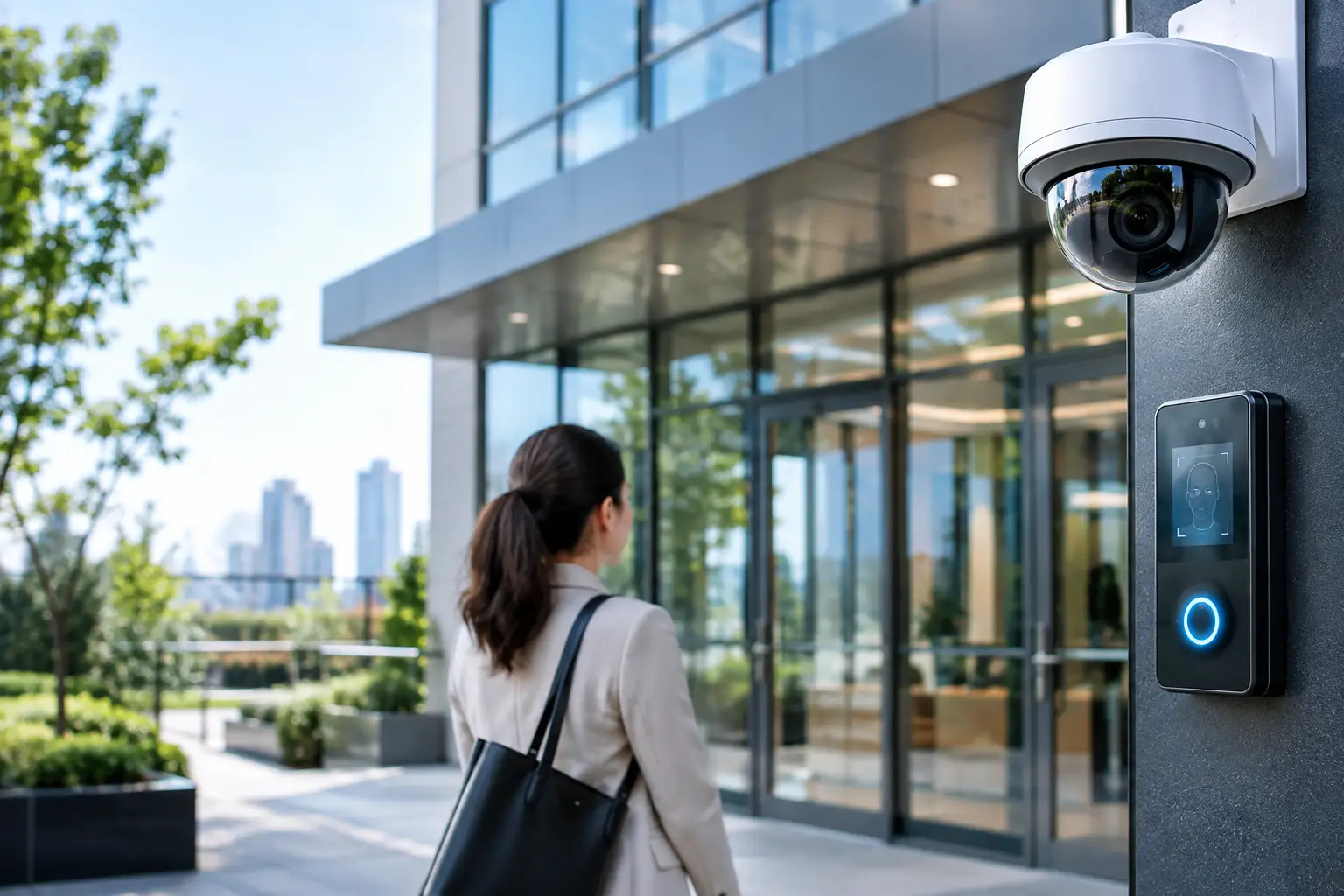
Physical cards remain useful, especially for large workforces and high-turnover environments. However, mobile credentials, biometric readers, PINs, and keyless entry are becoming more common where convenience and tighter identity verification are priorities.
Mobile access can reduce the need to issue and recover cards for employees, contractors, and temporary visitors. Credentials can be activated, changed, or removed quickly, which is particularly useful when teams move between locations. Biometric access can provide higher assurance for sensitive rooms such as server rooms, laboratories, finance areas, or executive offices.
These tools have trade-offs. Biometric deployment requires careful privacy planning, user communication, and suitable fallback methods if a reader is unavailable. Mobile access depends on clear device policies and reliable wireless coverage near entry points. For many organizations, a mixed model is the most practical option: mobile credentials for regular staff, cards for selected user groups, and stronger authentication for high-risk zones.
Video analytics with a defined purpose
Modern IP cameras can do far more than record footage. Analytics can help identify people entering restricted zones, detect loitering, count occupancy, flag unusual movement, or alert teams when an object is left in a sensitive area. This can help security staff focus on events that need attention instead of reviewing hours of footage.
The value of analytics depends on configuration. A poorly positioned camera or an alert rule that is too sensitive can create false alarms and cause teams to ignore notifications. Lighting, camera angles, retention requirements, and the normal pattern of activity at each location all affect results.
Businesses should start with a small number of measurable use cases. A loading bay may need after-hours intrusion detection. A retail outlet may need alerts for unauthorized access to a stockroom. An office may need video verification for door-forced-open events. Clear use cases lead to better camera placement and more useful outcomes.
Hybrid cloud security management
Cloud-managed security platforms are gaining attention because they allow administrators to monitor selected systems, review events, and manage users from a central location. This can simplify management for distributed organizations and reduce reliance on a single on-site workstation.
A cloud option is not automatically the right choice for every system. Some businesses have data residency requirements, limited site connectivity, or policies that favor local recording and management. A hybrid architecture can offer a balanced approach, with local equipment maintaining essential functions while approved cloud services support remote administration, reporting, or backup.
The decision should be based on operational requirements, not feature lists. Consider how long video must be retained, who needs remote access, what happens during an internet outage, and how administrator accounts are protected. Business continuity matters as much as convenience.
The Network Behind Smart Building Security
Smart security devices are networked devices. Cameras, door controllers, intercoms, wireless access points, sensors, and management servers all depend on properly designed connectivity. This makes network planning a core security requirement rather than a separate IT task.
Structured cabling and fiber connections provide the physical foundation for stable communications, particularly in larger offices, campuses, and multi-floor facilities. Power over Ethernet can simplify the deployment of cameras, access points, and selected access control devices by delivering data and power through a single cable. Capacity must still be planned carefully. High-resolution video, increasing camera counts, and AI-enabled functions can place significant demands on switching, storage, and uplinks.
Network segmentation is equally important. Security devices should not simply sit on the same unrestricted network as employee laptops, guest Wi-Fi, and business applications. Separating devices into appropriate network segments can limit exposure and make administration easier. Firewalls, secure remote access, updated firmware, strong passwords, and role-based permissions should be part of the design from the beginning.
This is where fragmented projects often create avoidable risk. A camera installer, cabling contractor, network provider, and access control vendor may each complete their own scope, while no one verifies the full operating environment. Coordinated implementation helps ensure that power, cabling, switching, wireless coverage, security devices, and management access are aligned before handover.
Privacy and Cybersecurity Are Design Requirements
As physical security systems collect more video, access records, and visitor information, organizations need clear governance. The question is not only whether a system can collect data, but whether the organization has a legitimate need, appropriate retention period, and controlled process for accessing it.
Camera placement should support security objectives without unnecessarily monitoring private areas. Access logs and video footage should be available only to authorized users. Retention policies should match business, regulatory, and investigative needs rather than keeping data indefinitely.
Cybersecurity deserves the same attention. Default credentials, outdated firmware, exposed remote-management ports, and shared administrator accounts can turn a useful security system into an entry point for attackers. Security technology should be included in regular patching, account reviews, asset inventories, and incident response planning.
How to Prioritize a Security Upgrade
The most effective projects begin with operational risk, not a product catalog. Review where incidents, delays, or security gaps are occurring. This may include unsecured secondary doors, inconsistent visitor sign-in, poor camera coverage at receiving areas, lost keys, weak remote access controls, or unreliable connectivity between buildings.
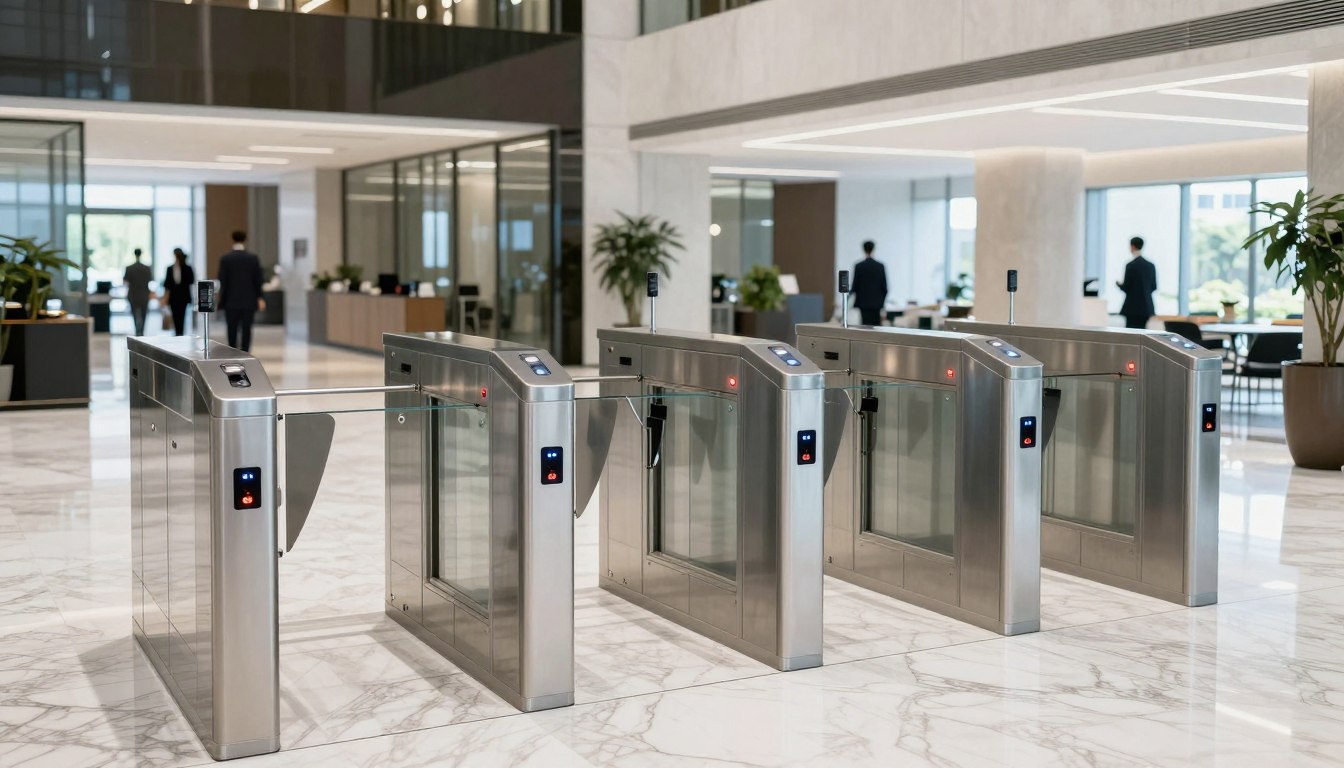
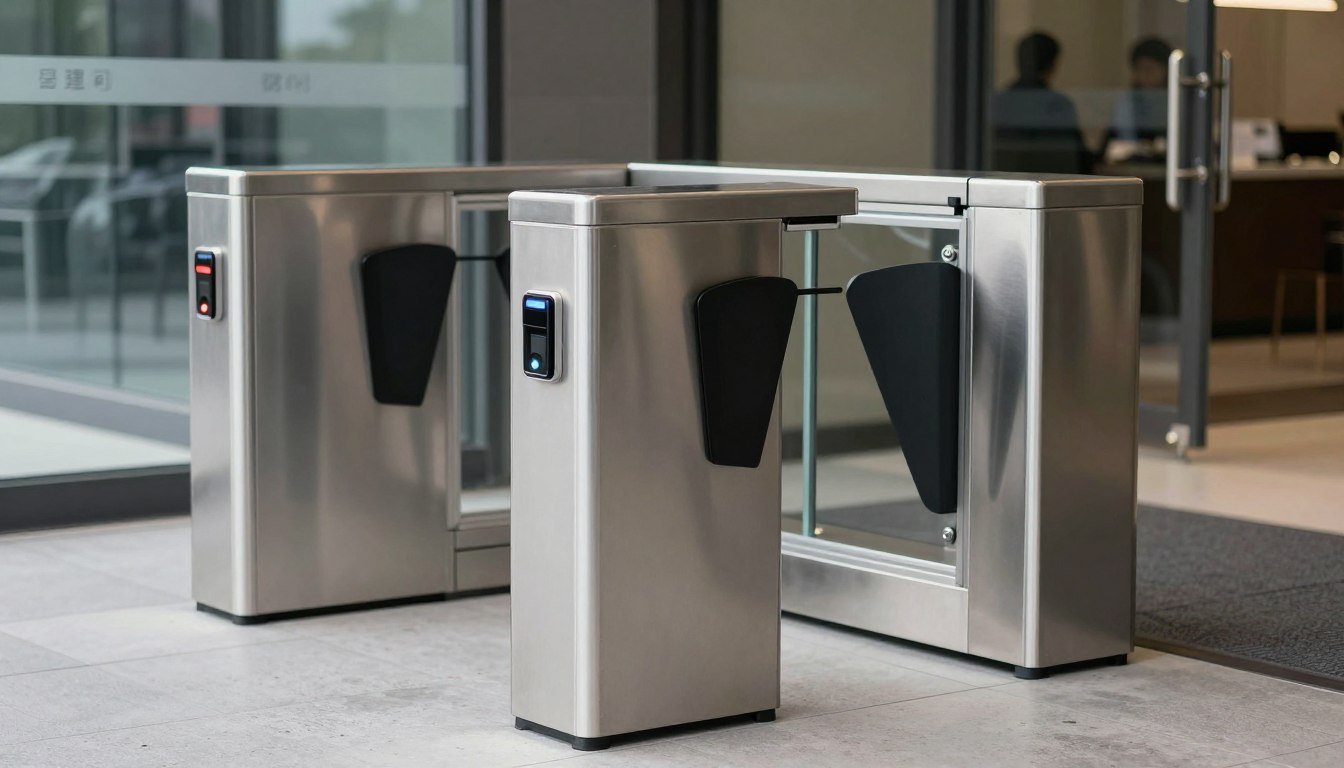
Next, map the building systems that support the solution. A new access control platform may require door hardware upgrades, cabling pathways, network switches, backup power, and integration with existing turnstiles or intercoms. A camera upgrade may require storage planning and higher-capacity network links. Addressing these dependencies early prevents unexpected costs and downtime during deployment.
Phased implementation is often the soundest route. Start with high-risk areas or a pilot site, validate user workflows, then apply the design across additional locations. This gives teams time to refine permissions, alert settings, retention rules, and support procedures before scaling.
Organizations should also plan for the human side of the system. Reception teams need clear visitor procedures. Facilities teams need to know how to respond to door alarms. IT teams need ownership for network and account controls. Employees need simple guidance on credentials and reporting lost devices. Technology works best when responsibilities are clear.
A smart building security program should make daily operations easier, not add another disconnected dashboard for staff to manage. The strongest result comes from selecting technology that fits the site, building dependable infrastructure beneath it, and planning each upgrade around the people who will rely on it every day.