A misplaced key rarely stays a small problem for long. In an office, it can mean rekeying doors, chasing down access issues, disrupting staff, and carrying unnecessary security risk. That is why many businesses are replacing traditional locks with a keyless entry system for office use that is easier to manage, easier to audit, and better suited to modern operations.
For businesses focusing on security standards, it is recommended to review the Cybersecurity Agency of Singapore’s resources to ensure your access control hardware meets modern protection requirements.
The appeal is clear, but choosing the right system takes more than picking a reader and issuing credentials. Office access control affects security, employee experience, facilities planning, IT coordination, and even future expansion. A system that works well for a single suite may fall short for a multi-floor office, a shared workspace, or a business with server rooms, after-hours visitors, and multiple locations.
Why a keyless entry system for office environments makes business sense
Traditional keys are simple, but they create administrative problems that grow with headcount. When an employee leaves, the question is not just whether the key was returned. It is whether copies exist, who had access to which areas, and how quickly that access can be revoked. With keyless entry, permissions can be updated in software instead of replacing hardware across multiple doors.
There is also a visibility advantage. A key opens a door, but it does not create a reliable access record. A keyless system can show who entered, when they entered, and which doors were used. For businesses that need tighter control over finance rooms, inventory storage, executive offices, or network closets, that record matters.
Operationally, a good system reduces friction. Staff can enter using cards, PINs, mobile credentials, or biometrics depending on policy and budget. Reception teams can manage visitor access more effectively. Facilities teams can define schedules for cleaning crews or contractors. If your office is expanding, relocating, or reorganizing departments, access rules can change without replacing the entire setup.
What to evaluate before you buy
The right starting point is not the device. It is the way your office actually works.
Door count and access zones
Some offices only need to control the main entrance and one sensitive room. Others need separate policies for executive areas, HR records, storage rooms, IT rooms, and shared amenities. The more varied your space, the more important it is to think in zones rather than doors. That helps avoid overspending on low-risk areas while still protecting spaces that need tighter control.
Number of users and turnover
A small office with stable staffing can use a straightforward card or PIN system without much administrative burden. A business with contractors, temporary staff, shift workers, or frequent onboarding may benefit from centralized credential management and faster provisioning. High turnover changes the value equation because access updates become part of daily operations, not occasional tasks.
Security level by area
Not every room needs the same protection. A front office may only need convenient employee access and basic audit trails. A server room or records room may justify multifactor authentication such as card plus PIN or biometric verification. Matching controls to risk keeps the system practical. Too much friction at every door can frustrate staff and encourage workarounds.
Business continuity requirements
Power outages, network interruptions, and fire safety rules all affect access control design. Some businesses need battery backup, offline credential support, and fail-safe or fail-secure door behavior based on life safety requirements. These are not small details. They should be agreed early because they affect hardware selection and compliance.
Types of office keyless entry systems
Most businesses will consider a mix of credentials and hardware rather than a one-size-fits-all model.
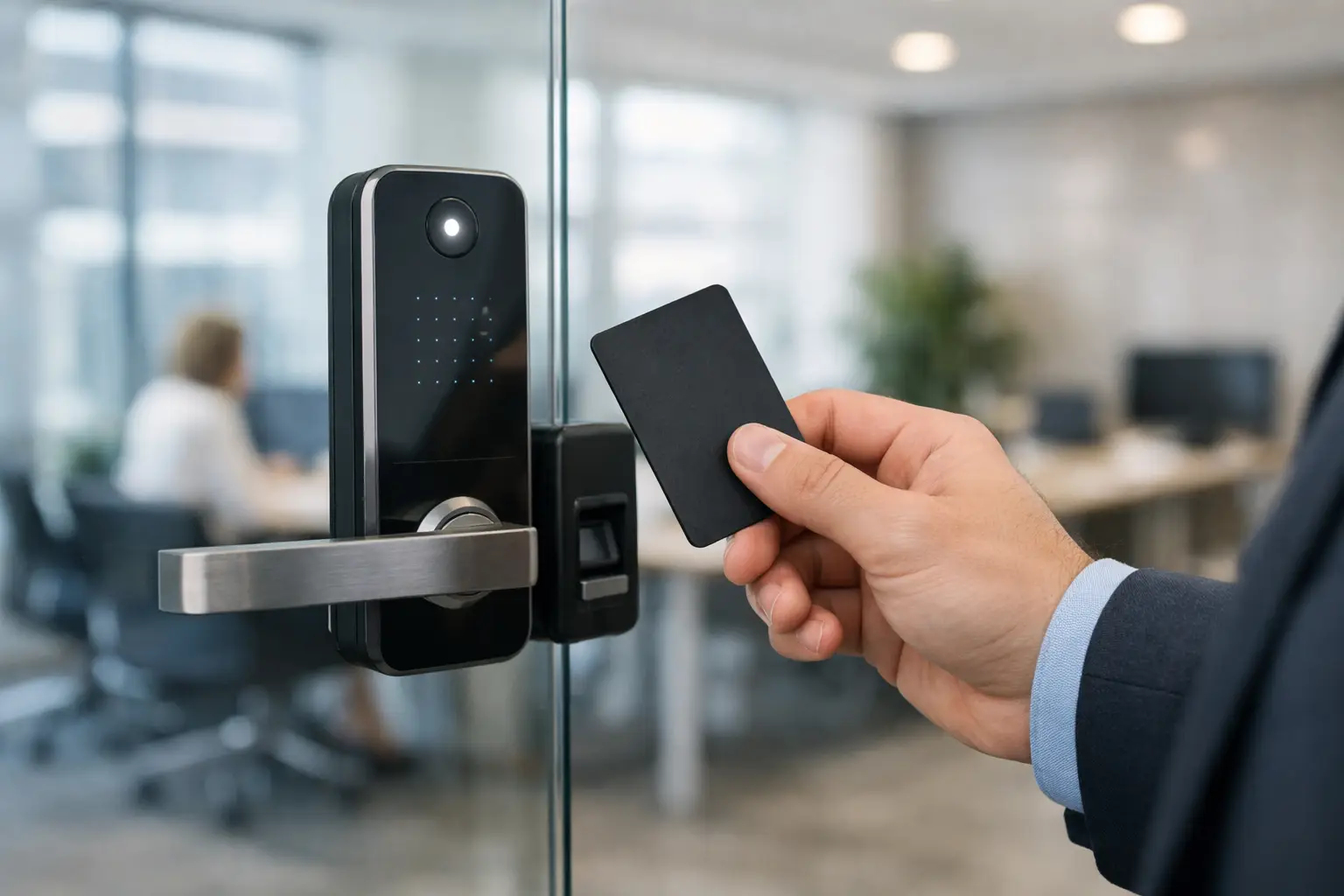
Card and fob systems remain common because they are familiar and relatively cost-effective. They work well for offices that want quick adoption and straightforward administration. The trade-off is that cards can be shared, lost, or borrowed, so policies still matter.
PIN-based access can suit smaller teams or secondary doors, especially where issuing physical credentials feels unnecessary. The weakness is obvious: PINs can be shared, observed, or forgotten. For that reason, PINs are often better as a secondary layer than the only control on sensitive doors.
Mobile credentials are gaining traction because employees already carry smartphones. They reduce the need to print and replace cards, and they can be convenient for distributed teams. However, they depend on user device habits, mobile platform support, and clear policies around personal devices.
Biometric access control, such as fingerprint or facial recognition, offers stronger identity assurance in higher-security areas. It can be effective for restricted office zones, but it requires careful handling of privacy, user acceptance, and local compliance considerations. For many businesses, biometrics make sense for selected rooms rather than every entrance.
Integration matters more than many buyers expect
A keyless entry system for office security should not be treated as a standalone purchase if the wider environment is already connected. Access control often works best when it fits into the rest of the building infrastructure.
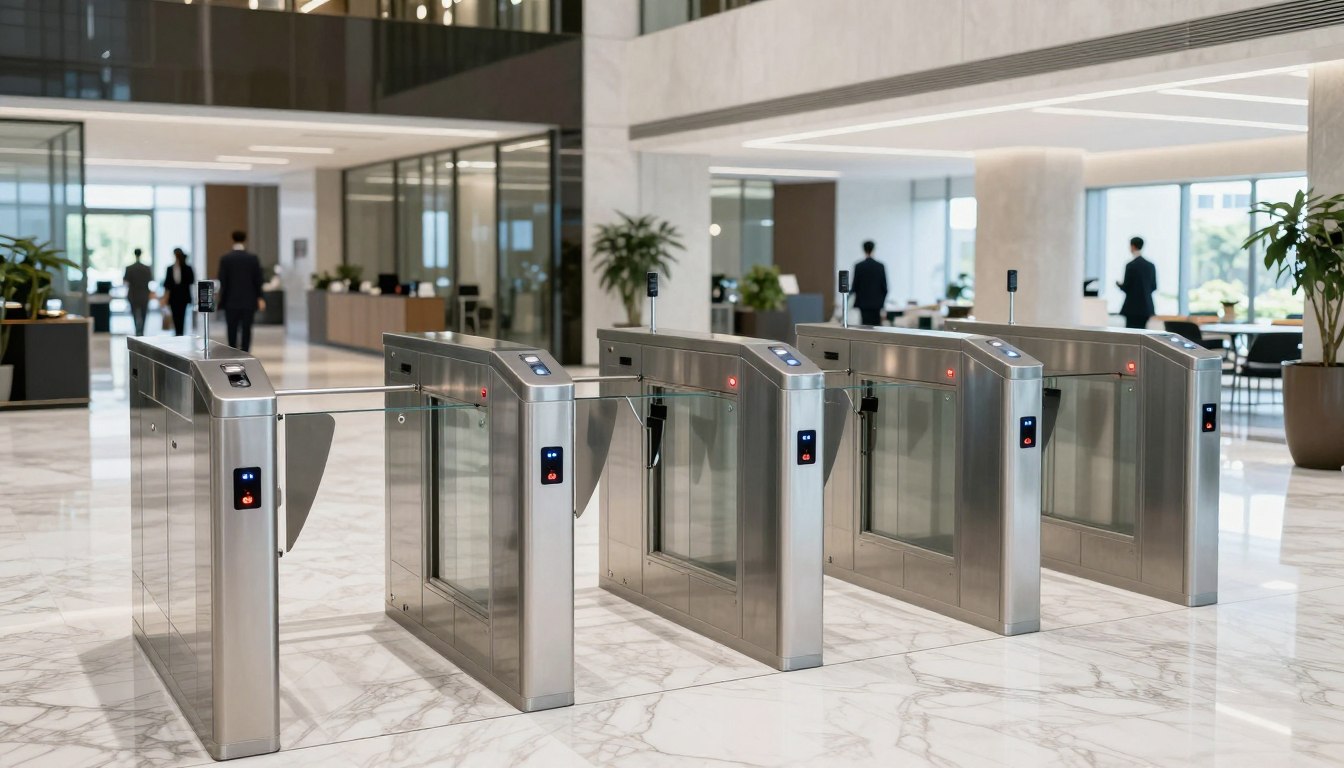
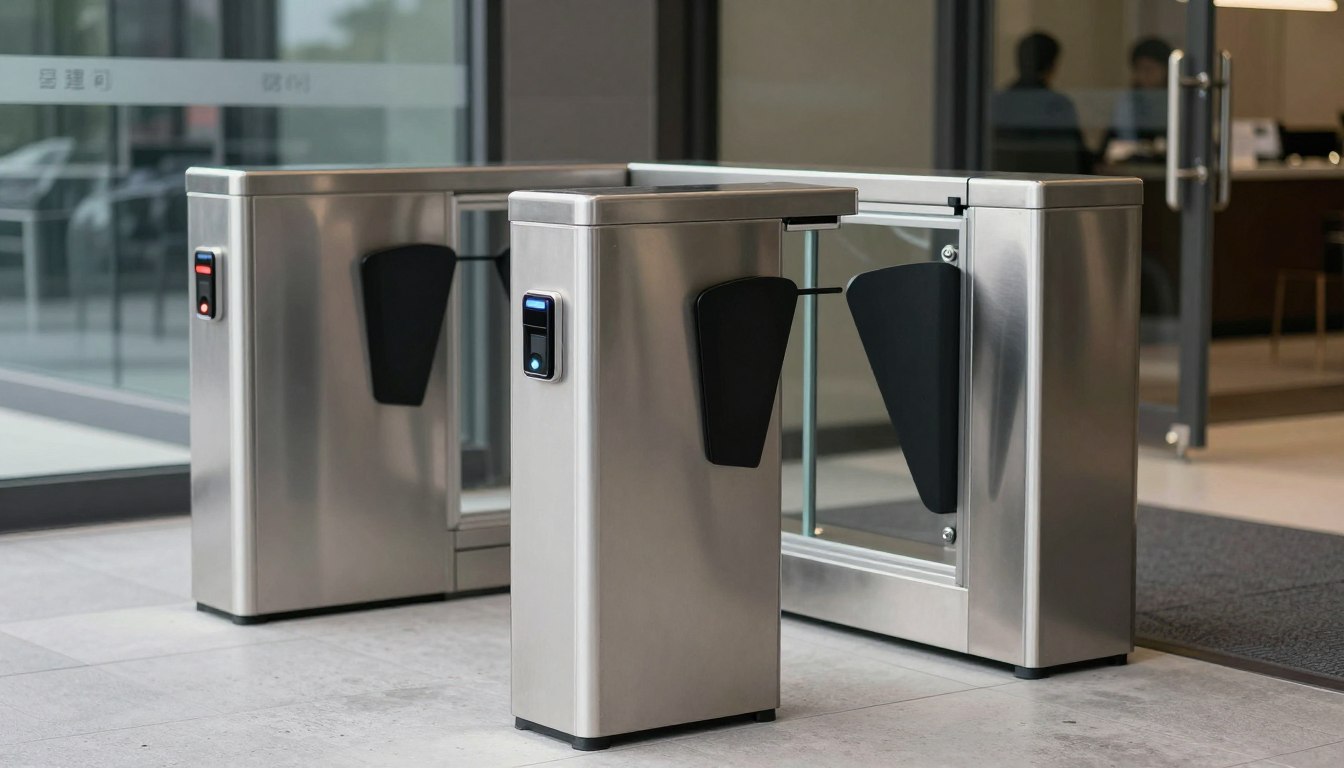
If your office already has CCTV, pairing door events with video footage improves incident review and accountability. If your network is being upgraded, access devices should be planned alongside switching, power, and cabling requirements. If you are installing turnstiles, intercoms, or visitor management tools, integration can reduce duplicated work and create a more consistent security workflow.
This is where many projects run into avoidable issues. A low-cost system may look attractive until you find it needs separate management tools, unsupported wiring changes, or manual workarounds to sync with daily operations. In practice, coordinated implementation often saves more than it costs because it reduces disruption, rework, and administrative overhead.
Common mistakes when selecting a system
One of the most common mistakes is buying for the current office layout only. If you expect to add departments, open another floor, or move within the next few years, scalability should be part of the conversation now. A system that cannot expand cleanly often becomes expensive later.
Another mistake is focusing only on the front entrance. Internal access control is where businesses often see the most value, especially in spaces with confidential documents, network equipment, stock storage, or shared tenancy arrangements.
There is also a tendency to underestimate implementation details. Reader choice, lock compatibility, door condition, emergency egress, cabling paths, and network availability all affect the final outcome. Good planning prevents a simple upgrade from turning into a patchwork of exceptions.
Finally, some businesses choose features they do not need while missing the ones they do. A small office may not need advanced enterprise dashboards, but it may benefit greatly from time-based access schedules and clear event logs. The best system is not the one with the longest feature list. It is the one that fits the risks, processes, and growth path of the business.
Budget, cost, and long-term value
Price matters, but so does what the system replaces. Businesses often compare keyless entry against the cost of locks and keys alone, when the real comparison should include lost-key incidents, rekeying, manual access administration, security gaps, and time spent managing exceptions.
A lower upfront price may still carry higher long-term costs if credentials are hard to manage, reports are limited, or expansions require replacing core components. By contrast, a well-planned system can support years of change with only incremental additions.
It also helps to separate cost by door type and risk level. Main entrances, shared tenant entries, and critical rooms may justify stronger hardware and broader integration. Interior low-risk doors may not. This approach keeps spending aligned with business value instead of applying the same specification everywhere.
What a good implementation partner should help you solve
Technology is only part of the job. The bigger value comes from designing a system around how your office functions day to day.
A capable partner should assess entry points, user groups, security priorities, power and network requirements, and likely future changes. They should also account for adjacent systems such as structured cabling, wireless coverage, CCTV, and door hardware. For many organizations, that joined-up view is more useful than sourcing access control from one vendor and infrastructure work from another.
This is especially relevant during office relocations, renovations, or multi-site standardization. In those scenarios, access control affects more than security. It touches commissioning schedules, staff moves, connectivity planning, and the general readiness of the workspace. Companies such as I-Weblogic often add value here by coordinating these layers under one implementation approach rather than treating each as a separate project.
When is the right time to upgrade?
Usually, the right time is before a pain point becomes an incident. If your office is still relying on mechanical keys, struggling to manage staff turnover, or lacking clear control over restricted areas, the business case already exists. The same is true if you are moving offices, adding headcount, or modernizing cabling and network infrastructure.
You do not need the most advanced system on the market to improve security and control. You need one that matches your office, your risks, and your operating model – and one that can keep pace as those things change. A well-chosen access system does more than secure a door. It gives your team a more manageable, accountable, and future-ready workplace.