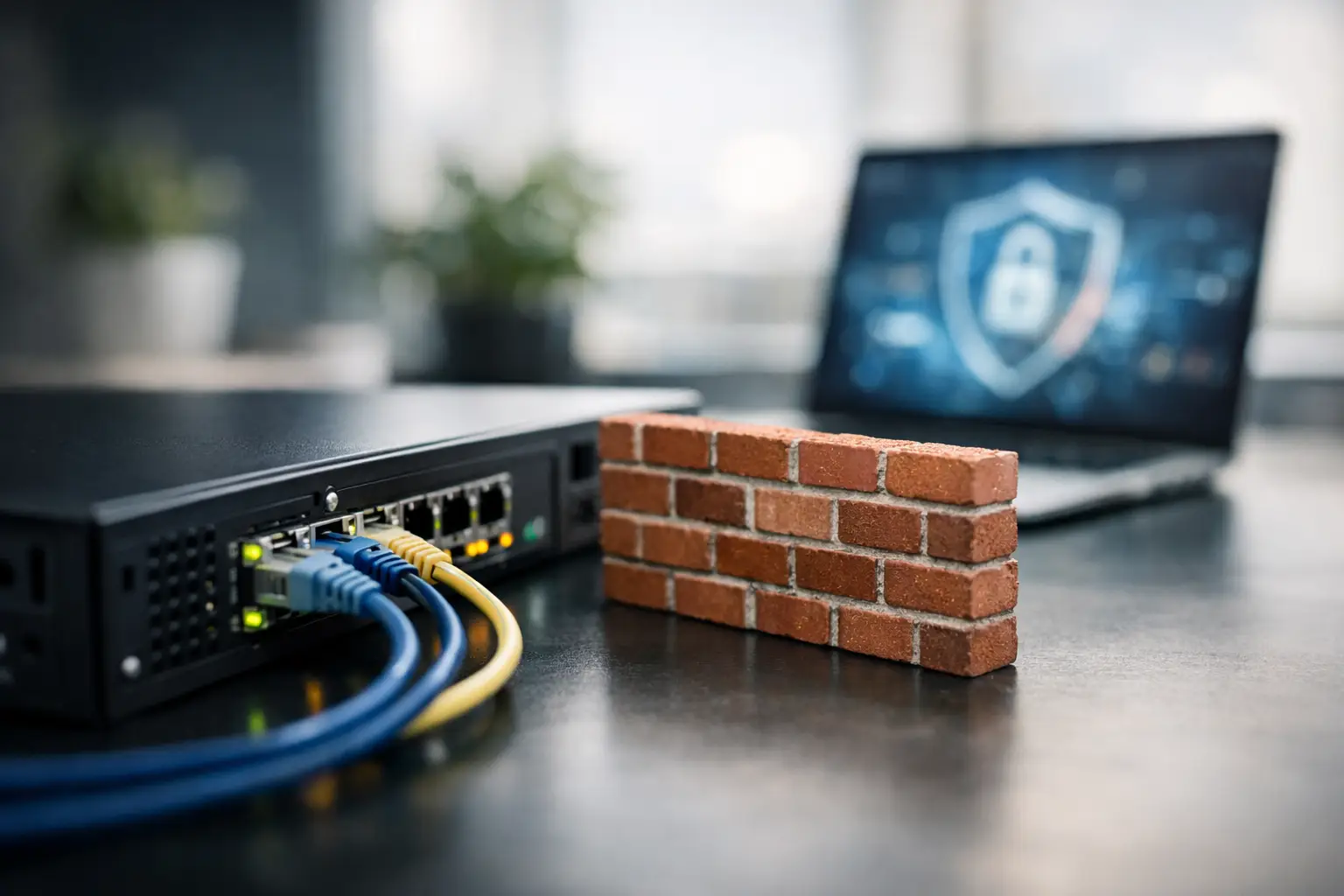
A single phishing click should not be enough to disrupt payroll, expose customer records, or take down your office internet for a day. Yet for many companies, that is the real risk when the network edge is underprotected. Choosing the right firewall for small business operations is less about buying a box and more about setting a clear boundary around the systems your team depends on every day.
For a growing company, the firewall sits at a critical point between internal users, cloud applications, guest devices, remote access traffic, and the public internet. If it is undersized, poorly configured, or treated as a one-time purchase, problems show up quickly – slow performance, inconsistent VPN access, weak visibility, and preventable security gaps. A good decision starts with understanding what the firewall is meant to do for the business, not just what features appear on a product sheet.
What a firewall for small business should actually do
At a basic level, a firewall controls traffic entering and leaving the network. That sounds simple, but in practice it has to handle much more than basic allow-or-block decisions. Most small businesses now rely on cloud platforms, video calls, hybrid work, mobile devices, IP phones, wireless access points, and connected security systems. The firewall has to support that environment without becoming a bottleneck.
A modern business firewall should inspect traffic intelligently, segment networks where needed, support secure remote access, and provide usable reporting. It should also help enforce policy. For example, finance systems should not sit on the same unrestricted network as guest Wi-Fi. CCTV traffic, access control systems, office workstations, and voice services may all need different treatment depending on how the site is designed.
This is where many businesses get caught between consumer-grade hardware and enterprise requirements. A low-cost router with basic filtering may be enough for a home office, but it usually falls short once the company has multiple departments, shared files, sensitive data, or more than one site.
The main risks of choosing the wrong firewall
The wrong firewall is not always obviously broken. In many cases, it appears to work until traffic volumes grow or a security event exposes its limits. An office may run fine during normal browsing, then struggle when everyone is on video calls while cloud backups and VPN connections are active. That is a capacity problem, not just an inconvenience.
There is also the issue of visibility. If your team cannot easily see unusual traffic patterns, repeated login attempts, blocked applications, or bandwidth spikes, response becomes slower and more reactive. Business leaders often assume they are protected because a firewall is installed, when the real question is whether it is configured, monitored, and aligned to the actual environment.
Another common risk is poor integration. A firewall that does not fit the broader network design can create operational friction. That matters even more during office upgrades, relocations, or expansions, where cabling, wireless coverage, switching, IP telephony, and physical security systems all need to work together.
How to assess your business requirements first
Before comparing models or brands, define what the network needs to support over the next few years. This is where a practical, business-first approach saves money and avoids rework.
Start with user count, device count, and internet usage patterns. Fifty employees with laptops, phones, printers, access points, VoIP handsets, cameras, and guest devices create a very different demand profile than a ten-person office. Then consider how much traffic is encrypted, how many staff work remotely, and whether multiple sites need secure connections.
You should also map critical systems. If the business depends on cloud ERP, file sharing, CRM, video meetings, and IP surveillance, the firewall must prioritize performance as well as protection. A cheaper unit can look attractive upfront but create higher costs later through downtime, troubleshooting, and early replacement.
Compliance and client expectations may also shape the decision. Some businesses need stronger logging, tighter access policies, or more formal change control because of the data they handle. In that case, the firewall is part of a wider governance requirement, not just a network accessory.
Key features that matter most
Feature lists can become distracting. For most small and mid-sized businesses, the better question is which capabilities make a measurable difference in operations and risk reduction.
Threat inspection is one of them. The firewall should be able to examine traffic beyond simple port rules, especially as more attacks use common services and encrypted channels. Secure VPN support is another essential capability for companies with remote users, branch offices, or external IT support needs.
Network segmentation is equally important. If one device is compromised, segmentation helps contain the issue instead of allowing movement across the entire environment. This is especially relevant in offices where business systems share infrastructure with wireless guest access, IoT devices, or security hardware.
Reporting and management matter more than many buyers expect. A firewall that is difficult to administer often ends up underused. Clear dashboards, alerting, policy management, and ongoing firmware support all contribute to long-term value.
High availability may also be worth considering, depending on the business. If internet downtime stops customer service, payment processing, or internal operations, redundancy can be justified. Not every small business needs a failover pair, but many should at least evaluate the cost of an outage against the cost of prevention.
Firewall for small business: cloud-managed or on-premises?
This depends on the internal IT model and the complexity of the environment. Cloud-managed firewalls can be attractive for businesses that want centralized visibility, easier updates, and simpler administration across multiple locations. They are often a good fit when IT resources are limited or distributed.
On-premises control can still make sense where local policy requirements, specialized integrations, or existing infrastructure standards drive the design. Some organizations prefer direct control over configuration and logging, especially when they already have in-house IT processes in place.
The right answer is usually operational rather than ideological. Choose the approach your team can support consistently. An advanced platform is only valuable if it can be maintained properly.
Why installation and configuration matter as much as the hardware
A capable firewall can still underperform if deployment is rushed. Rules that are too permissive create exposure. Rules that are too restrictive can interrupt normal business activity. Good implementation balances both.
This is why planning matters. The installer should understand the network topology, internet connection type, VLAN structure, wireless design, remote access needs, and any connected systems such as phones, cameras, or access control. In a real business environment, security and uptime have to be designed together.
For companies working through relocation, expansion, or infrastructure modernization, this coordination becomes even more valuable. A firewall should not be treated as a standalone item. It works best as part of a broader design that includes switching, structured cabling, wireless coverage, and endpoint connectivity. That integrated approach is where an experienced implementation partner such as I-Weblogic can add practical value.
Budgeting for long-term value, not just purchase price
It is reasonable to ask what a firewall costs. It is more useful to ask what the business gets over its lifespan. Hardware price is only one part of the equation. Licensing, support renewals, configuration time, monitoring, and future scalability all affect the real cost.
There is also the cost of underbuying. If a firewall cannot keep up with internet speed upgrades, encrypted traffic inspection, or added users, replacement comes sooner than expected. If support is inconsistent, internal teams spend more time chasing issues. If logging is weak, security incidents take longer to investigate.
A well-chosen platform should support the business through growth, policy changes, and evolving usage patterns. That does not mean buying the most expensive option. It means matching protection, performance, and manageability to the company’s actual operating model.
When it is time to replace your current firewall
Many businesses keep aging firewalls in place because they still pass traffic. That is not the same as being fit for purpose. If the device is approaching end-of-support, struggling with current bandwidth, lacking modern VPN capabilities, or failing to provide useful visibility, replacement should move up the priority list.
Frequent complaints about slow internet, unstable remote access, or unexplained connection issues can also point to firewall limitations. So can changes in the business itself, such as adding staff, opening another office, moving systems to the cloud, or introducing more connected security and workplace technology.
A firewall should support growth without forcing the business into constant workarounds. When workarounds become normal, the network is telling you something.
The best firewall decision is rarely the one with the longest feature checklist. It is the one that protects the business, supports day-to-day performance, and fits how your environment is actually built. When that choice is made carefully, the firewall becomes less of a problem to manage and more of a stable foundation your team can rely on.