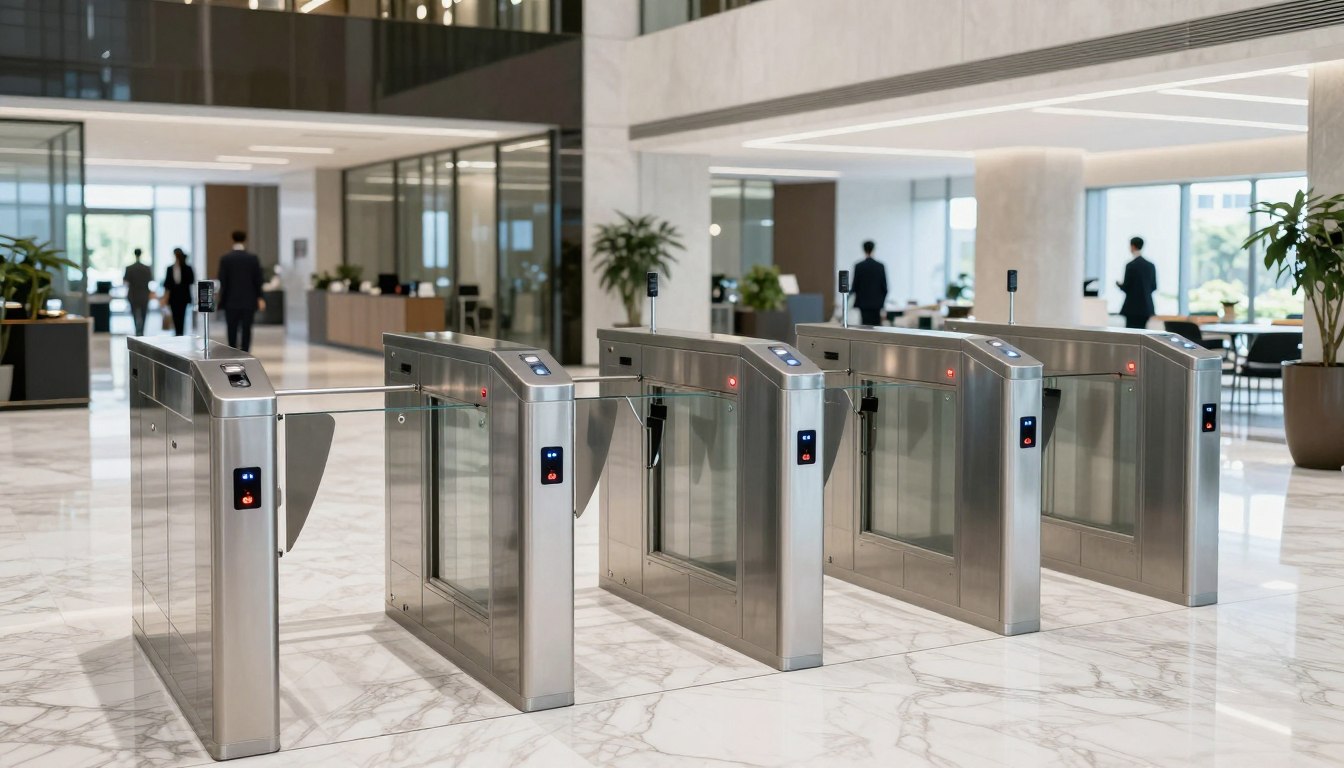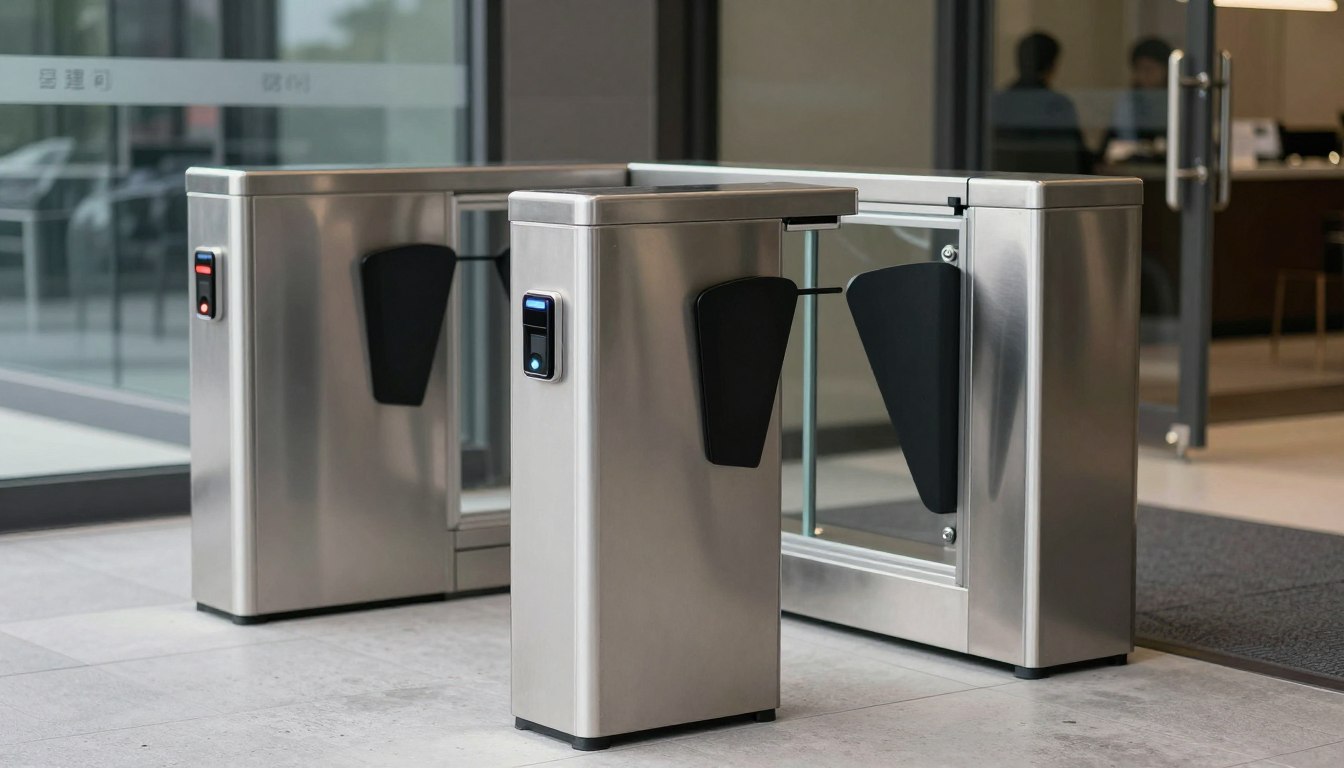
A front door that stays unlocked during lunch, a server room key shared between teams, and no clear record of who entered after hours – that is usually when an office access control setup moves from a nice-to-have to an urgent project. For most businesses, the issue is not just unauthorized entry. It is the operational risk that comes with unclear access rules, outdated hardware, and disconnected systems.

The right setup does more than restrict entry. It helps you control movement by role, protect sensitive spaces, support compliance requirements, and reduce daily friction for staff and visitors. It also needs to fit the way your workplace actually runs. A small office with one reception point has different needs from a multi-floor corporate site, a school campus, or a retail back-office environment.
What an office access control setup should solve
Many buyers start with the hardware – card readers, biometric devices, electric locks, door controllers. That matters, but hardware is only one part of the decision. A good office access control setup starts with a business question: who should be able to go where, when, and under what conditions?
That question usually reveals the real priorities. You may need tighter control over finance rooms, IT closets, executive offices, stock areas, or shared spaces used by contractors. You may also need to replace physical keys that are hard to track and expensive to reissue. In some offices, the bigger problem is employee convenience. Staff are wasting time dealing with manual visitor access, reception bottlenecks, or doors that fail unpredictably.
An effective system balances security with usability. If access policies are too loose, you create exposure. If they are too strict or difficult to manage, teams start finding workarounds. That is where thoughtful design matters.
Start with the site, not the product
Every office has a different risk profile and traffic pattern. Before choosing devices, look at the building layout, user groups, and business hours. This early assessment often determines whether a project stays efficient or becomes costly later.
Begin with the doors that matter most. Main entrances, secondary entry points, glass doors, server rooms, storerooms, HR areas, and restricted meeting spaces all have different locking and monitoring needs. A fire-rated door may require one type of hardware, while a frameless glass entry may call for another. Existing cabling, network availability, and power access also affect the best approach.
This is also where future growth should be considered. If you are planning an office move, adding headcount, or opening another floor, your setup should not be designed only for current occupancy. Systems that work for 20 users can quickly become limiting at 80, especially if credential management, reporting, or integrations are basic.
Map access by role
One of the most practical ways to plan access is by role rather than by individual. General staff may need entry to shared office zones during standard business hours. IT personnel may require 24/7 access to network rooms. Cleaning vendors may need limited evening access to selected areas only. Visitors may need reception-managed temporary credentials with automatic expiry.
This role-based structure makes administration faster and reduces mistakes. It also helps when employees join, change departments, or leave. Instead of manually updating multiple permissions each time, you adjust access according to predefined groups.
Decide how people will authenticate
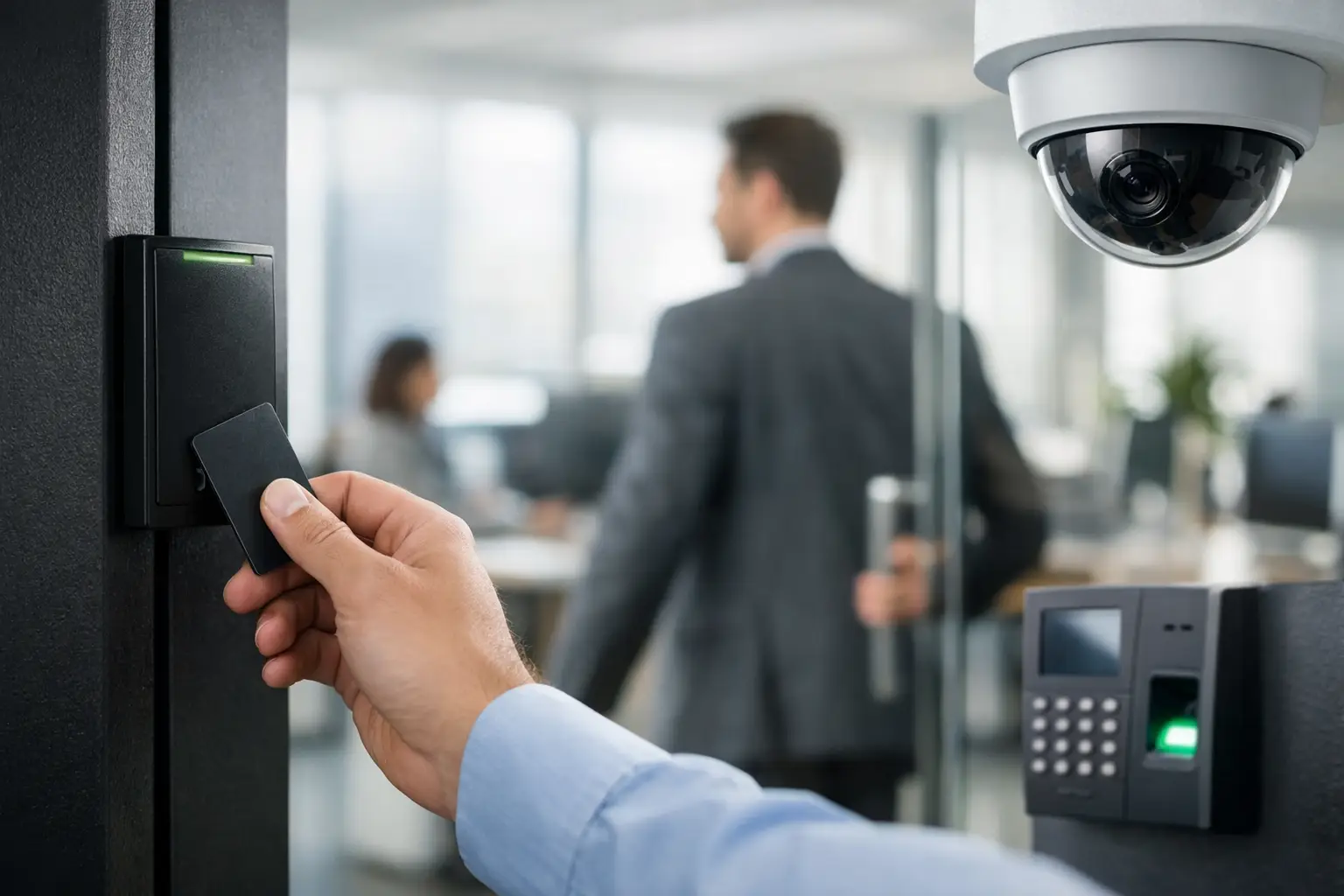
Cards and key fobs remain common because they are simple, affordable, and familiar to users. PIN-based entry can work well for shared utility spaces, but PINs are easier to share and harder to control over time. Biometric authentication adds stronger identity assurance, especially for high-security areas, requiring advanced identification. Many businesses rely on Suprema biometric terminals to ensure accurate identity verification.” though it may not be necessary for every door.
Mobile credentials are becoming more attractive for offices that want fewer physical badges and easier remote administration. Still, they depend on user adoption, phone compatibility, and clear enrollment processes. In practice, the best choice often depends on the risk level of the area, staff habits, and how much administrative control your team wants.
The infrastructure behind a reliable setup
Access control is often discussed as a security purchase, but it is equally an infrastructure project. Door hardware, cabling, network design, controller placement, power supply, and fail-safe behavior all affect long-term reliability.
Poor installation decisions can cause recurring issues – readers dropping offline, locks failing during outages, delayed door release, or difficulty expanding the system later. That is why access control should be coordinated with the wider workplace environment rather than treated as a standalone device install.
For example, if your office is already upgrading structured cabling, wireless coverage, or CCTV, those projects should inform the access control plan. Shared pathways, equipment room layout, switch capacity, and power provisioning can all be coordinated more efficiently when handled as one implementation strategy. This is where a systems integrator has a practical advantage over a product-only supplier.
Office access control setup and system integration
A standalone door system may be enough for a very small office, but many organizations benefit from integration. When your office access control setup connects with CCTV, visitor management, alarms, intercoms, or building networks, your team gets a clearer operational picture.
If a door is forced open after hours, it helps to see the event alongside camera footage. If a contractor is granted temporary access, it helps when that record is visible to both facilities and security teams. If a business occupies multiple floors or sites, centralized administration becomes especially valuable.
That said, integration should be purposeful. More connected systems can improve control, but they also require better planning, compatible platforms, and disciplined user management. Not every office needs every feature. The goal is to invest where the operational gain is clear.
Cloud-managed or on-premises?
This is one of the most common planning decisions. Cloud-managed systems can simplify administration, especially for multi-site businesses or lean IT teams. They often make it easier to add users, review logs, and manage credentials remotely.
On-premises systems may suit organizations with stricter internal control requirements, specific compliance policies, or established infrastructure standards. They can also be a fit where internet dependency is a concern. The right answer depends on your security policy, IT resources, and how much flexibility you need across locations.
Common mistakes that create problems later
One frequent mistake is under-scoping the project. Businesses secure the main entrance but leave secondary doors, network rooms, or internal restricted areas unmanaged. Another is choosing the cheapest device set without considering lifecycle performance, replacement support, or expansion needs.
Credential management is another weak point. If former employees retain active access, or temporary staff are added informally without review, the system becomes less trustworthy no matter how modern the hardware looks. Clear administration processes matter as much as the readers on the wall.
It is also common to overlook user experience. If visitor access is slow, staff will prop doors open. If biometric enrollment takes too long, teams will resist it. If the door release fails during busy periods, reception gets pulled into troubleshooting. Good design accounts for the way people behave under real operating conditions.
How to approach implementation with less disruption
The smoothest projects begin with a practical survey and a phased plan. That means identifying priority doors first, confirming hardware compatibility, reviewing network and cabling requirements, and deciding how access groups will be managed before installation starts.
Phasing can be especially useful for occupied offices. You may choose to secure perimeter doors first, then restricted internal areas, then add integrations such as CCTV or visitor management later. This reduces downtime and allows teams to adapt gradually.
Training should not be an afterthought. Your office manager, facilities lead, or IT administrator needs to know how to issue credentials, revoke access, review logs, and handle exceptions. A system is only useful if your team can manage it confidently after handover.
For businesses that want physical security, network readiness, and cabling aligned from the start, working with an experienced implementation partner can simplify the process. Providers such as I-Weblogic Pte Ltd are often brought in not just for device deployment, but for coordinating the infrastructure behind it so the result is stable, scalable, and easier to operate.
Choosing a setup that still works next year
The best office access control decisions are rarely the flashiest ones. They are the ones that match the site, support the people using the space, and leave room for growth without forcing a redesign six months later.
If you are planning a new office, upgrading an older security system, or preparing for expansion, treat access control as part of your operational foundation. When it is planned well, it quietly reduces risk, improves accountability, and gives your team one less daily problem to manage. That is usually the clearest sign the system is doing its job.