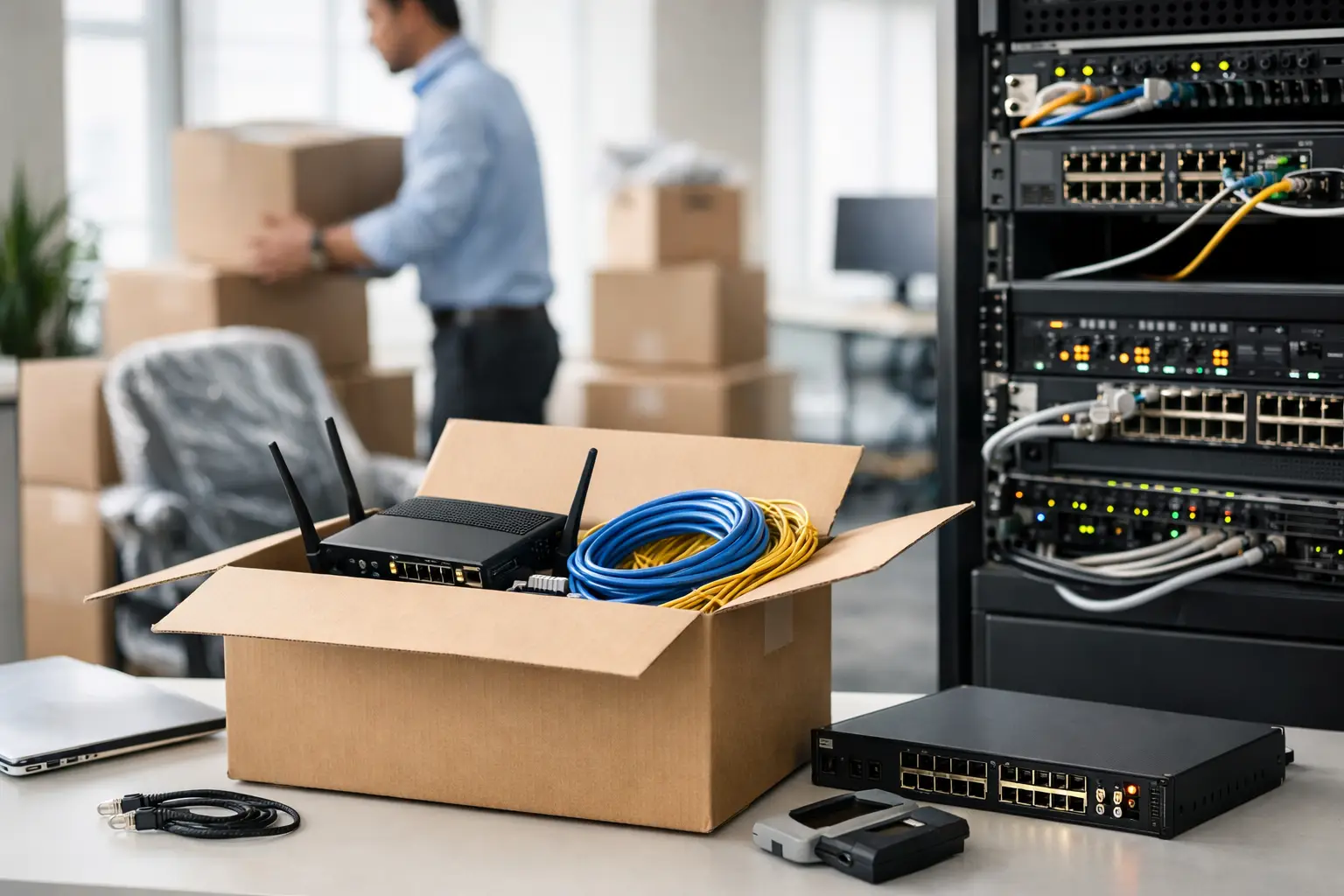
An office relocation rarely fails because desks arrived late. It fails when the internet is unstable on Monday morning, phones do not route, meeting rooms are offline, and access control is still waiting on configuration. A practical office move network checklist helps avoid that scenario by treating connectivity, cabling, and security as business-critical infrastructure, not last-minute setup tasks.
For operations leaders and IT managers, the real challenge is not simply moving equipment from one address to another. It is making sure the new site is ready to support staff, systems, customers, and compliance requirements without creating expensive downtime. That takes planning across network design, carrier coordination, structured cabling, wireless coverage, IP telephony, and physical security.
Why an office move network checklist matters
A move is often the point where existing network weaknesses become visible. Poor cable labeling, patchwork Wi-Fi, aging switches, and undocumented firewall rules might have been manageable in the old office. During a relocation, they become delays, finger-pointing, and productivity loss.
The checklist approach matters because office moves have dependencies. Internet service activation affects firewall deployment. Rack layout affects switch uplinks and patching. Access control and CCTV may share cabling routes and power considerations with the wider network. If each item is handled separately by different vendors, issues tend to show up late, when time is most expensive.
That is also why early assessment matters more than rushing procurement. In some moves, existing equipment can be reused effectively. In others, the move is the right moment to replace hardware that is near end of life or no longer sized for the business. The right answer depends on growth plans, user density, security needs, and how much downtime the organization can tolerate.
Office move network checklist: what to plan before moving day
The first priority is understanding the new site. Floor plans, workstation counts, meeting room layouts, server or network room placement, and expected device density should all be reviewed early. A 50-person office with heavy video conferencing has a different network profile than a sales office where most staff are mobile and cloud-based.
Connectivity should be confirmed well in advance. That includes checking carrier availability, lead times, service handover dates, bandwidth requirements, and failover options. Many office moves run into trouble because businesses assume broadband or fiber can be activated quickly. In reality, circuit lead times can affect the entire move schedule.
Cabling design should follow next. This includes data points, voice points where needed, fiber backbone requirements, patch panel capacity, rack space, cable pathways, and labeling standards. It is also the right stage to decide whether the new office needs additional wireless access points, dedicated links for printers or specialty devices, or separate networks for guests, corporate users, and IoT systems.
Security infrastructure should be planned alongside the network, not afterward. CCTV cameras, door access readers, intercoms, biometric entry, and turnstiles all rely on power, connectivity, and proper positioning. If security is left until after desks and partitions are in place, the result is usually rework.
Assess the current environment before you migrate it
A relocation is not just about the new office. It is also about knowing exactly what exists today. Inventory all network hardware, including routers, firewalls, switches, wireless access points, UPS units, PBX or IP telephony devices, and any on-premises servers or storage. Record model numbers, software versions, licensing, support status, and physical condition.
Documentation matters here. Port maps, VLAN design, IP schemes, SSIDs, VPN settings, firewall rules, and ISP account details should be verified before the move starts. If this information is incomplete, moving day becomes a troubleshooting exercise.
This is also the time to decide what should not be moved. Some equipment may still function, but if it cannot support current throughput, modern security policy, or additional staff, relocation simply carries forward an existing constraint. Replacing selected components before or during a move can be more cost-effective than migrating everything and upgrading later.
Design for the new office, not the old one
One of the most common mistakes in an office move is replicating the previous setup without reconsidering how the business now works. Hybrid work, higher video usage, cloud applications, and increased device counts have changed network demand in most workplaces.
Wireless coverage should be designed based on the actual floor plan, wall materials, user density, and collaboration spaces. A few access points placed where the old office had them is rarely the right answer. Meeting rooms, reception areas, pantry spaces, and open office zones all create different usage patterns.
Structured cabling should also be sized with growth in mind. Adding spare capacity for ports, rack units, and backbone links is usually a smart business decision. It costs less to build headroom into the installation than to revisit cable routes and cabinet space under pressure later.
The same logic applies to security and communications. If the business plans to increase headcount, expand visitor management, or adopt more IP-based systems, the new site should be designed to support that direction from day one.
Key systems that cannot be left to the final week
Internet and WAN services need special attention because they often involve third-party lead times. Confirm installation dates, service demarcation points, router handoff requirements, and testing responsibilities. If business continuity is critical, plan a temporary circuit, cellular backup, or dual-provider setup.
Voice services should be reviewed early as well. If the organization uses IP telephony, verify number porting timelines, handset deployment, PoE switch capacity, call routing, and emergency calling requirements. Even businesses that rely heavily on mobile devices usually still need dependable voice paths for reception, customer service, or shared lines.
Server rooms or network closets should not be treated as leftover spaces. Cooling, power redundancy, rack access, cable management, and physical security all affect network reliability. A poorly chosen network room can create long-term operational issues that outlast the move itself.
Testing is a core part of the office move network checklist
The network is not ready because equipment is installed. It is ready when services have been tested under real operating conditions. That means validating wired connections, wireless coverage, ISP failover, firewall policies, VPN access, printing, VoIP performance, and device onboarding.
Testing should happen in stages. Pre-move testing verifies that circuits are live, racks are patched correctly, SSIDs are broadcasting, and security systems are online. Post-move testing confirms that users can actually work as expected from their desks, meeting rooms, and shared spaces.
User acceptance matters more than many teams expect. A technical handover may look complete, but if calls drop in conference rooms or Wi-Fi struggles in high-density areas, the business still feels the impact. Practical testing with representative users often reveals issues that bench testing misses.
Cutover planning and downtime control
A successful move depends on a clear cutover plan. Define what will be moved, what will be newly installed, who is responsible for each task, and the sequence for shutdown, transport, setup, and validation. Include after-hours work if the business cannot tolerate daytime disruption.
Rollback planning is equally important. If a new circuit fails to activate or critical devices do not come online, the team should already know what temporary measures will keep operations running. This is especially important for customer-facing businesses, multi-site operations, and offices supporting regulated workflows.
Communication should be structured and practical. Staff need to know when systems will be unavailable, when they can begin working at the new site, and where to report issues. Vendors and internal teams need one agreed schedule, not parallel versions that create confusion.
Choosing the right delivery model
An office move often involves network installation, cabling, telephony, CCTV, and access control at the same time. Managing separate contractors can work, but it increases coordination risk. When responsibilities overlap, delays and scope gaps become more likely.
A coordinated implementation approach usually gives better control over timelines, testing, and accountability. For many organizations, that is the difference between a move that feels managed and one that feels reactive. This is where an experienced systems integrator such as I-Weblogic can add value by aligning infrastructure, connectivity, and security around one operational plan.
A practical final check before day one
Before staff arrive, confirm that internet services are active, switches and firewalls are configured, wireless coverage is verified, printers and phones are online, security systems are functioning, labels match documentation, and support contacts are clearly assigned. These are simple checks, but they prevent a large share of first-day disruption.
An office move is never just a facilities project. It is a live infrastructure transition with direct impact on productivity, security, and customer service. Treat the network as an early planning priority, and the new office starts working like a business environment rather than a work in progress.
The best relocation outcomes usually come from disciplined preparation, realistic lead times, and one clear view of how cabling, connectivity, and security fit together. If you get that right, the first day in the new office can feel remarkably ordinary, and that is usually the best result possible.