
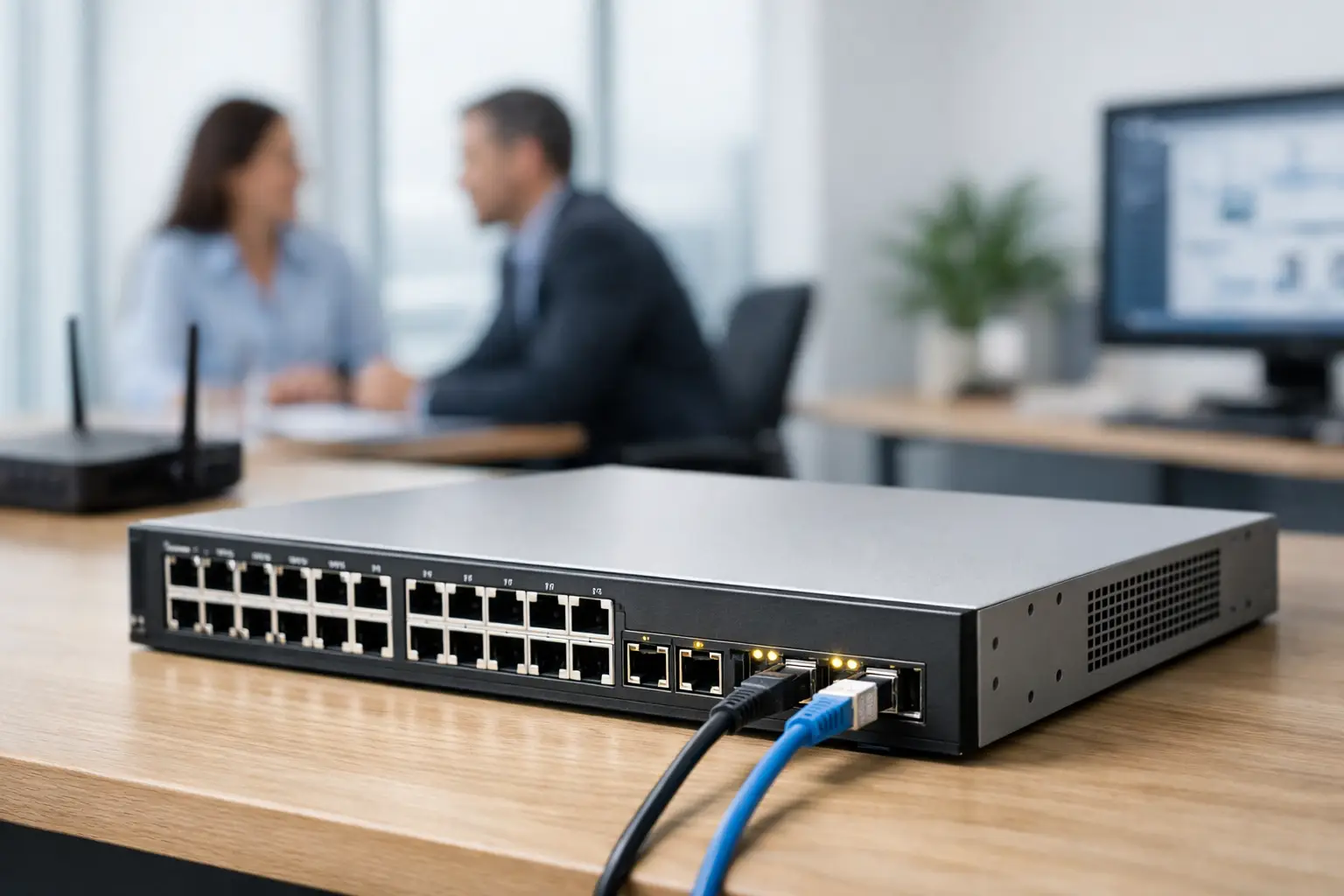
A network switch is easy to overlook until a video call drops, an access point loses power, or a new office floor cannot be brought online without a tangle of temporary equipment. This Cisco Business Switch review looks at the range from an operational perspective: whether it gives growing organizations the control, uptime, and expansion capacity they need without forcing enterprise-level complexity into every site.
Cisco Business switches are designed for small and midsize organizations that need more than an unmanaged switch, but may not require the scale or specialist administration associated with larger enterprise platforms. They are commonly a good fit for corporate offices, education sites, retail branches, and organizations planning an upgrade, relocation, or multi-site rollout.
What Cisco Business switches are designed to solve
The Cisco Business portfolio covers managed and smart-managed switching for access-layer networking. In practical terms, these switches connect workstations, wireless access points, IP phones, CCTV cameras, printers, servers, and uplinks to firewalls or core network equipment. Models vary by port count, Power over Ethernet capability, uplink type, and management features.
The value is not simply that devices can communicate. A properly configured switch separates business traffic, prioritizes voice and video where needed, powers compatible endpoints through the network cable, and gives IT teams visibility when something fails. For a business with staff, guests, cameras, and building systems sharing the same physical network, that level of control matters.
Cisco Business switches sit in a useful middle ground. They provide many of the functions an office network needs, including VLANs, Quality of Service, link aggregation, port security, and monitoring, while keeping deployment more approachable than a large enterprise switching environment. That balance is a strength, provided the design matches the organization’s actual requirements.
Cisco Business Switch review: key strengths
Practical management for lean IT teams
For many SMEs, the primary question is not whether a switch has every possible feature. It is whether the IT team or implementation partner can configure, monitor, and support it confidently. Cisco Business switches offer web-based management and, across supported devices, Cisco Business Dashboard for centralized visibility and management.
This can reduce the effort required to administer several switches, access points, and routers at a site. It is particularly useful where one person manages IT alongside operations, or where an organization has several branches without a full-time network engineer at each location. Device status, port behavior, firmware planning, and configuration consistency become easier to review from a central point.
That said, centralized management does not replace network design. A dashboard can show that a port is down, but it cannot correct poor cable labeling, an overloaded PoE budget, or a wireless access point installed in the wrong location. The infrastructure behind the switch still determines the quality of the outcome.
Power over Ethernet where it delivers value
PoE is one of the most commercially useful features in this product category. A PoE switch can provide data and electrical power through a single Ethernet cable to devices such as IP phones, wireless access points, CCTV cameras, door access controllers, and some intercoms.
For a new office or a security upgrade, this can reduce the need for separate power outlets near each endpoint. It also allows equipment to be supported by centralized backup power when the network rack is connected to an appropriately sized UPS. During a short power interruption, critical cameras, phones, and access points may remain available rather than shutting down independently.
The detail to check is the total PoE power budget, not only the number of PoE ports. A 24-port PoE switch may connect 24 powered devices, but the available wattage must support their combined peak demand. High-power wireless access points, pan-tilt-zoom cameras, and certain access control devices can change the calculation quickly. This should be planned before procurement, especially for sites expected to add endpoints over time.
Segmentation and security controls
A flat network is simple to start with and difficult to protect as the business grows. Cisco Business switches support VLAN segmentation so different systems can operate on separate logical networks over the same cabling infrastructure.
A typical office may separate employee devices, guest Wi-Fi, voice services, CCTV, access control, and network management. This improves control and can limit the effect of a fault or security issue in one area. For example, guest users should not have a direct path to camera recorders, while building access equipment should not compete with general office traffic.
Switch-level security is only one part of the picture. Effective protection also requires an appropriately configured firewall, secure wireless policies, strong administrative credentials, current firmware, and clear ownership of network changes. Organizations should view the switch as part of a coordinated infrastructure design rather than a stand-alone security product.
Flexible choices for office scale
The portfolio includes options with different port densities and uplink capabilities, helping organizations avoid buying far more capacity than they need on day one. Smaller switches can serve a meeting-room area, retail counter, or compact office, while 24- and 48-port models can support a larger floor or communications room.
Fiber-capable uplinks are especially relevant when switches must connect across floors, between buildings, or over longer distances than copper cabling can support. In these situations, fiber installation, compatible transceivers, and the core network design should be specified together. A switch with the right uplink ports does not by itself create a reliable backbone.
Where Cisco Business switches may not be the right choice
Cisco Business switches are not automatically the best answer for every environment. A very small office with a simple internet connection, a few desktops, and no requirement for segmentation or PoE may be adequately served by a lower-cost unmanaged switch. Paying for management features that will never be used does not improve performance.
At the other end of the scale, organizations with advanced routing requirements, complex high-availability designs, extensive automation, very high port density, or specialized compliance controls may need a higher-end enterprise switching platform. A large campus, manufacturing environment, or data-intensive operation should be assessed against future bandwidth, redundancy, and support requirements rather than selecting equipment based on brand familiarity alone.
There is also a management trade-off. Cisco Business is accessible for its category, but managed switching still requires careful configuration. VLAN assignment, trunk ports, spanning tree settings, uplink aggregation, and QoS policies must be applied correctly. An improperly configured managed switch can cause more disruption than a basic device that was left untouched.
What to assess before selecting a model
The best Cisco Business switch is determined by the network plan, not the number printed on the front panel. Start with the current device count, then allow spare ports for growth, temporary workspaces, additional cameras, and future access points. It is generally more cost-effective to leave sensible capacity in a communications rack than to replace equipment shortly after a move or expansion.
Next, assess endpoint power demand. Count every device that requires PoE and identify its power class. Include planned devices, not only what is already installed. Then confirm whether standard PoE, PoE+, or higher-power PoE is required, and size the switch budget with headroom.
Bandwidth needs deserve the same discipline. Gigabit access ports remain appropriate for many office endpoints, but uplinks can become a bottleneck where several access points, users, cameras, or servers share a connection. Multi-gigabit connectivity and fiber uplinks may be justified in high-density work areas, media-heavy education environments, or sites consolidating traffic into a central server room.
Finally, consider physical implementation. Switches need suitable rack space, ventilation, cable management, labeling, backup power, and documented patching. For organizations combining networking with CCTV, access control, IP telephony, and structured cabling, coordinating these elements under one implementation plan prevents expensive rework later.
A sound fit when the design is sound
Cisco Business switches are a strong option for organizations that need dependable managed networking without building an overly complex environment. Their most meaningful benefits are not found in a feature checklist alone. They come from using segmentation to protect business systems, PoE to simplify endpoint deployment, centralized management to improve support, and scalable uplinks to accommodate growth.
For office moves, branch upgrades, and security-led infrastructure projects, I-Weblogic can align switching, structured cabling, wireless coverage, firewall protection, and physical security devices as one working system. The useful next step is to map the devices, power demands, traffic flows, and future expansion plans before choosing the switch. That planning turns a hardware purchase into a network that supports day-to-day operations with fewer surprises.


Pingback: Best Business Firewall Features for Growing Teams - I-Weblogic Pte Ltd
Pingback: IP Phone Provisioning Guide for Reliable Rollouts - I-Weblogic Pte Ltd
Pingback: Best Switches for Enterprise Networks in 2026 - I-Weblogic Pte Ltd