
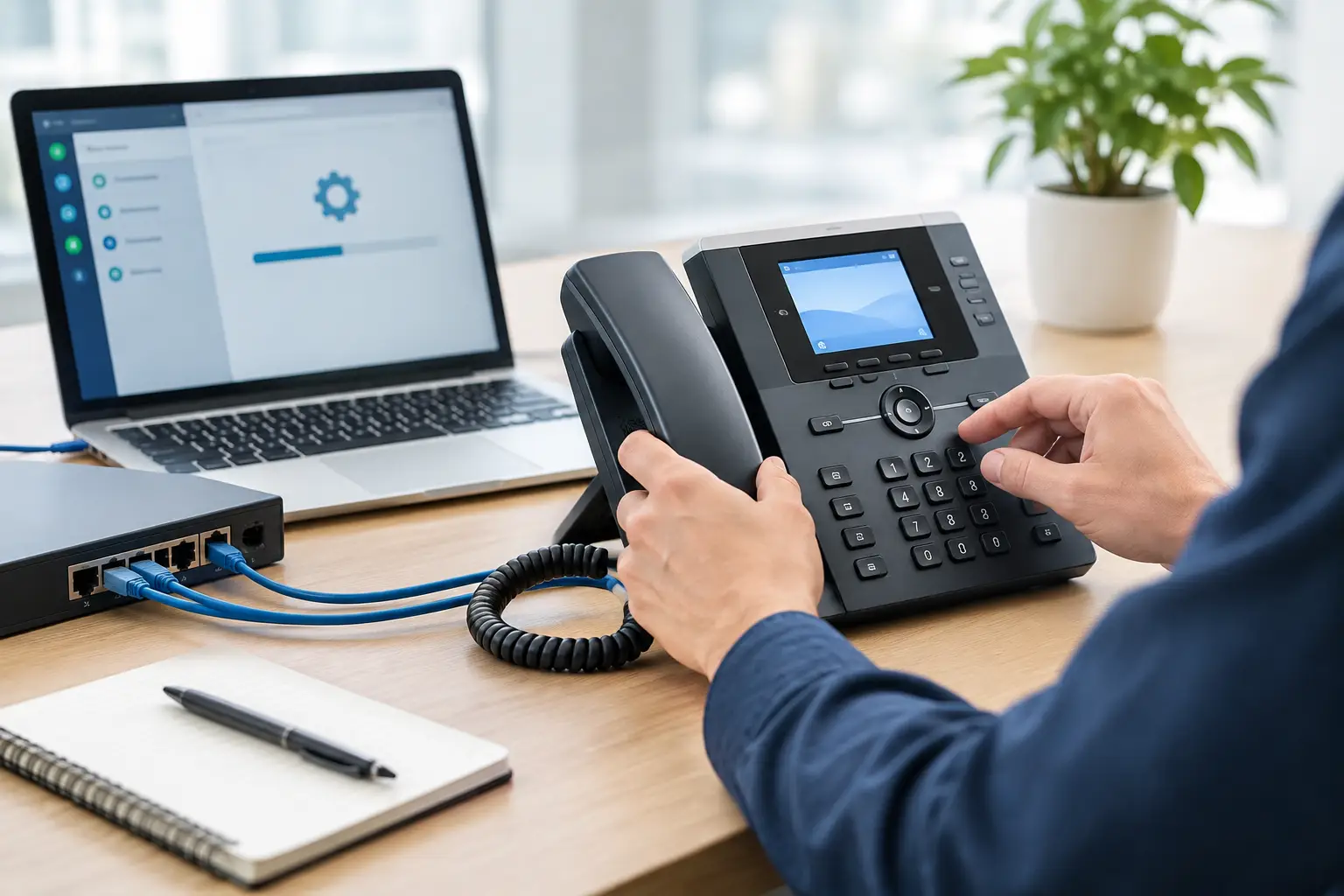
A new IP phone should not require an IT team member to manually enter extension details, server addresses, codecs, time settings, and security credentials at every desk. This IP phone provisioning guide explains how businesses can standardize phone deployment, reduce configuration errors, and keep communications dependable as teams move, grow, or open new locations.
For a small office, manual setup may appear manageable. For a multi-floor workplace, retail chain, school, or organization relocating to a new site, it quickly becomes a source of delays and inconsistent service. Proper provisioning turns a phone rollout from a desk-by-desk task into a controlled network process.
What IP Phone Provisioning Actually Does
IP phone provisioning is the process of delivering a device’s configuration from a central source when the phone connects to the network. Instead of programming each handset locally, administrators create configuration templates and assign settings by device, user, department, or location.
Depending on the phone system and manufacturer, the configuration may include the extension number, authentication credentials, call server address, display language, time zone, line keys, voicemail access, call forwarding behavior, firmware version, and approved audio settings. The phone retrieves those settings during startup and applies them automatically.
This approach improves consistency, but it does not remove the need for planning. A phone can only provision correctly if the underlying network, address assignment, voice platform, and security policies are ready. When one part is overlooked, the visible problem may be simple, such as a phone stuck on “configuring,” while the cause may sit in DHCP, DNS, VLAN routing, certificate validation, or firewall rules.
Start With the Network Foundation
Reliable IP telephony begins with the physical and network infrastructure. Before enrolling devices, confirm that cabling, power delivery, switching capacity, and internet connectivity can support the deployment.
Most desk phones use Power over Ethernet, or PoE, which allows one Ethernet cable to carry both data and power. This reduces the need for power adapters at each workstation and makes desks easier to manage during moves. However, the PoE switch must have enough available power budget for every connected phone, including any models with color displays, expansion modules, or built-in video capability.
Voice traffic should normally operate on a dedicated voice VLAN rather than sharing the same network segment as general user traffic. This improves traffic management and makes it easier to apply quality-of-service policies. It also limits the operational impact of heavy downloads, guest access, or poorly managed devices on call quality.
At this stage, validate three practical points: the switch port can provide the required PoE level, the voice VLAN has access to the phone system or hosted service, and quality-of-service rules prioritize voice signaling and media traffic. A fast internet connection alone does not guarantee clear calls. Latency, jitter, packet loss, and competing traffic all affect the user experience.
Decide How Phones Will Find the Provisioning Service
A phone needs a reliable way to locate its configuration server. In many business deployments, DHCP provides this information using vendor-specific options. Some platforms use DHCP Option 66 or Option 160, while others use a redirect service, DNS record, or a configuration URL entered during initial setup.
There is no single best method for every environment. DHCP-based discovery is efficient for larger deployments because phones receive network and provisioning instructions automatically. It also works well when phones may be replaced or moved between desks. A cloud-managed platform may use device activation through a management portal, which can simplify multi-site administration.
The right choice depends on the phone manufacturer, PBX or hosted voice provider, security requirements, and whether the organization manages its own infrastructure. The key is to document the chosen method and test it with a small group of devices before a full rollout.
Build Standard Configurations Before Assigning Devices
The most effective provisioning process starts with a configuration standard, not with individual handsets. Create templates for common user types, such as reception, general staff, managers, contact center agents, meeting rooms, and shared areas.
A receptionist phone may need multiple line appearances, busy-lamp fields, speed dials, paging controls, and transfer settings. A standard employee phone may only require one extension, voicemail, a directory key, and a few commonly used functions. Applying the same template to both would create unnecessary complexity for one group and missing functions for the other.
Templates should also reflect location-specific settings. A branch office may require a different time zone, emergency dialing policy, dial plan, or outgoing caller ID than headquarters. These settings are easy to overlook when configuration is performed manually, but they can be managed consistently through central provisioning.
Maintain an inventory that records the device model, MAC address, serial number, assigned extension, user, department, switch port, and physical location. This is especially valuable during office relocation, troubleshooting, and replacement. When a phone fails, the support team can identify the correct configuration quickly and return the user to service with minimal disruption.
Protect Provisioning Credentials and Phone Access
Provisioning is convenient because it automates sensitive settings. That also makes it a security control point. A configuration file may contain account credentials, SIP registration details, server addresses, and user-specific information. Treat it as protected business data.
Use encrypted provisioning protocols such as HTTPS where supported, and avoid exposing configuration services to the public internet unless the design specifically requires remote provisioning and includes appropriate access controls. Use unique administrator passwords, change default device credentials, and restrict management access to approved network segments or VPN-connected administrators.
Certificate management deserves attention as well. If phones cannot validate the certificate presented by the provisioning server, they may reject the connection or repeatedly attempt to download configuration files. This often appears after a certificate renewal, server migration, or change in DNS naming. Testing certificate trust on representative phone models helps avoid a broad service interruption.
Network segmentation adds another layer of protection. Phones should be separated from guest Wi-Fi and unmanaged devices, while still receiving only the access they need to reach the call platform, DNS, NTP, and provisioning service. This reduces exposure without making routine support difficult.
Use a Phased Rollout Instead of a Single Cutover
A full deployment should begin with a pilot group. Select users from different functions, test more than one phone model if applicable, and include at least one employee in each network location. The goal is not simply to confirm that a phone registers. Test call quality, transfers, voicemail, caller ID, emergency calling, directory access, firmware updates, and recovery after a power cycle.
The pilot also reveals operational issues that technical testing can miss. For example, users may need labels for programmable keys, the front desk may require a different call-handling layout, or the office may need a clear process for assigning a replacement handset. Addressing these points before the main rollout reduces support demand on launch day.
For larger sites, schedule deployment by floor, department, or business unit. Keep the existing service available until the new phones are verified where possible. This controlled approach is particularly useful during relocations, where cabling, switching, internet activation, wireless coverage, and physical access systems may all be commissioned on the same timeline.
Common Provisioning Problems and Where to Look
When a phone does not register, avoid immediately resetting it to factory defaults. A reset can remove useful diagnostic information and may not address the root cause. Start by checking whether the device received an IP address, the correct VLAN, a valid gateway, and the intended provisioning address.
If the phone reaches the provisioning server but does not apply its settings, review the device’s MAC address assignment, configuration file path, firmware compatibility, and file permissions. A model-specific template may be required even within the same manufacturer family.
If calls register but sound poor, investigate network performance rather than phone provisioning alone. Check for packet loss, jitter, duplex mismatches, overloaded uplinks, insufficient PoE, and missing quality-of-service policies. One-way audio commonly points to firewall, NAT, or SIP media path issues, particularly with hosted voice services or remote sites.
Good documentation shortens every troubleshooting cycle. Record the expected IP ranges, VLAN IDs, DHCP options, provisioning URLs, platform contacts, firmware baseline, and escalation process. The documentation should be useful to both the internal IT team and the implementation partner supporting the environment.
Plan for Moves, Adds, Changes, and Growth
Provisioning delivers its greatest value after the initial installation. Employees change roles, departments expand, and offices are reconfigured. With centralized templates and a maintained device inventory, a new extension or replacement phone can be prepared before it reaches the desk.
For organizations with multiple sites, use standards that allow local requirements without creating a completely separate configuration for each office. Common naming conventions, approved device models, defined voice VLANs, and documented security policies make future growth easier to manage. They also give leadership clearer visibility into cost, capacity, and support responsibilities.
An experienced systems integrator can coordinate these moving parts across structured cabling, PoE switching, voice network design, and handset deployment. I-Weblogic approaches IP telephony as part of the wider workplace infrastructure, helping businesses avoid gaps between the cabling contractor, network provider, and communications platform.
A well-provisioned phone system is not just faster to install. It gives users a dependable tool from their first call at a new desk, while giving the business a controlled way to maintain service as operations change.

