
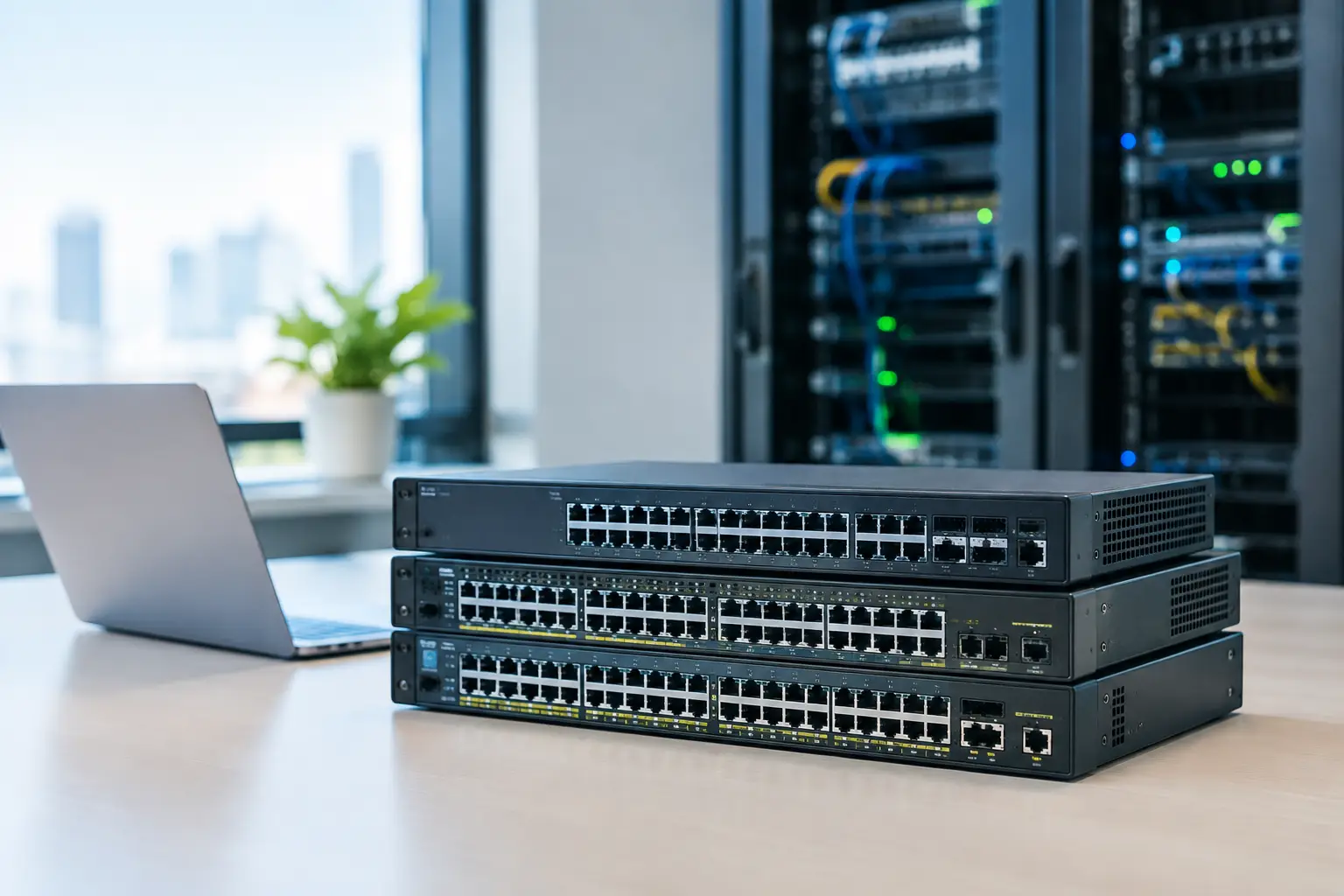
A network switch is rarely the most visible part of an office upgrade, but it can quickly become the reason staff lose access to cloud applications, IP phones, CCTV, wireless access points, or building systems. The best switches for enterprise networks are not necessarily the models with the highest port count or most advanced specification. They are the switches that match the organization’s traffic, security, power, and growth requirements without creating unnecessary management overhead.
For an office, school, retail chain, or multi-site operation, the selection should start with the wider infrastructure plan. Cabling quality, wireless coverage, firewall capacity, IP telephony, cameras, and access control all affect what the switching layer must support. A well-chosen switch provides a dependable foundation for these systems. A poorly matched one can limit performance long before the business is ready to replace it.
What Enterprise Network Switches Need to Deliver
Enterprise switching is about more than connecting desktops. Modern switches often supply power to wireless access points, VoIP phones, cameras, biometric readers, and other edge devices. They separate users and systems into secure network segments, prioritize real-time voice and video traffic, and provide high-speed links between floors, server rooms, and internet gateways.
The right model depends on whether it will serve the access layer, aggregation layer, or core. Access switches connect end devices on a floor or in a wiring closet. Aggregation switches collect traffic from several access switches. Core switches carry large volumes of traffic between major network segments, servers, storage, and security appliances. Treating all three roles as interchangeable usually creates either overspending or a performance bottleneck.
Management also matters. An unmanaged switch may be acceptable for a small, isolated use case, but it gives IT teams little visibility or control. For business-critical networks, managed switches are normally the right choice because they support VLANs, quality of service, monitoring, port security, and centralized configuration.
Best Switches for Enterprise Networks by Use Case
There is no single best brand or model for every environment. Cisco, Ruckus, Ubiquiti, TP-Link, and other established vendors each have a place when selected around operational requirements rather than brand preference alone.
For large offices and business-critical environments
Cisco Catalyst switches are a strong choice for organizations that need mature security controls, high availability, detailed policy management, and integration with a broader enterprise network architecture. They are often well suited to headquarters, large campuses, regulated environments, and organizations with internal IT teams that need granular control.
The trade-off is cost and complexity. Licensing, support agreements, and configuration requirements can be significant compared with smaller-business platforms. That investment makes sense when uptime, advanced segmentation, and long-term lifecycle management are central business requirements.
Cisco Meraki switches take a different approach. Cloud-based management can make them practical for organizations managing multiple branches, outlets, or distributed offices with limited on-site IT resources. Administrators can view switch status, configure ports, apply policies, and troubleshoot remotely through a centralized dashboard.
Meraki is particularly useful where consistency across sites is more valuable than deep command-line control. Buyers should still account for recurring licensing costs and confirm that the cloud-managed operating model aligns with their security and procurement policies.
For high-performance wired and wireless deployments
Ruckus ICX switches are worth considering where wired switching and Wi-Fi performance need to work as a coordinated system. They can support demanding wireless deployments, including high-density office, education, and hospitality environments where many users connect simultaneously.
This pairing can simplify design when Ruckus access points are already part of the wireless plan. The key is to size Power over Ethernet correctly. Newer Wi-Fi access points may require higher PoE budgets and multi-gigabit ports to achieve their intended throughput. Using standard 1 Gigabit ports for every connection may be economical today, but it can constrain high-performance access points over the life of the deployment.
For growing businesses and distributed locations
Ubiquiti UniFi and TP-Link Omada switches can provide a commercially sensible option for small and midsize businesses that want centralized management, VLAN support, PoE, and a consistent ecosystem for switching and wireless. These platforms are often suitable for branch offices, retail stores, professional services firms, and organizations upgrading from basic unmanaged equipment.
Their value is strongest when the network design remains clear and disciplined. Separate employee, guest, voice, camera, and building-system traffic into appropriate VLANs. Document port assignments and uplinks. Apply switch configurations consistently across locations. Lower acquisition cost does not remove the need for proper engineering, security policy, and support planning.
The Specifications That Change the Decision
Port count is the obvious starting point, but it should not be the deciding factor. Count current devices, then allow capacity for moves, additions, and unexpected requirements. A fully occupied 24-port switch provides no room for a new access point, camera, printer, or meeting-room device. In many offices, selecting 48 ports or adding a spare switch can be more cost-effective than revisiting cabling and cabinet work later.
PoE capacity deserves the same attention. A switch may have 24 PoE-capable ports but a total power budget that cannot run 24 high-demand devices at once. Add the expected wattage for access points, phones, cameras, door controllers, and other powered devices, then keep reasonable headroom. This is especially relevant when integrating physical security with the network, since a power shortfall can affect both operations and site security.
Uplink speed determines how well the switch connects to the rest of the network. Gigabit uplinks may be sufficient for a small office with moderate usage. Larger sites, high-density Wi-Fi, video surveillance, server access, or multiple connected switches may require 10 Gigabit fiber uplinks. In core and aggregation roles, 25 Gigabit or higher may be appropriate. Fiber type, transceiver compatibility, and structured cabling routes should be planned together rather than treated as separate purchases.
Look for stacking or virtual chassis capability where several switches need to operate as one logical unit. This can simplify management and improve resiliency. Redundant power supplies, dual uplinks, link aggregation, and rapid failover features are also valuable where downtime has a direct operational cost.
Security and Segmentation Should Be Designed In
A switch cannot replace a firewall, but it has an important role in limiting exposure inside the network. VLANs separate traffic, while access control features help prevent unknown or unauthorized devices from joining sensitive segments. Network access control, 802.1X authentication, MAC-based controls, DHCP snooping, and dynamic ARP inspection can all improve protection when correctly configured.
Not every organization needs every security feature enabled from day one. A smaller office may prioritize separate staff, guest, camera, and voice VLANs with secure management access. A larger organization may require identity-based access, detailed logging, and policy enforcement across many sites. The appropriate level depends on risk, compliance needs, internal expertise, and the systems connected to the network.
Physical security systems should receive particular attention. Cameras, access-control panels, and visitor-management devices need network access, but they should not share unrestricted connectivity with employee devices or finance systems. Proper switch configuration supports a more controlled environment while making faults easier to isolate.
Avoid These Common Selection Mistakes
The first mistake is buying purely on price per port. Lower-cost hardware can be a sensible choice, but only if it supports the required PoE budget, uplinks, security, management model, and warranty expectations. The cost of an outage, emergency replacement, or redesign often exceeds the savings from an underspecified switch.
The second is planning for current demand only. Wireless traffic, cloud applications, video calls, surveillance retention, and connected building devices tend to increase over time. Leave spare ports, power capacity, rack space, and fiber paths for growth.
The third is treating the switch as a standalone purchase. The final result depends on structured cabling, rack design, UPS protection, cooling, firewall policies, wireless architecture, and clear documentation. A network is only as dependable as the weakest part of the implementation.
Build the Switch Plan Around Operations
Before selecting equipment, map the devices at each location and identify which services cannot tolerate disruption. Determine where PoE is required, how much bandwidth moves between floors or sites, which traffic must be separated, and who will manage the environment after installation. These questions narrow the options far more effectively than comparing model numbers alone.
For organizations handling an office relocation, expansion, or infrastructure refresh, a coordinated assessment is especially valuable. I-Weblogic can align cabling, switching, wireless, firewall protection, IP telephony, CCTV, and access-control requirements into one implementation plan, reducing gaps between separate contractors.
The best choice is the switch platform that gives your team enough capacity, visibility, and protection to operate confidently as requirements change. Start with the work your network must support tomorrow, then build the infrastructure that will still serve it well several years from now.

