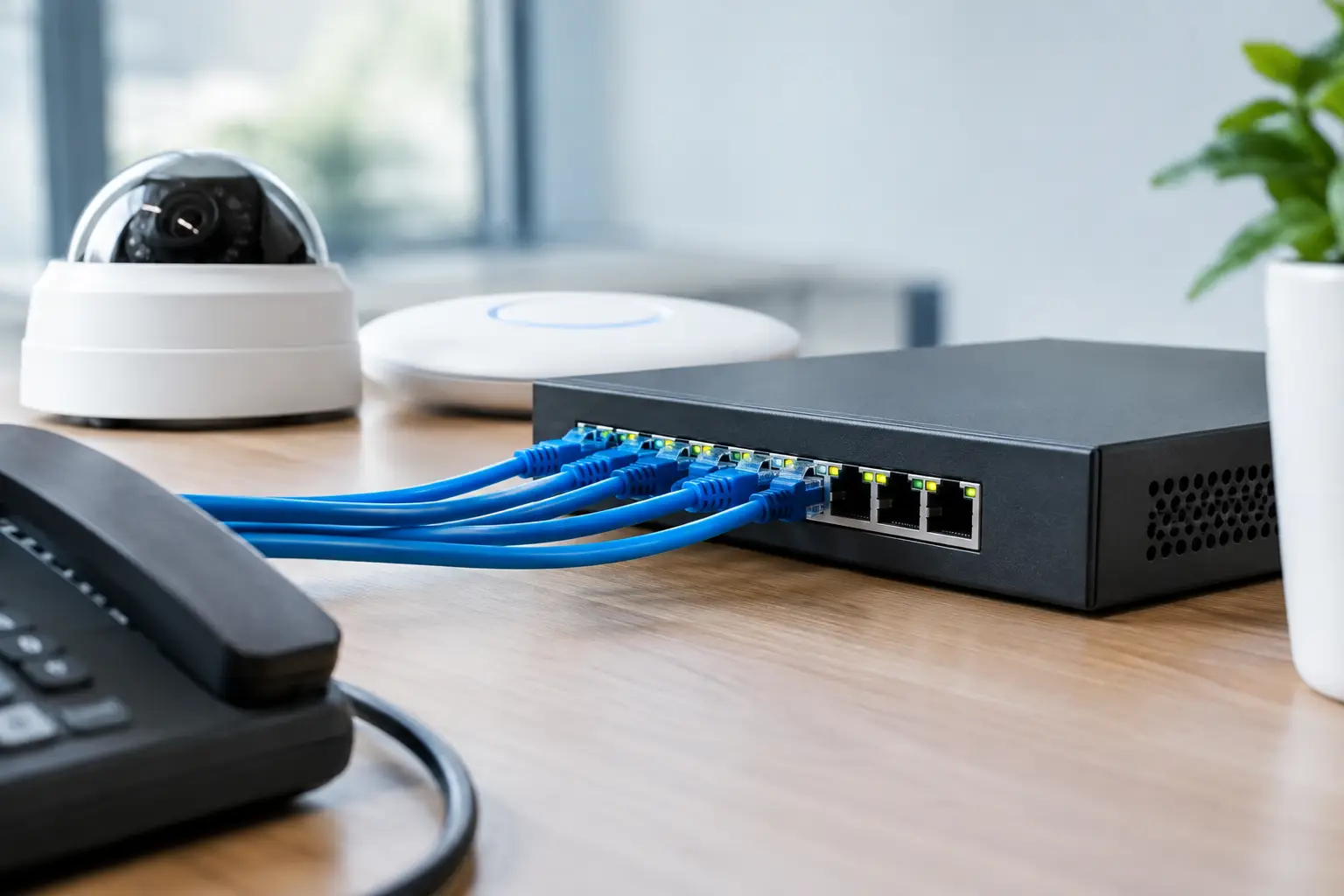
A new CCTV camera, wireless access point, or IP phone often creates the same question: where will it get power? If “what is PoE switch” is on your project list, the short answer is that it is a network switch that sends both data and electrical power through a single Ethernet cable. For a business, that can mean fewer power outlets, cleaner installations, and more flexibility in where connected devices can be placed.
PoE is widely used in offices, schools, retail locations, warehouses, and multi-site environments. It is not simply a convenience feature, though. The right PoE design can make a security, communications, or wireless network easier to install, manage, and expand. The wrong switch or power budget, however, can leave devices underpowered or limit future growth.
What Is a PoE Switch and How Does It Work?
PoE stands for Power over Ethernet. A PoE switch is a network switch with the ability to provide electrical power over standard Ethernet cabling while also carrying network traffic. Rather than connecting a device to a nearby wall outlet and then to the network, one Ethernet cable handles both jobs.
The switch first identifies whether the connected device is designed to accept PoE. It then negotiates the appropriate amount of power before supplying it. This process helps protect non-PoE devices, such as laptops or standard desktop switches, when they are connected to a PoE-enabled port.
A typical installation might place the switch in a communications rack, then run Cat5e, Cat6, or higher-rated cabling to an IP camera mounted at an entrance, an access point on the ceiling, or a VoIP phone on a desk. The cable length is generally limited to 100 meters, or about 328 feet, for a standard Ethernet channel. Longer distances may require fiber uplinks, an extender, or an additional network cabinet.
Why Businesses Use PoE Switches
The main business advantage is installation flexibility. Cameras can be located at a gate, loading area, hallway, or exterior entry without arranging a separate electrical installation at every device location. Wireless access points can be positioned where coverage is needed rather than where power outlets happen to be available. IP phones can be moved during office reconfiguration with less disruption.
PoE also centralizes power management. If a switch is connected to an uninterruptible power supply, supported devices can remain online during a short power interruption. This is particularly useful for essential wireless coverage, IP telephony, door access devices, and selected CCTV cameras. A centralized setup can also allow an IT team to restart a device remotely by cycling power at the switch port, avoiding a site visit for simple troubleshooting.
For office relocation, expansion, and outlet fit-outs, this approach can reduce coordination between electrical and network works. It does not eliminate the need for proper cabling design, rack power planning, or electrical capacity at the communications room. It simply moves power delivery to a controlled point in the network rather than distributing it across every endpoint.
Common Devices That Use Power over Ethernet
PoE is most valuable for low-voltage devices that need a network connection and may be installed away from convenient electrical outlets. Common examples include:
- IP surveillance cameras, including pan-tilt-zoom models
- Wireless access points and certain wireless bridges
- VoIP desk phones and video conferencing endpoints
- Biometric readers, intercoms, and door access controllers
- Networked sensors, digital signage components, and small IoT gateways
Not every device in these categories has the same power requirement. A basic fixed camera may use relatively little power, while a camera with motorized movement, infrared illumination, a heater, and analytics capabilities may need substantially more. Similarly, an entry-level access point and a high-capacity Wi-Fi 6 or Wi-Fi 7 access point can have very different power demands.
Understanding PoE Standards and Power Levels
The term “PoE” covers several standards. The standard matters because it determines how much power a switch can provide to a device.
IEEE 802.3af, commonly called PoE, provides up to 15.4 watts at the switch port. It is often suitable for basic IP phones, simple cameras, and lower-power access points. IEEE 802.3at, known as PoE+, provides up to 30 watts per port and is a common choice for higher-performance access points, more capable cameras, and many access control devices.
IEEE 802.3bt covers higher-power options, often referred to as PoE++ or Type 3 and Type 4 PoE. These can support devices that need considerably more power, including certain advanced wireless access points, high-end cameras, LED lighting controllers, and specialized building technology equipment.
The stated maximum is not the full story. Power is lost along the cable run, so the power available at the connected device is lower than the power supplied at the switch port. Cabling quality, cable length, ambient conditions, and device requirements all affect planning. For business installations, selecting equipment based only on a product’s minimum stated requirement can create avoidable operating issues.
Port Count Is Not the Same as PoE Budget
A frequent purchasing mistake is to focus on the number of PoE ports without checking the switch’s total PoE power budget. A 24-port PoE switch may physically connect 24 powered devices, but its total budget may not be enough to run all 24 at their maximum demand.
For example, suppose an office plans to connect 12 access points rated at 20 watts each and 10 cameras rated at 12 watts each. The estimated demand is 360 watts before allowing for growth or variation in real operating conditions. A switch with a 250-watt PoE budget would not be appropriate, even though it has enough ports.
A practical design starts by listing each powered endpoint, its expected power draw, and its location. Add a reasonable margin for future devices and for equipment that may consume more power under peak conditions, such as cameras operating at night with infrared illumination. In a multi-switch environment, consider whether each rack has adequate electrical supply and battery backup capacity as well.
Managed or Unmanaged PoE Switch?
An unmanaged PoE switch is usually suitable for a small, straightforward network where configuration requirements are limited. It can be a cost-effective choice for a small group of cameras or phones on an isolated segment, provided the topology and security needs are simple.
For most business networks, a managed PoE switch offers stronger operational control. It can support virtual LANs, or VLANs, which separate traffic for CCTV, staff devices, guest Wi-Fi, phones, and building systems. It may also provide port monitoring, traffic prioritization for voice and video, access controls, and alerts when a device loses connection or exceeds an expected power level.
Managed switching does require sound configuration. Segmentation does not provide meaningful protection if VLAN rules, firewall policies, and administrative access are poorly designed. The right choice depends on the size of the site, the importance of the connected systems, and whether the organization needs centralized visibility across multiple locations.
Factors to Check Before Selecting a PoE Switch
Start with the devices, not the switch model. Confirm the required PoE standard for every camera, access point, phone, and access control component. Then calculate the total power budget with room for expansion. A switch that meets today’s exact demand may force a replacement when an office adds a few access points or upgrades its cameras.
Next, assess network capacity. Gigabit ports remain appropriate for many endpoints, but high-performance access points may benefit from 2.5GbE or faster connections. Uplink ports also deserve attention. Multiple cameras and access points can create significant traffic toward the router, firewall, network video recorder, or core switch, especially during peak use.
Physical design matters just as much. Confirm the cabling category, cable distances, rack space, ventilation, power protection, and labeling standard. For outdoor or exposed camera runs, surge protection and grounding need careful consideration. A PoE switch cannot compensate for poor-quality cabling, overloaded pathways, or an inadequately protected communications room.
Finally, consider supportability. Standardizing on suitable switch models, documenting port assignments, and maintaining a clear network diagram makes moves, troubleshooting, and expansion faster. These details are often what separate a network that works on installation day from one that remains manageable over several years.
Where PoE Fits in an Integrated Business Network
PoE is especially effective when networking, cabling, wireless, security, and communications are planned as one system. A new office may need structured cabling for workstations, PoE wireless access points for coverage, IP phones for staff, and PoE cameras and access readers for security. Treating each requirement as a separate project can lead to duplicated cabling, crowded racks, and inconsistent documentation.
An experienced systems integrator can assess power budgets alongside coverage needs, camera locations, door hardware, cabinet layouts, and network segmentation. I-Weblogic applies this coordinated approach to help organizations build infrastructure that supports daily operations while leaving practical capacity for change.
The best time to evaluate PoE is before devices are purchased or cables are installed. A short planning exercise around endpoint power, network traffic, cable routes, and growth expectations can prevent the expensive kind of convenience: replacing switches, reopening ceilings, or adding emergency power works after the site is already occupied.