
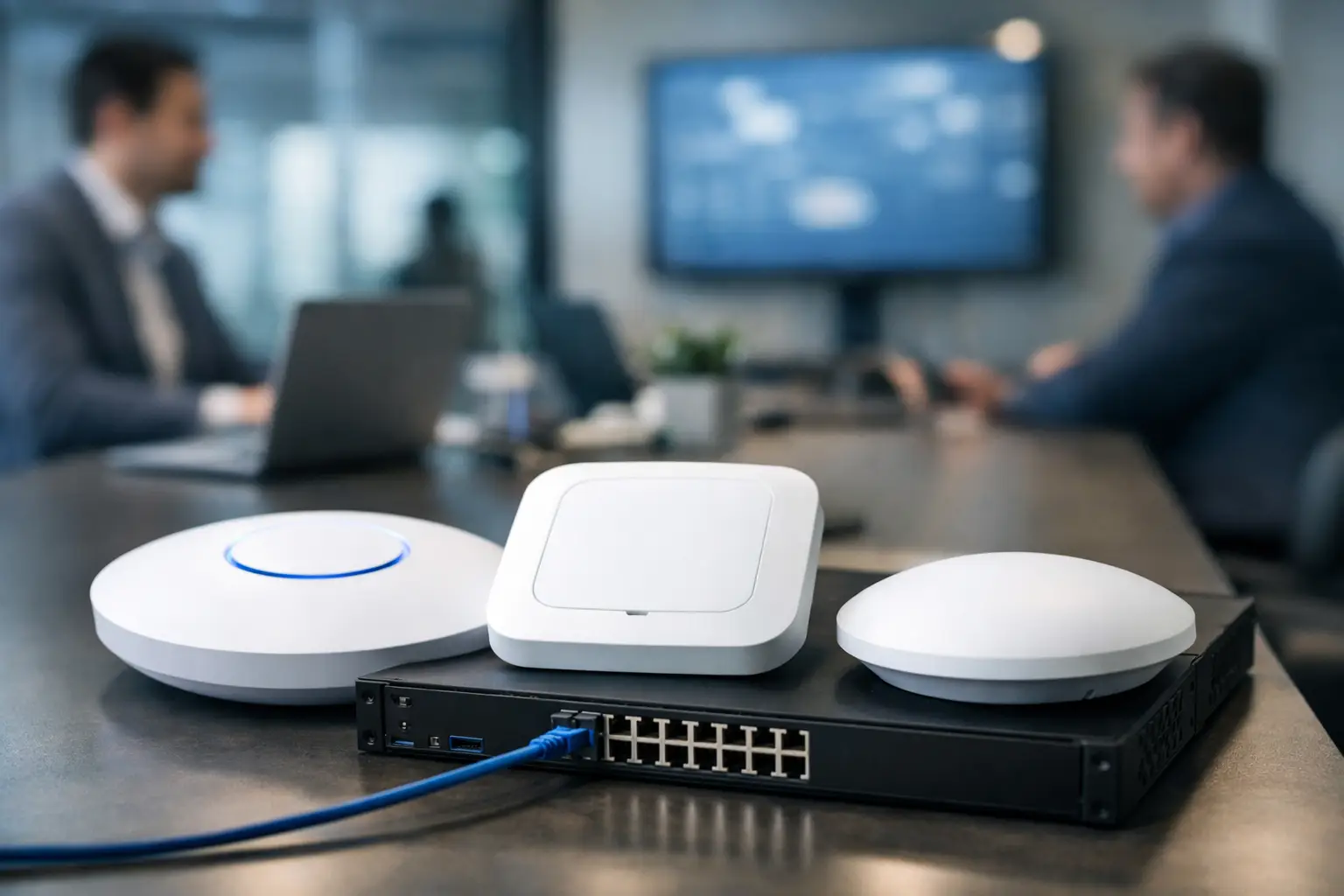
A conference room where video calls freeze, a warehouse where scanners lose connection, or a retail outlet where payment terminals drop offline are not minor WiFi annoyances. They interrupt work, frustrate customers, and create avoidable pressure on IT teams. The best enterprise wifi access points are selected around the way people, devices, applications, and buildings actually operate – not simply by choosing the access point with the highest advertised speed.
For a business network, the right access point is part of a wider infrastructure decision. It must work with the switching layer, cabling, internet connection, security policies, and management tools already in place. It also needs enough capacity for growth, without adding complexity that a smaller IT team cannot reasonably maintain.
What Makes an Enterprise Access Point Different?
Enterprise access points are built for environments where uptime, user density, visibility, and security matter. Consumer-grade equipment may work in a small office with a few laptops, but it is rarely designed to support many simultaneous clients, multiple SSIDs, segmented networks, centralized policy control, and business-critical applications.
A suitable enterprise platform gives administrators control over who connects, which resources they can access, and how network traffic is prioritized. It should support business security standards such as WPA3, 802.1X authentication, VLAN segmentation, guest access controls, and regular firmware management. For organizations with several offices, centralized or cloud-based management can reduce the effort required to monitor and support each site.
Capacity is often more significant than headline throughput. A busy training room, lecture hall, reception area, or retail floor may have dozens of active phones and laptops within a relatively small space. In these areas, an access point needs to handle concurrent users efficiently, not just deliver a high speed to one device in a laboratory test.
Best Enterprise WiFi Access Points: Start With the Use Case
There is no single best model for every organization. The best enterprise WiFi access points depend on building materials, client density, application requirements, available cabling, and the skills available to manage the network. A practical choice starts by matching the access point category to the workplace.
Corporate offices and professional services
Most offices need dependable coverage for laptops, mobile devices, cloud applications, IP telephony, and meeting-room collaboration tools. WiFi 6 access points are usually a sensible baseline for a new deployment because they improve efficiency when many devices share the same wireless spectrum. WiFi 6E or WiFi 7 may be appropriate for high-performance environments, but they only deliver value when compatible client devices, suitable switching capacity, and careful radio design are also in place.
For a typical office, look for dual-band or tri-band access points, multi-gigabit uplinks where needed, Power over Ethernet support, and centralized management. The design should account for enclosed meeting rooms, glass partitions, dense desk layouts, and areas that need stronger coverage during peak periods.
Education, training, and high-density spaces
Classrooms, lecture rooms, training centers, and auditoriums present a different challenge. Hundreds of users may connect at the same time, often with multiple devices each. Here, the access point’s client handling, radio scheduling, antenna design, and channel planning matter more than maximum quoted data rates.
High-density deployments should be based on a predictive survey and, where possible, validation testing after installation. Adding more access points without a channel plan can increase interference and make performance worse. The goal is not maximum signal strength everywhere. It is controlled coverage, clean channel use, and enough capacity where people gather.
Warehouses, retail, and operational sites
Warehouses and retail locations often depend on WiFi for handheld scanners, point-of-sale devices, inventory systems, tablets, cameras, and guest access. These sites may have metal shelving, refrigeration units, open loading bays, or long aisles that affect signal behavior. An access point suitable for a carpeted office may not be suitable for these conditions.
Industrial or outdoor-rated access points may be required where there is dust, heat, moisture, or exposure to the elements. Directional antennas can also be useful in long corridors, external compounds, or aisle-based environments. The design should prioritize reliable roaming for mobile staff and business devices, rather than treating the warehouse as one large open coverage area.
Multi-site businesses
For organizations operating multiple branches, the management platform is often as important as the access point hardware. A centrally managed system allows IT teams to apply consistent SSIDs, security policies, guest access rules, and firmware updates across locations. It also makes it easier to identify a failing device or rising interference issue before it becomes a service disruption.
Cisco, Ruckus, Ubiquiti, and TP-Link each offer enterprise-focused options for different budgets and operating models. Cisco is often chosen for large environments that require deep enterprise integration and policy control. Ruckus is well regarded in challenging radio-frequency environments and high-density deployments. Ubiquiti and TP-Link can provide strong value for small to mid-sized organizations that need centralized management without the cost and complexity of a large enterprise stack. The right choice comes down to business requirements, not brand preference alone.
The Features That Should Drive the Decision
When comparing models, start with the capabilities that affect day-to-day operations. Four areas deserve particular attention:
- Wireless standard and radio bands: WiFi 6 remains a capable option for many businesses. WiFi 6E and WiFi 7 add access to newer spectrum and higher potential capacity, but require compatible client devices and may increase project cost.
- Power and network uplinks: An access point may need PoE+ or higher-power PoE standards to enable all radios and features. Older switches or cabling may limit performance, even when the access point itself is high specification.
- Security and segmentation: Staff, guest, IoT, CCTV, and payment devices should not automatically share the same network. Support for VLANs, role-based access, captive portals, and enterprise authentication protects business systems and simplifies policy enforcement.
- Management and support: A dashboard that shows client health, radio utilization, firmware status, and alerts can save considerable troubleshooting time. Consider licensing costs, support terms, and whether the platform matches the team’s operational capacity.
Do not overlook physical design. Ceiling-mounted access points are common for broad indoor coverage, while wall-mounted, outdoor, or ruggedized models address specific locations. Antenna selection should also be intentional. Internal antennas suit many office deployments, while external or directional antennas can solve coverage challenges in specialized areas.
Why a Wireless Site Survey Matters
Selecting good hardware cannot compensate for a poor design. Building materials such as reinforced concrete, foil-backed insulation, metal racking, tinted glass, and fire doors can weaken or reflect wireless signals. Nearby networks, Bluetooth devices, microwave equipment, and wireless cameras may also contribute to interference.
A wireless site survey identifies where access points should be placed, which channels should be used, and where additional coverage or capacity is needed. It prevents two expensive mistakes: under-designing the network and installing more access points than the radio environment can support.
For a new office, the survey should be coordinated with the cabling layout before ceilings are closed or furniture is installed. During a relocation or renovation, this coordination is especially valuable because structured cabling, switching, power, and access point placement can be planned as one project. I-Weblogic approaches wireless deployments in this integrated way, aligning network design with cabling, security systems, and the operational needs of the site.
Plan for More Than Employee Laptops
Many networks fail to account for the growing number of non-laptop devices. Smartphones, tablets, meeting-room displays, wireless printers, sensors, access-control hardware, cameras, and visitor devices all compete for airtime and network resources. A network designed only around the employee headcount can quickly become constrained.
Estimate device density by area and consider peak periods. A 75-person office may support 200 or more connected devices when mobile phones, meeting rooms, guests, and operational equipment are included. The same principle applies to retail and education environments, where customer or student devices can substantially exceed staff devices.
Growth planning should also cover the wired side. Multi-gigabit switches, adequate PoE budgets, fiber uplinks between floors, and properly tested structured cabling all influence the final wireless experience. An access point connected to an undersized switch port or poor cable run cannot deliver its intended performance.
Make the Investment Operationally Sound
The best enterprise WiFi access point is the one that delivers dependable coverage, appropriate user capacity, controlled security, and manageable support costs for the environment it serves. Higher specifications can be worthwhile in dense or performance-sensitive areas, but they are not automatically the best value for every workspace.
Before purchasing, document the applications that cannot fail, the areas where users congregate, the devices that need segregation, and the growth expected over the next several years. Then design the wireless network alongside cabling, switching, and security requirements. That approach turns WiFi from a recurring source of complaints into a dependable part of business operations.


Pingback: School Campus WiFi Deployment That Holds Up - I-Weblogic Pte Ltd
Pingback: Single Mode Multimode Fiber for Business - I-Weblogic Pte Ltd
Pingback: Fiber Installation That Supports Business Growth - I-Weblogic Pte Ltd