
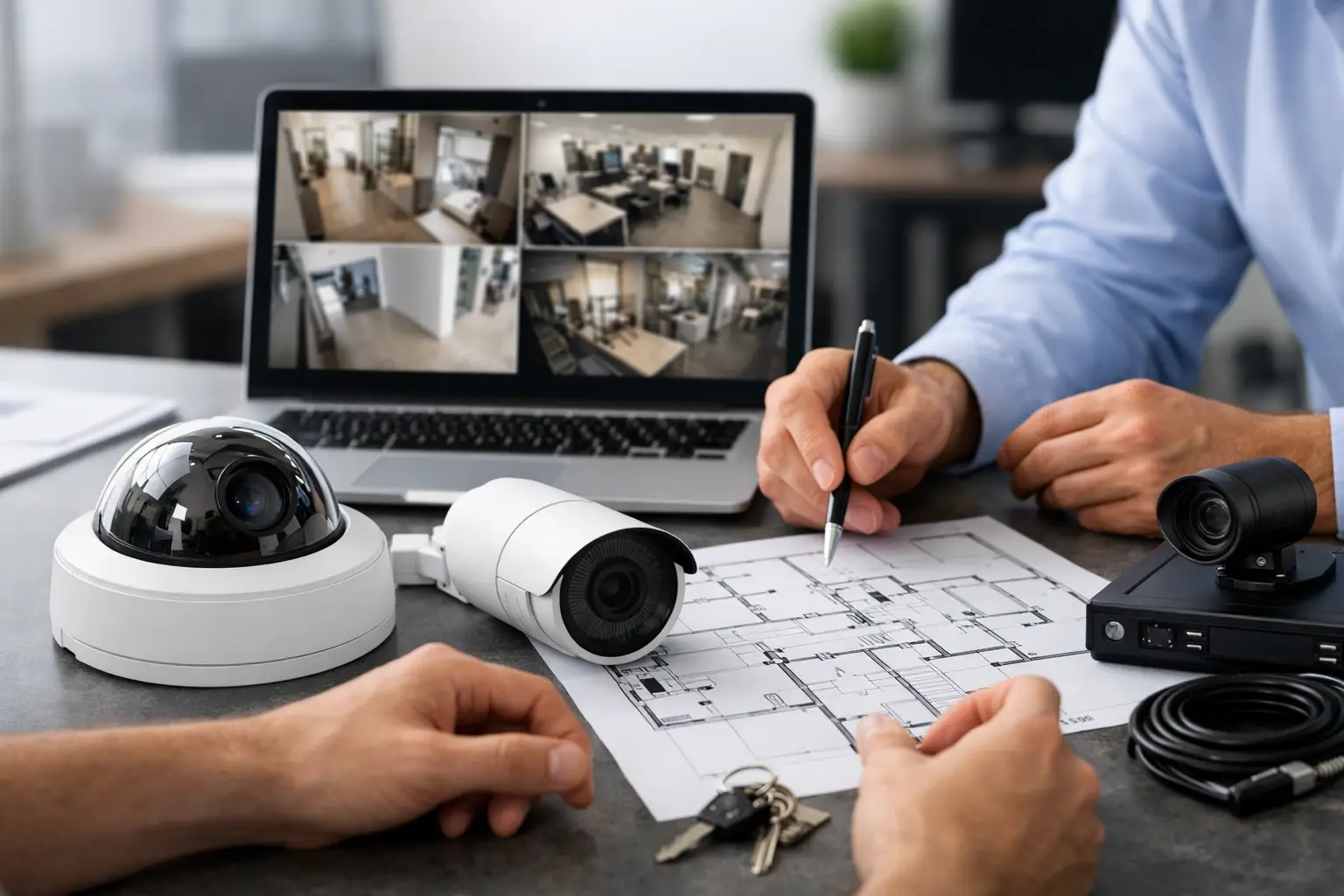
A business security camera system is not simply a collection of cameras mounted around a workplace. It is an operational tool that helps managers investigate incidents, protect people and assets, verify procedures, and maintain visibility across the premises. When it is poorly planned, footage may be unclear, coverage may miss critical areas, and staff can lose time searching through recordings that do not answer the question at hand.
For offices, schools, retail locations, warehouses, and multi-site organizations, the strongest results come from designing the camera system around real business activity. That means understanding how people enter, where goods move, which areas require privacy controls, and how video will be accessed when an incident occurs.
Start With Operational Risk, Not Camera Quantity
A common purchasing mistake is starting with a target number of cameras or selecting equipment based only on price. A better starting point is identifying the events that the system must help prevent, verify, or investigate.
For a retail outlet, this may include after-hours access, cash handling, stock movement, and entrances. An office may prioritize visitor arrivals, reception areas, server rooms, loading zones, and emergency exits. In an education setting, administrators may need appropriate coverage of campus entry points, corridors, common areas, and perimeter access while respecting policies for sensitive spaces.
The purpose of each camera affects its placement, lens selection, resolution, recording requirements, and lighting needs. A wide-angle camera that provides general awareness in a lobby may not capture the facial detail needed at a secured entry. Likewise, a camera intended to monitor vehicle movement at a gate needs a different field of view from one used to verify activity at a reception desk.
Before installation, document four practical factors:
- The areas that present the highest security, safety, or operational risk
- The type of detail needed, such as detection, recognition, or identification
- The times when risk is greatest, including after-hours and low-light periods
- The people who need access to live and recorded footage
This assessment avoids overinvesting in low-priority areas while leaving blind spots at the locations that matter most.
Design a Business Security Camera System Around the Site
Camera selection matters, but site design has greater influence on whether the system performs as expected. Physical layout, lighting, ceiling height, door locations, cable pathways, network capacity, and building materials all shape the final result.
Match Camera Types to the Environment
Fixed dome cameras are often suitable for indoor office areas because they offer a discreet profile and broad coverage. Bullet cameras can be a practical choice for outdoor perimeters, car parks, loading areas, and building approaches, particularly where a visible camera presence can discourage unwanted activity. Pan-tilt-zoom cameras can cover wider outdoor areas or support active monitoring, but they should not replace fixed cameras at critical entry points. A camera can only record where it is pointing at that moment.
Resolution should be selected based on the evidence required, not the largest number on a specification sheet. Higher-resolution footage can improve detail, but it also increases storage demand and network traffic. The right balance depends on distance, lighting, field of view, and the level of identification required.
Low-light performance deserves close attention. Parking lots, exterior doors, corridors, and warehouse areas may look adequately lit to the human eye but still produce poor video at night. Infrared capability, supplemental lighting, wide dynamic range for high-contrast entrances, and careful camera positioning can make a substantial difference.
Avoid the Most Common Coverage Gaps
Coverage gaps often occur at doors, not because a camera is absent, but because its angle captures the back of a person entering or is affected by glare from outside light. Cameras should be positioned to capture useful facial detail at entrances and exits without creating excessive backlight.
Other frequent issues include cameras mounted too high, lenses aimed too wide, obstructions created by shelving or signage, and exterior cameras installed without considering rain, direct sun, or nighttime reflections. A site survey helps identify these conditions before cabling is installed and equipment is committed.
Treat Network and Cabling as Part of the Security System
IP cameras rely on the network. If bandwidth, switching capacity, power delivery, and cabling are treated as afterthoughts, video performance can suffer precisely when it is needed most.
A properly planned deployment considers Power over Ethernet requirements, switch capacity, network segmentation, uplink speeds, and the distance between cameras and network closets. Structured cabling should be routed and labeled for maintainability, with appropriate protection for outdoor or exposed pathways. For larger facilities, fiber connections may be necessary between buildings or distant network locations.
Separating surveillance traffic from general office traffic can improve control and troubleshooting. It also reduces the likelihood that heavy video use interferes with business applications, voice services, or guest Wi-Fi. For organizations with multiple sites, secure remote connectivity and centralized management can provide oversight without making every location dependent on a single local operator.
This is where an integrated implementation partner provides practical value. I-Weblogic combines cabling, networking, and physical security planning so that cameras are supported by the infrastructure they require rather than installed as an isolated project.
Plan Recording for Useful Evidence
Recording capacity is not just a question of how many days of video to keep. It depends on camera count, resolution, frame rate, compression method, scene activity, and whether cameras record continuously or only when motion is detected.
Continuous recording provides a complete timeline and is often appropriate for entrances, cash areas, critical infrastructure rooms, and high-risk zones. Motion-based recording can reduce storage use in quieter spaces, although it must be configured carefully. Poor motion settings can create false alerts from shadows, rain, moving trees, or changing light. Settings that are too restrictive can miss the start of an event.
Retention periods should reflect operational requirements, internal policies, contract obligations, and any applicable legal or regulatory expectations. A business should also decide how footage will be exported, who can authorize access, and how long incident clips should be retained separately from routine recordings.
Storage architecture needs to match the level of risk. A small office may be well served by an on-premises network video recorder with sufficient capacity and controlled access. A multi-site operation may benefit from centralized monitoring, distributed recording at each location, or a hybrid approach. Cloud-managed systems can simplify remote administration, but recurring costs, internet dependence, retention needs, and data governance should be evaluated before choosing that model.
Connect Cameras With Access Control and Daily Operations
The value of video increases when it works alongside other systems. Integrating cameras with biometric access control, card readers, keyless entry, or turnstiles can help security teams verify who entered a restricted area and when. In the event of a disputed access attempt, video provides context that an access log alone cannot provide.
For example, an access event at a server room door can prompt staff to review the associated camera footage. At a retail site, camera views near receiving areas can help confirm delivery activity. In office environments, reception coverage can support visitor management procedures without placing an unnecessary burden on front-desk staff.
Integration should remain purposeful. Not every camera needs every feature, and complex automation is not always the best fit for a smaller site. The goal is to reduce manual effort, improve incident response, and create a clear record when questions arise.
Build Security and Privacy Into System Management
A camera system holds sensitive business information. Weak passwords, shared administrator accounts, exposed remote access, and missed firmware updates can turn a security investment into a risk.
Organizations should assign access by role. Reception staff may need live views of selected entrances, while facilities managers may need playback access for specific zones. System administrators require broader management rights, but those permissions should be limited to authorized personnel and reviewed when staff roles change.
A documented process for viewing, exporting, and sharing footage protects both the business and its employees. It is equally important to define where cameras should not be installed. Restrooms, changing areas, and other private spaces require strict exclusion. Employee-facing coverage should have a legitimate business purpose and align with local workplace, privacy, and notification requirements.
Choose a System That Can Grow Without Rework
Business needs change. An office may expand to another floor, a retailer may add outlets, or a warehouse may reorganize its storage layout. A camera system should allow for additional devices, storage growth, and new monitoring requirements without requiring a complete replacement.
Scalability starts with capacity planning. Leave appropriate headroom in network switches, equipment racks, recording platforms, cable pathways, and power provision. Standardized equipment and clear documentation also make future additions easier to manage, especially when several sites are involved.
The most effective camera deployment is one that staff can operate confidently after installation. Request clear handover documentation, user guidance, camera naming conventions, network records, and a support plan for maintenance or expansion. A well-designed system should make the next incident easier to understand, not harder to investigate.


Pingback: CCTV vs Access Control: Which Does Your Business Need? - I-Weblogic Pte Ltd
Pingback: Data Cabling That Supports Business Growth - I-Weblogic Pte Ltd