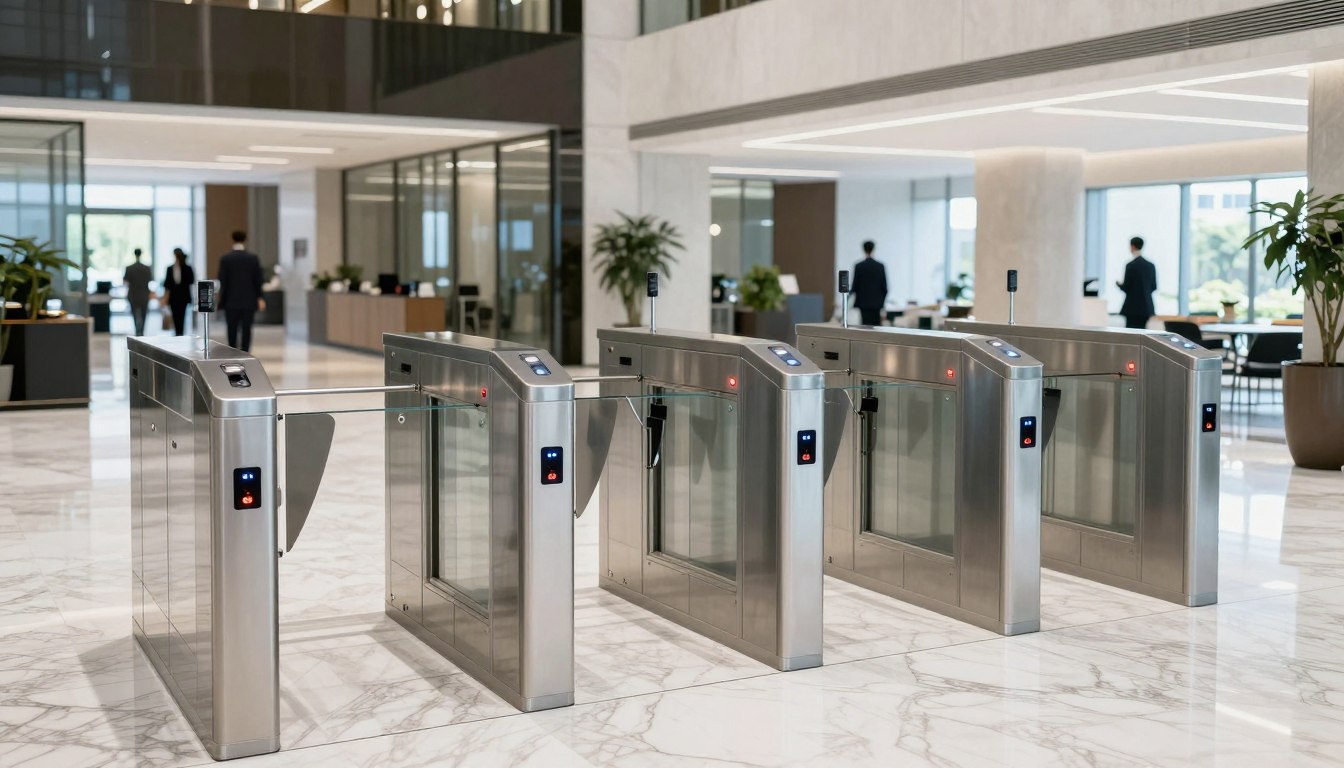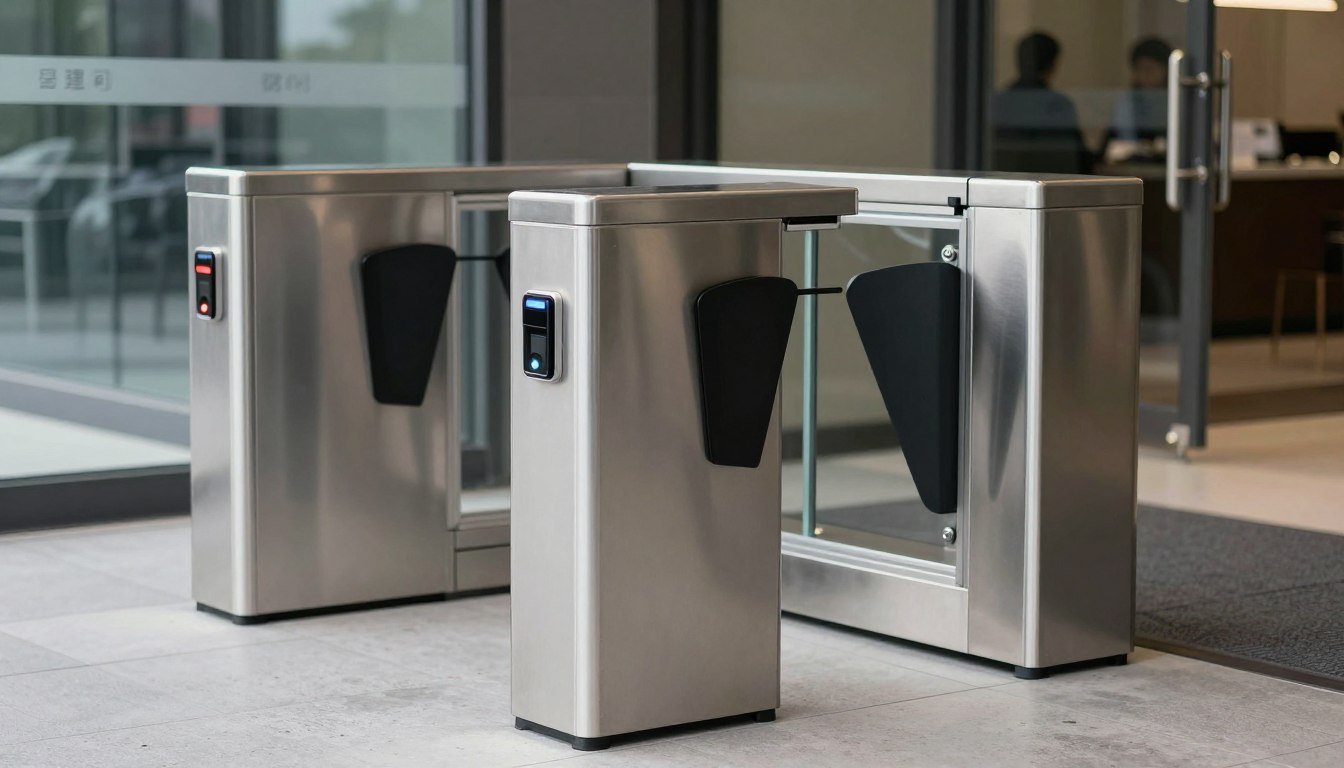
A visitor standing at an unsecured door can create more than a minor interruption. For offices, schools, retail sites, and shared commercial buildings, the entrance is where security, customer experience, and daily operations meet. The best business intercom entry systems give authorized staff a clear way to identify visitors, communicate with them, and grant access without relying on keys, reception coverage, or an employee walking across the building.
The right choice is not necessarily the system with the longest feature list. It is the one that fits the building layout, the number of entrances, the organization’s access policies, and the network infrastructure supporting it. A single office entrance has different needs from a multi-tenant site, a campus, or a growing business with several locations.
What Makes a Business Intercom System Effective
A business-grade entry intercom should do three jobs reliably: identify the person at the door, enable two-way communication, and control access based on an approved decision. Video adds valuable context, particularly where delivery personnel, contractors, clients, and after-hours visitors use the same entrance.
For most organizations, an IP-based intercom is the practical starting point. It connects to the company network and can work with indoor stations, desk phones, mobile devices, or a central security desk. This approach is more flexible than a standalone analog system, especially when an organization needs remote administration, multiple doors, activity records, or future expansion.
Reliability still matters more than convenience features. A system should have stable network connectivity, suitable power protection, weather-rated outdoor hardware where required, and a clear plan for what happens during an internet or power outage. Remote access is useful, but the door should not become dependent on a consumer-grade Wi-Fi signal or a staff member’s personal phone.
Audio-only, video, and smart credential options
Audio-only intercoms remain suitable for low-risk internal doors or controlled facilities where staff already know most visitors. They are typically more economical and straightforward to operate, but they provide less information before access is granted. At a public-facing entrance, that limitation can lead to avoidable uncertainty.
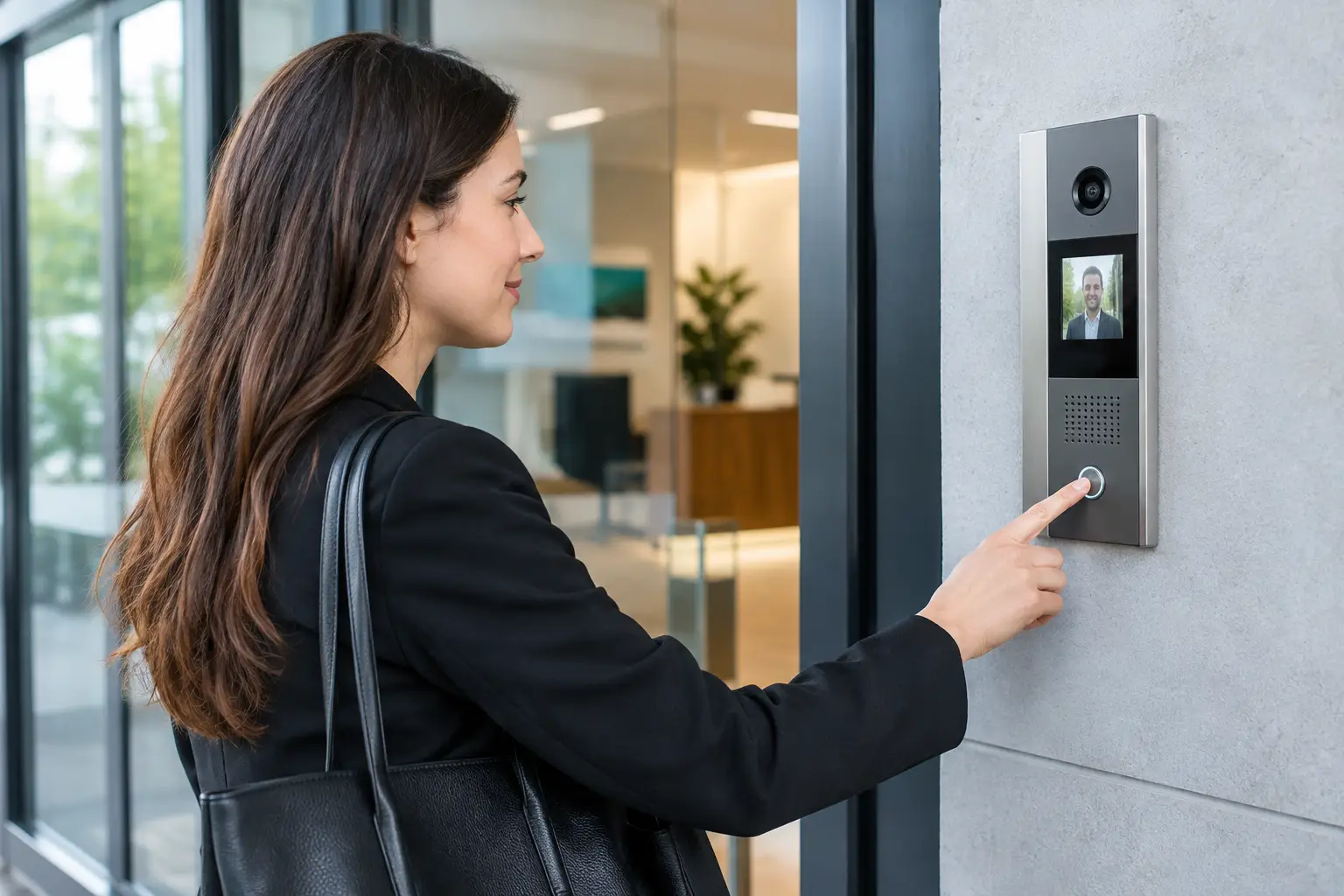
Video intercoms are often the better business investment. A receptionist, facilities team member, or security officer can verify the visitor visually before releasing the door. High-quality cameras, low-light performance, and clear audio matter more than novelty functions because they directly affect whether staff can make a confident access decision.
Many organizations also combine intercom entry with card, fob, PIN, mobile, or biometric credentials. This lets employees enter without calling reception while retaining the intercom for guests. The result is a more controlled entrance flow: known users authenticate themselves, while visitors request access and can be verified.
Best Business Intercom Entry Systems by Use Case
There is no universal winner among the best business intercom entry systems. The most suitable design depends on how visitors arrive, who approves entry, and how closely the intercom must work with existing security and communications systems.
Small offices and professional services firms
A small office with one main entrance often benefits from a video door station, an indoor monitor or receptionist console, and a door strike or magnetic lock. Staff should be able to answer from selected desks when reception is unattended. If the office operates outside normal business hours, controlled mobile access can provide additional coverage.
Avoid overbuilding this type of installation. A complex central platform may add cost without improving the daily experience. However, the cabling and network design should allow another door station or access reader to be added later if the company expands into adjacent space.
Multi-tenant offices and commercial properties
Multi-tenant properties need a directory that visitors can use easily, with calls routed to the right suite or contact. Video verification, tenant-specific access rules, and centralized management are especially valuable for property managers. A system should also support changes in occupancy without requiring a technician to reprogram every device on site.
For these environments, the intercom should be coordinated with the building’s access control design. The property manager may need authority over common entrances, while each tenant controls access to its own suite. Clear separation of these permissions is essential for security and administration.
Retail, clinics, and customer-facing locations
Retail operations and clinics may use intercoms at staff entrances, loading doors, restricted storage areas, or after-hours reception points. Here, response speed and ease of use are critical. Employees should not need to interpret complicated screens while serving customers or handling deliveries.
Video can help staff validate vendors and delivery drivers, while timed access rules can prevent doors from being left open during busy periods. In a clinic or sensitive service environment, visitor logs may also support internal safety procedures. The system should be configured to support the organization’s workflow rather than forcing staff to work around it.
Campuses, warehouses, and multi-site businesses
Larger sites usually require centralized oversight. A warehouse may need intercom stations at gates, pedestrian entrances, loading bays, and secured office areas. A school or campus may need different rules for staff, students, visitors, and contractors. Multi-site companies need a consistent platform that local teams can use while designated administrators retain overall control.
These systems benefit from network-based architecture, properly planned cabling, and integration with CCTV and access control. When an intercom call is received, the operator should be able to see the entrance camera, communicate clearly, and release only the relevant door. That coordinated setup reduces blind spots and avoids switching between disconnected systems.
How to Choose a Business Intercom Entry System
Start with the entrance process, not the product catalog. Map who enters each door, during which hours, and who is responsible for approval. Include delivery drivers, contractors, visitors, employees, cleaners, and emergency responders. This exercise often reveals that different entrances need different levels of control.
Next, assess the physical environment. Outdoor units must withstand weather, vandalism risk, and expected traffic volume. Door hardware must suit the door type, fire and life-safety requirements, and local code considerations. A well-selected intercom cannot compensate for an improperly specified electric lock or a weak door frame.
Network readiness is equally important. IP intercoms require sufficient switching capacity, secure network segmentation, reliable Power over Ethernet where applicable, and cable pathways that meet the site’s needs. Wireless may be acceptable for limited scenarios, but fixed entry points are usually better served by structured cabling for consistent performance and easier maintenance.
Consider these operational questions before approving a system:
- Can staff answer calls from the locations where they actually work?
- Does the system retain usable event logs, images, or recordings when needed?
- Can access rights be adjusted quickly when staff, tenants, or contractors change?
- Will the system integrate with existing CCTV, access control, IP telephony, or security monitoring?
- Is there a defined process for failures, outages, and after-hours support?
A system that answers these questions well will usually provide better long-term value than one chosen solely on initial equipment cost.
Integration Is Where the Value Grows
An intercom becomes more useful when it forms part of a connected security environment. Integration with CCTV can give operators a wider view of an entrance and its surrounding area. Integration with access control allows the same platform to manage employee credentials, visitor release, schedules, and door status. Integration with IP telephony can route calls to a receptionist, security desk, or designated team without adding separate communication devices.
That does not mean every organization needs a fully integrated security command center. A smaller office may only need video verification and reliable door release. But planning for compatibility protects the investment as needs change. It also reduces the cost and disruption of replacing isolated systems later.
Installation quality has a direct effect on system performance. Cable routes, device placement, camera angle, audio clarity, power capacity, network configuration, and door hardware all need to work together. An experienced systems integrator can coordinate these elements instead of leaving the business to manage separate cabling, network, security, and electrical contractors.
I-Weblogic approaches entry security as part of the wider workplace infrastructure. That means considering the network, structured cabling, access control, CCTV, and future growth requirements together, so the completed system is practical to operate and ready to scale.
A well-designed intercom does more than open a door. It gives employees a safer, more consistent way to handle arrivals, keeps access decisions accountable, and lets the business grow without turning its entrance points into operational weak spots.