
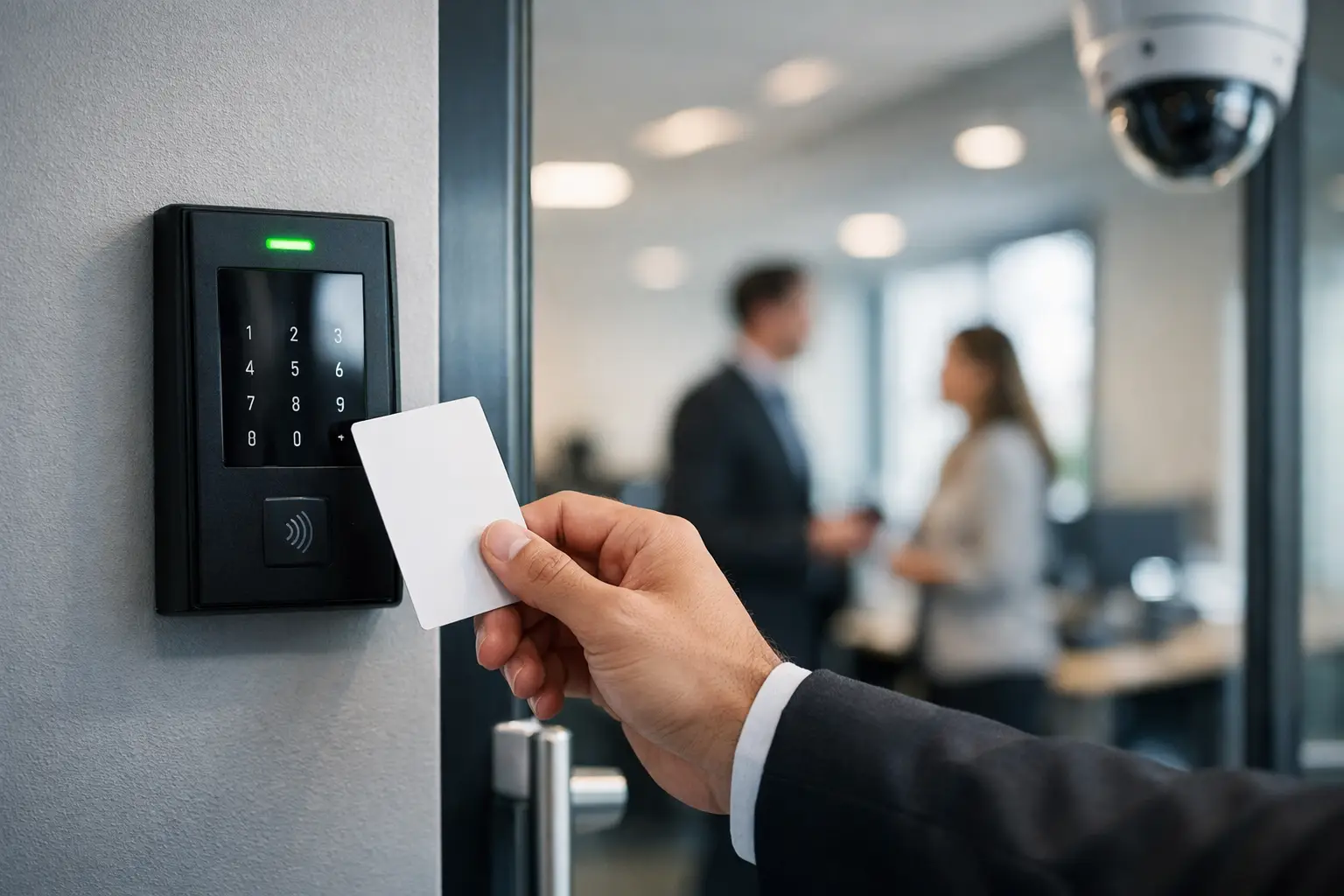
A lost key rarely stays just a lost key for long. It becomes a rekeying job, a security concern, a disruption for staff, and one more task for operations to manage. That is one reason office access control systems have become a practical priority for businesses that want tighter security without creating friction at the door.
For most organizations, access control is no longer just about locking and unlocking entry points. It affects how you manage visitors, protect restricted areas, handle employee turnover, and maintain a consistent security standard across one office or several locations. The right system should reduce risk, support daily operations, and fit the way your workplace actually runs.
What office access control systems really do
At a basic level, office access control systems decide who can enter, where they can go, and when they can get in. That sounds straightforward, but in practice it solves a wide range of operational issues. A finance team may need access to a records room while contractors do not. Senior staff may require after-hours entry while general employee access ends at a set time. A server room might need tighter authentication than the main office entrance.
Modern systems handle those rules centrally. Instead of relying on physical keys that can be copied, misplaced, or hard to track, businesses can issue credentials such as keycards, PINs, mobile access, or biometric verification. When someone joins, changes roles, or leaves the company, permissions can be updated without replacing hardware across the building.
That flexibility matters most in workplaces that are growing, relocating, or tightening compliance requirements. It also matters when offices are trying to create a better employee experience. Staff should not have to wait for manual door releases or work around outdated entry processes just to get through the day.
Why many businesses outgrow traditional locks
Traditional locks still have a place in some low-risk areas, but they create limits once a business reaches a certain size or complexity. If one employee loses a key to a shared office, the safest response may be to change locks and reissue keys. That takes time and money, and it still does not provide a clear record of who entered and when.
Access control changes that equation. Credentials can be disabled quickly. Entry events can be logged. Different departments can be given different permissions without adding another layer of physical key management. For operations and facilities teams, that means fewer manual workarounds. For leadership, it means more visibility into how the workplace is being secured.
There is a trade-off, though. Electronic access control introduces infrastructure needs that mechanical locks do not. Power, cabling, network connectivity, and system configuration all affect performance. That is why planning matters as much as product choice.
Types of office access control systems
Not every office needs the same model. The right setup depends on the building layout, number of users, risk level, and how the system will be managed day to day.
Card and fob-based systems
These remain common because they are familiar and relatively easy to deploy. Staff tap a credential at the reader, and permissions are handled in the background. For many offices, this offers a practical balance between security and convenience. The downside is that cards and fobs can still be shared or lost, so businesses need a clear process for issuing and revoking them.
PIN and keypad entry
Keypads work well in smaller environments or for spaces where issuing physical credentials is unnecessary. They can also support temporary access for vendors or short-term staff. The weakness is predictable: codes can be shared. In higher-security environments, keypad entry is usually better as part of a layered setup rather than the only control.
Biometric access control
Biometric systems use fingerprints, facial recognition, or other unique identifiers. These can reduce credential sharing and improve control over sensitive areas. They are often used for server rooms, research spaces, or facilities with stricter security requirements. However, biometrics require thoughtful implementation, especially around user acceptance, privacy expectations, and local compliance obligations.
Mobile-based access
Mobile credentials appeal to businesses that want to reduce reliance on physical badges. Employees use their phones as credentials, and administrators can manage permissions remotely. This can be efficient in flexible workplaces, but it depends on device compatibility, user behavior, and a stable supporting infrastructure.
What to consider before you choose
The most common mistake is buying for features before defining the use case. A better starting point is to map how people move through the workplace and where control matters most.
A single-floor office with one main entrance has very different needs from a multi-tenant building, a school administration office, or a company with restricted lab areas. You may need to control front-door access, internal doors, parking gates, lifts, or turnstiles. You may also need a visitor workflow, after-hours access, and audit trails for certain departments.
Management is another major consideration. Some businesses want a cloud-managed platform that allows quick changes across multiple sites. Others prefer a local deployment for specific policy or technical reasons. Neither is automatically better. It depends on your internal IT model, security policy, and how much central oversight you need.
Integration also matters. Access control performs better when it is not isolated. If your doors, CCTV, alarms, intercoms, and network are designed as separate projects, daily management becomes harder than it should be. When these systems are coordinated, incidents are easier to review, user provisioning is cleaner, and infrastructure planning is more efficient.
Why infrastructure quality affects access control performance
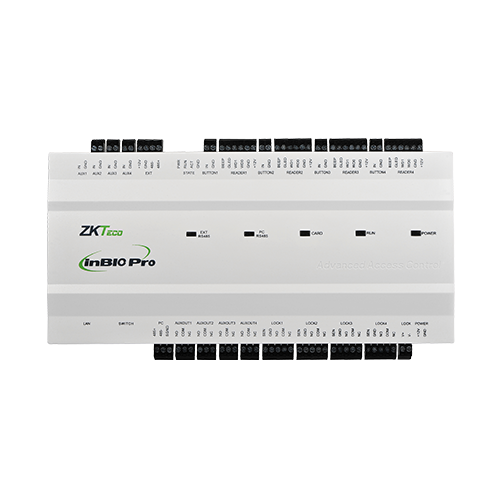
Office access control systems are often discussed as security tools, but their reliability depends heavily on the underlying infrastructure. Door controllers, readers, electric locks, network switches, wireless coverage, and power backup all play a part. If the cabling is poor, the network is unstable, or the installation is improvised, even a good system can become a source of frustration.
That is especially relevant during office renovations, relocations, or expansions. It is usually more cost-effective to plan access control together with structured cabling, networking, surveillance, and communication systems than to retrofit each one separately later. Businesses that take an integrated approach tend to avoid duplicated work, mismatched hardware decisions, and preventable downtime.
This is where an experienced implementation partner adds value. A provider that understands both physical security and IT infrastructure can design around the realities of the site, not just the product brochure. For organizations that want one coordinated project rather than multiple vendors working in parallel, that reduces complexity in a meaningful way.
Office access control systems and business growth
A system that works for 25 employees may not work for 150. Growth changes how access should be managed. More people means more credentials, more role changes, more visitors, and more need for standardized policies across departments or branches.
Scalability should be part of the decision from the start. That includes the number of supported doors and users, the ease of adding locations, and whether reporting and administration remain manageable as the system expands. Some lower-cost setups look attractive early on but become limiting when a business opens another office or needs tighter control over specific zones.
It is also worth thinking beyond security. Access data can support operational decisions. If certain spaces require better monitoring, if deliveries need a cleaner entry process, or if shared facilities need restricted scheduling, access control can support those workflows. The system should not create extra administration every time the business changes shape.
Getting the implementation right
Good implementation starts with a site assessment, not a hardware list. Door types, emergency egress requirements, user groups, network conditions, and management preferences all need to be considered before anything is installed. That groundwork helps avoid common issues such as incompatible locks, weak reader placement, and access rules that do not reflect real operational needs.
Training is part of implementation too. A system is only useful if the people managing it can issue credentials, adjust permissions, run reports, and respond to changes without delay. The best setups are secure, but they are also practical for the teams responsible for everyday administration.
For many organizations, the strongest result comes from treating access control as part of a wider workplace infrastructure plan. That is the model I-Weblogic Pte Ltd has built its work around since 2003 – combining security, connectivity, and physical infrastructure in a way that supports reliable daily operations rather than isolated point solutions.
The right access control system should make your office easier to secure, easier to manage, and better prepared for change. If it does that quietly in the background while your teams get on with work, it is doing its job well.


Pingback: 5 Proven Steps for a Reliable Office Access Control Setup - I-Weblogic Pte Ltd
Pingback: Secure Server Rooms for Reliable Business IT - I-Weblogic Pte Ltd
Pingback: Best Office Visitor Management Systems Reviewed - I-Weblogic Pte Ltd