A new office can look ready on move-in day while the technology underneath it is already creating future problems. Wi-Fi dead zones, too few data outlets, unsecured network closets, and a crowded internet connection rarely appear in a floor plan. They show up when teams cannot join calls, payment systems slow down, or an expansion requires walls to be reopened.
When you plan an office network, the goal is not simply to get devices online. The goal is to create a dependable foundation for the way people work now, while leaving practical room for new staff, new systems, and changing security requirements.
Start With How the Office Actually Operates
Network design should begin before equipment is selected. An operations manager, IT manager, or office administrator needs a clear picture of who uses the space, what they use, and where they work. A 30-person office with cloud applications, video meetings, IP phones, and visitor Wi-Fi has different priorities from a retail back office, a school campus, or a company handling sensitive client data.
Look beyond employee laptops. List the devices and services that will depend on the network: desktop computers, printers, meeting room displays, wireless access points, IP telephony, CCTV cameras, access control readers, servers, storage, and building management devices. Many office networks become strained because these systems are added after the initial installation without considering power, ports, coverage, bandwidth, or security separation.
Map people, spaces, and critical services
A practical site survey connects the floor plan to operational demand. Identify fixed workstations, hot-desking areas, reception, meeting rooms, executive offices, training rooms, warehouses, and any customer-facing spaces. Consider where visitors will need connectivity and which areas require controlled access.
Then identify what cannot go offline for long. For one business, that may be phone and customer service systems. For another, it may be point-of-sale terminals, security cameras, production equipment, or a line-of-business application. This exercise helps determine where redundancy is justified and where a simpler design is appropriate.
Growth should be part of the discussion early. If the business expects to add 15 employees, open another department, or install more cameras within two years, design capacity for that direction now. Adding spare switch capacity and cabling during a fit-out is typically far less disruptive than expanding after the office is occupied.
Build the Physical Foundation First
Cabling is the part of the network that is hardest to change later. Wireless technology is essential, but it does not eliminate the need for structured cabling. Access points, cameras, phones, desktops, printers, audiovisual systems, and uplinks all rely on a properly planned wired backbone.
A structured cabling design should provide data outlets where users need them, with additional capacity in areas likely to change. Meeting rooms often need more connections than expected for displays, conferencing equipment, room controllers, and presentation systems. Reception areas may need separate connections for visitor management, phones, printers, and access control.
The choice between copper and fiber depends on distance, capacity, and the building layout. Category 6 or Category 6A cabling is commonly suitable for office work areas and access points. Fiber is often the better choice for high-speed uplinks between floors, communications rooms, or separate buildings. In larger offices, fiber provides useful headroom as bandwidth demands increase.
Treat the network room as business infrastructure
The communications room should not be an afterthought or a storage closet. It needs adequate power, cooling, physical access control, cable management, rack space, and room for future equipment. Unplanned cabinets and tangled patch cords make troubleshooting slower and increase the risk of accidental disconnections.
Labeling matters as well. Every cable, patch panel, outlet, and network device should be documented in a consistent format. During an outage, a technician should be able to trace a connection quickly rather than test dozens of unidentified ports. Good documentation reduces downtime long after the installation is complete.
Plan the Office Network in Logical Layers
Once the physical layer is defined, the network can be designed around performance, reliability, and control. This usually includes the internet connection, firewall, switches, wireless access points, and network segmentation.
The internet circuit should be sized for real working patterns, not just employee count. Video conferences, cloud backups, large file transfers, software-as-a-service platforms, and guest access all consume capacity differently. Upload speed is especially relevant for organizations that use cloud collaboration, host frequent calls, or send large files externally.
A single internet connection may be sufficient for a small office with limited downtime risk. However, organizations that depend on online transactions, cloud telephony, customer support, or remote access may benefit from a secondary connection or automatic failover. The right approach depends on the cost of an outage compared with the cost of backup connectivity.
Segment traffic before it becomes a security issue
Not every device should share the same network. Employee devices, guest Wi-Fi, CCTV cameras, access control systems, IP phones, and servers should be separated through network segmentation. This limits unnecessary access between systems and makes it easier to apply the right policies to each group.
For example, visitors should be able to access the internet without reaching internal files, printers, or security devices. Cameras should communicate with the recording platform but should not have unrestricted access to employee systems. A segmented design also simplifies troubleshooting because traffic and device types are easier to identify.
The firewall is the policy point between the office and the internet. It should be configured around the organization’s actual requirements, including remote access, web filtering, application controls, intrusion prevention, and logging. Buying a firewall without reviewing its setup can leave a business with expensive hardware but weak protection.
Design Wi-Fi for Coverage and Capacity
Wi-Fi coverage cannot be reliably planned by placing one access point in the middle of the office and hoping for the best. Walls, glass partitions, dense furniture, building materials, neighboring networks, and device density all affect performance.
A wireless survey helps determine access point locations, expected coverage, and potential sources of interference. The objective is not maximum signal strength everywhere. It is stable performance where people work, meet, and move through the office.
Capacity matters as much as coverage. A training room with 30 laptops, a boardroom used for video conferences, or a shared workspace with many mobile devices may need more planning than a quiet private office. Enterprise-grade wireless equipment from established providers can support centralized management and better controls, but correct placement and configuration remain essential.
Guest Wi-Fi should have its own network segment and appropriate access policies. Depending on the business, this may include a captive portal, bandwidth limits, or scheduled access. Keeping guest traffic separate protects internal systems and preserves performance for employees.
Connect Physical Security to the Network Plan
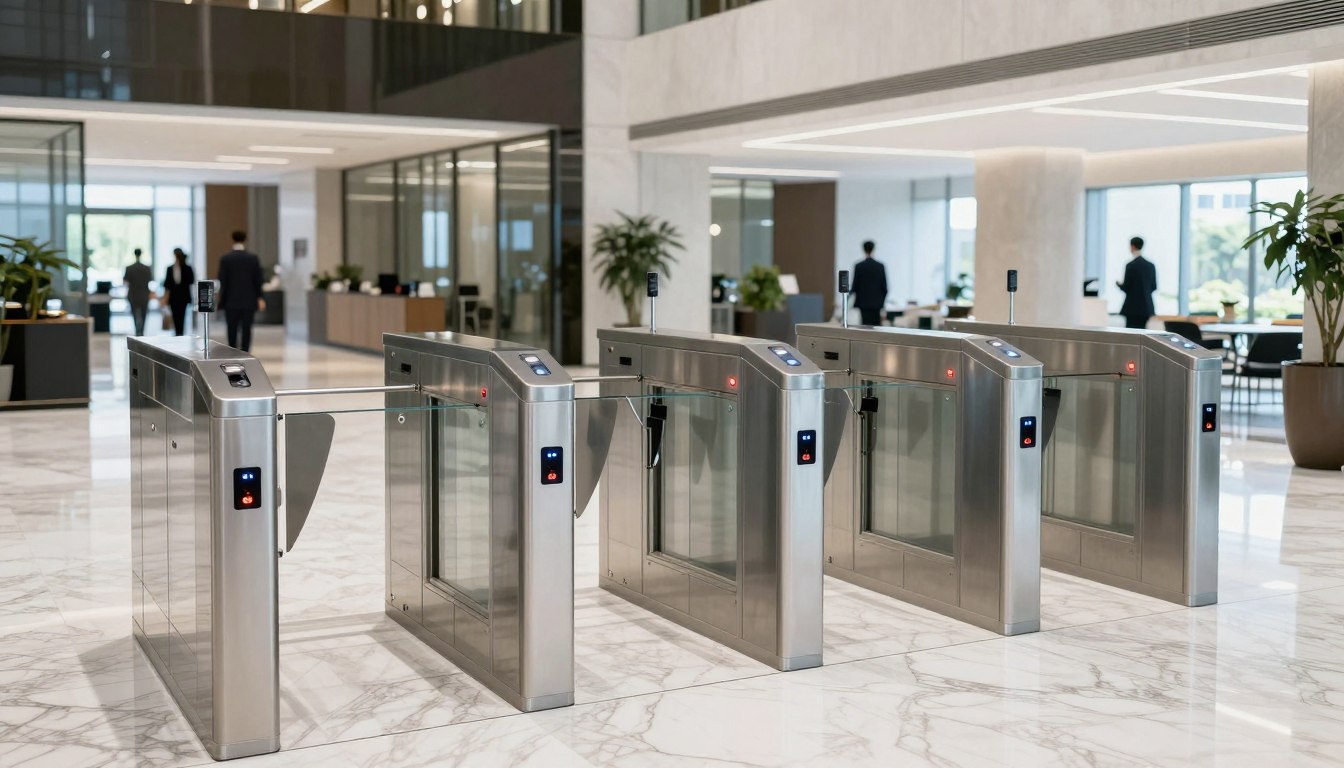
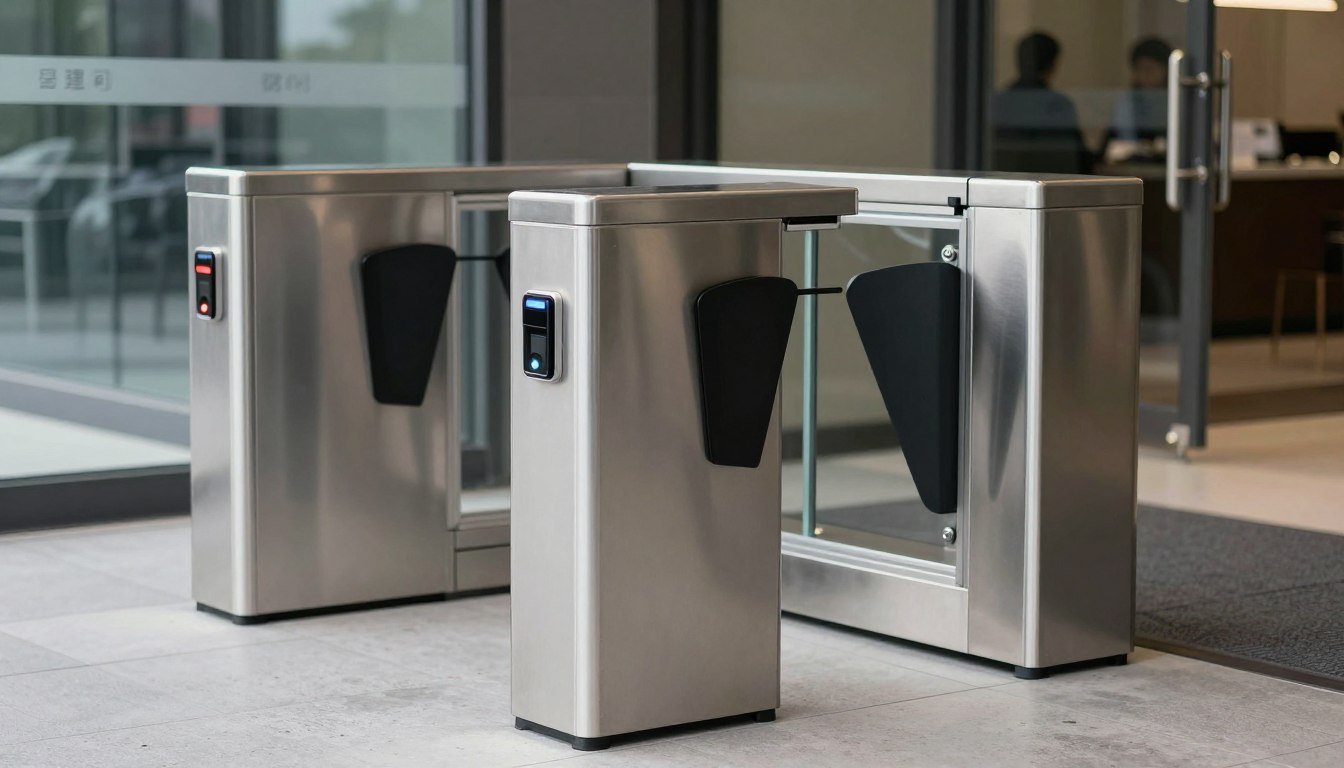
CCTV, biometric readers, keyless entry systems, turnstiles, and visitor management platforms are networked systems. Planning them separately from the office network often leads to missed cable runs, inadequate switch capacity, or security devices placed on the wrong network.
Power over Ethernet can simplify the deployment of cameras, access points, phones, and access control equipment by delivering power and data through one cable. However, switch power budgets must be calculated correctly. A switch may have enough ports for every device but insufficient power to operate them all under peak conditions.
Physical and cyber security should reinforce each other. Limit access to network cabinets and communications rooms, use controlled access records where appropriate, and protect critical equipment from casual tampering. A well-designed office treats its network infrastructure as an operational asset, not just an IT utility.
Test, Document, and Prepare for Day Two
Installation is not the final stage. Before staff move in, test wired connections, wireless coverage, internet failover, security camera recording, access control events, voice quality, and remote access. Testing should reflect normal business activity, not only a technician connecting one laptop.
The handover should include updated network diagrams, cable labels, device details, administrative access procedures, warranty information, and escalation contacts. This documentation is valuable whether the business has an internal IT team or relies on a managed provider.
It is also wise to define support expectations before the first issue occurs. Decide who monitors the network, who approves configuration changes, and what response is needed for a critical outage. Clear ownership prevents delays when a problem affects the entire office.
A successful network plan is one that makes work easier without demanding attention every day. With the right survey, structured cabling, security controls, and growth capacity, your office can move, expand, and operate with fewer technology surprises. An experienced implementation partner such as I-Weblogic can help coordinate these connected requirements so the finished environment supports the business from opening day onward.