A lost access card should not become an open door. For organizations managing offices, schools, retail locations, or restricted operational areas, biometric card access adds a meaningful layer of identity assurance: the person presenting the credential must also prove they are its authorized user.
That distinction matters when access control is responsible for more than opening a front door. It may protect server rooms, finance records, stock areas, laboratories, executive suites, or employee-only spaces. A properly planned system can reduce credential sharing, improve auditability, and give managers more confidence that access permissions are being applied as intended.
What Is Biometric Card Access?
Biometric card access combines a physical access credential with biometric verification. A user may tap a proximity card, smart card, or other approved credential, then verify identity using a fingerprint, facial template, palm, or another biometric factor. The reader or connected access control platform confirms that both elements match before releasing the door.
This is different from standard card-only access. A card-only system verifies that a valid credential was presented, but it cannot reliably confirm who is holding it. Cards can be borrowed, shared, misplaced, or used by someone who should not have access. Biometric verification addresses that gap.
The exact workflow depends on the system design. Some deployments require a card and fingerprint at every secured door. Others use card access for general entry and biometric verification only at higher-risk locations. This tiered approach often provides a better balance of security, cost, and employee convenience.
Where Biometric Card Access Delivers Value
The strongest use case is not necessarily the building with the most doors. It is the organization where knowing who entered a specific area has operational or security value.
In a corporate office, biometric verification may be appropriate for IT rooms, records storage, executive areas, and finance departments. In education, it can help restrict access to staff-only rooms, equipment stores, and administration offices. Retail and multi-site operations may use it for cash offices, back-of-house inventory, and locations with higher theft exposure.
For businesses with shift workers, the system can also reduce disputes around shared cards and unauthorized entry. Event records show which credential was used, at which door, and at what time. When access rules are configured correctly, managers can investigate exceptions without relying on manual key logs or incomplete recollections.
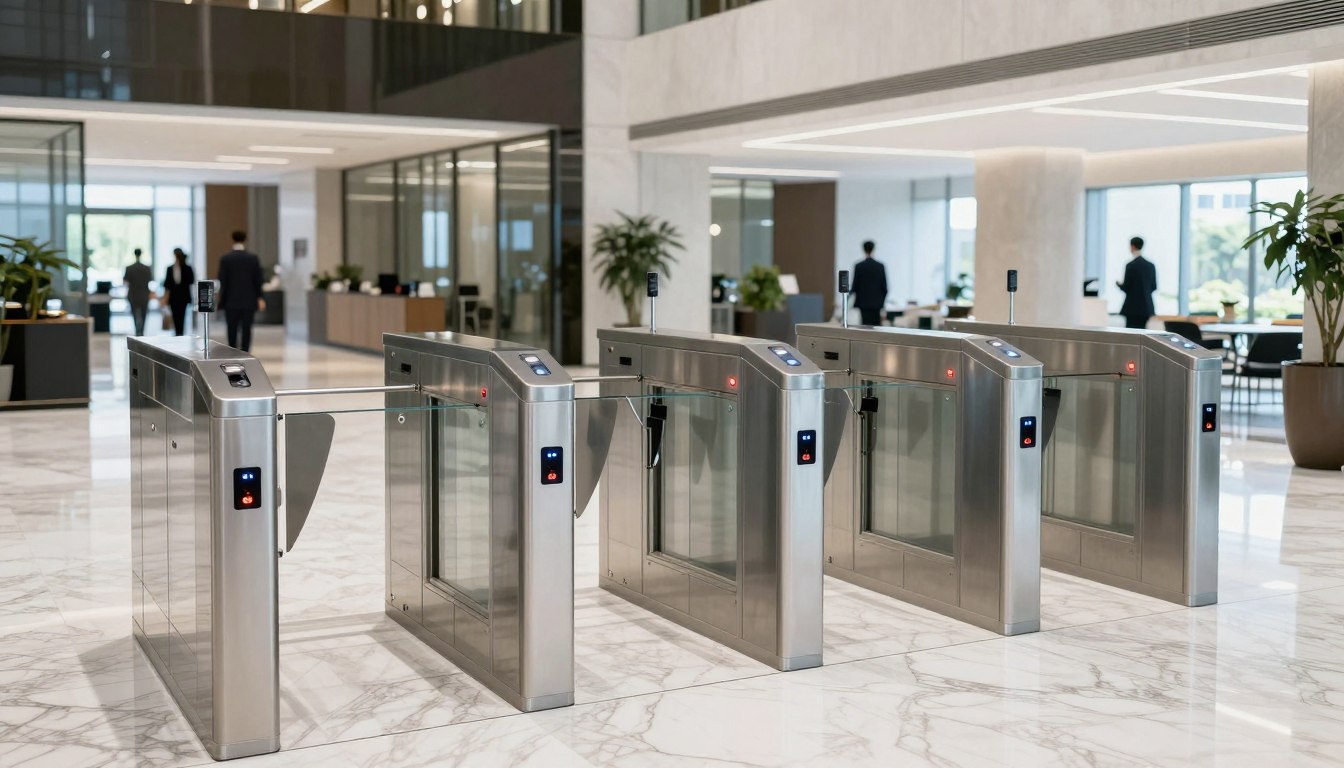
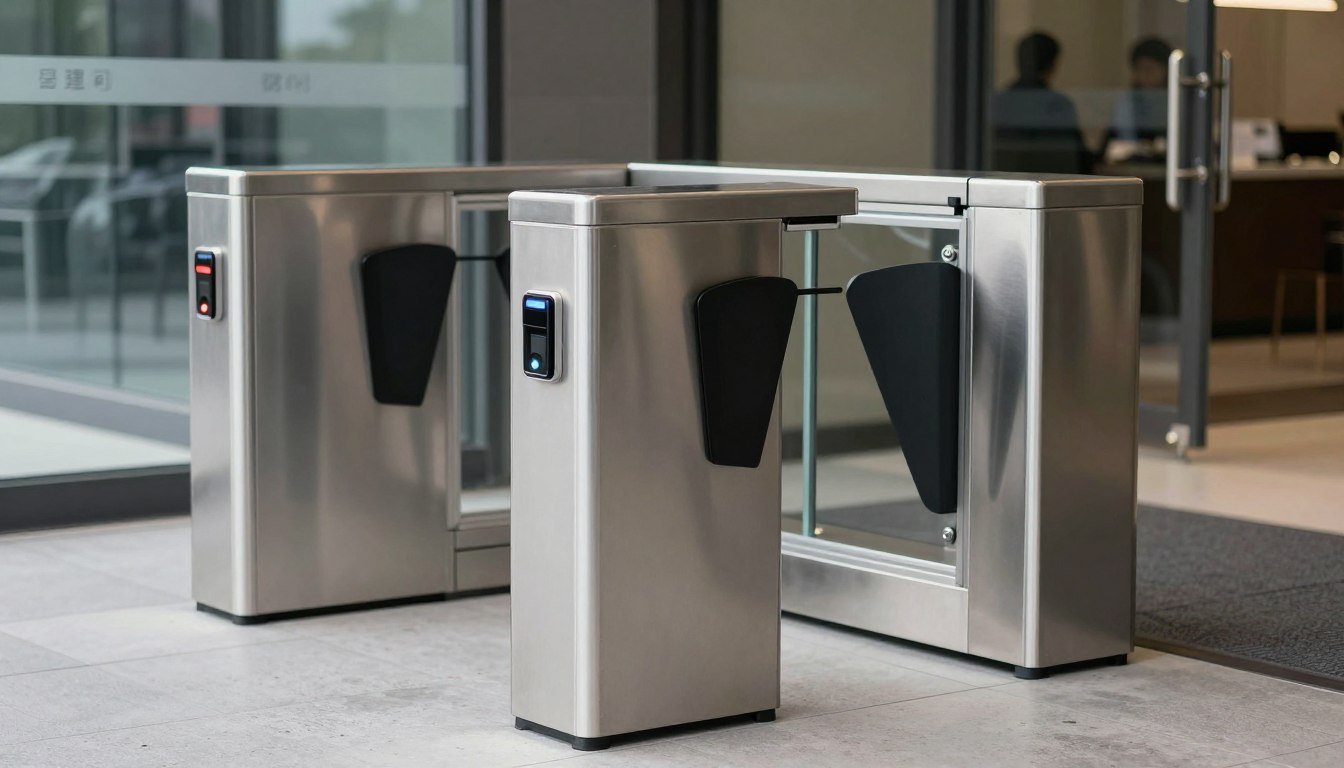
There is a practical limit. Requiring biometric verification at every door can slow movement during peak arrival periods, especially in a large office or campus. Main entrances may need multiple readers, turnstiles, or a combination of access methods to prevent queues. Security should support operations, not create a daily bottleneck.
Choosing the Right Authentication Model
Biometric access is not a single product category. The right configuration depends on the sensitivity of the space, expected traffic, user population, and the organization’s privacy obligations.
Fingerprint readers remain common because they are familiar, compact, and practical for many controlled doors. They can work well for smaller offices and restricted rooms, although reader quality and environmental conditions matter. Dirty, wet, or damaged fingers can affect performance, particularly in industrial, warehouse, or outdoor settings.
Facial verification can be useful where touchless entry is preferred. It may suit reception areas, turnstiles, or locations with higher throughput, but placement, lighting, camera angle, and privacy expectations require careful planning. The system should be tested with the actual user environment rather than selected solely from a specification sheet.
A card plus biometric approach is often called two-factor authentication because it combines something the user has with something the user is. For highly sensitive areas, organizations may add a PIN as a third factor. More factors generally increase assurance, but they also add time and administrative overhead. A server room may justify the extra step; a staff pantry likely does not.
Match security levels to door types
A sensible access design groups doors by risk. Public-facing entrances may use standard credentials with visitor management procedures. Staff-only doors may require a card, while restricted rooms require a card and biometric verification. This avoids overspending on high-security controls where they provide little additional value.
The same principle applies to schedules. Access should reflect job roles, work hours, temporary assignments, and emergency procedures. A system that grants everyone 24-hour access to every area is not delivering meaningful control, regardless of the technology installed at the door.
Plan the Infrastructure, Not Just the Reader
Biometric access control performs best when it is treated as part of the wider workplace infrastructure. Readers, controllers, locks, door contacts, exit devices, power supplies, network connections, and management software must work together reliably.
For a new office, access control planning should be coordinated with structured cabling, network design, CCTV coverage, intercoms, and door hardware early in the project. Retrofitting is possible, but it can introduce avoidable work if cable routes, electrical supply, fire-rated doors, or network capacity were not considered beforehand.
Networked systems need dependable connectivity and appropriate segmentation. Access devices should not simply be placed on the same unrestricted network as general office equipment. IT teams should define how controllers communicate with the management platform, who can administer the system, how credentials are encrypted, and how event data is retained.
Power resilience is equally important. During a power interruption, doors must behave according to the building’s security and life-safety requirements. Some doors may need to fail safe, meaning they unlock when power is lost, while others may need to fail secure. These decisions must align with local fire codes, emergency egress requirements, and the function of each opening.
I-Weblogic approaches these projects as coordinated infrastructure work, bringing cabling, networking, access control, and related security systems into one implementation plan. That helps reduce gaps between separate contractors and makes future expansion easier to manage.
Address Privacy Before Enrollment Begins
Biometric data deserves more care than ordinary access credentials. Unlike a card, a fingerprint or facial characteristic cannot simply be reissued if information is mishandled. Organizations should establish a clear process before collecting any biometric information.
In many systems, the platform stores an encrypted biometric template rather than a full image. Even so, decision-makers should verify how templates are created, where they are stored, whether they are transmitted off-site, who can access them, and how they are protected. Vendor claims should be validated against the actual system architecture and contract terms.
Employees and other enrolled users should understand why biometric verification is being used, what information is collected, how long it will be retained, and what happens when they leave the organization. Applicable privacy laws can vary by state and industry, particularly where biometric identifiers are specifically regulated. Legal and HR teams should review notice, consent, retention, and deletion practices before deployment.
A fallback process is also necessary. Some users may have a legitimate difficulty enrolling or using a particular biometric method. A controlled alternative, such as a supervised credential procedure or another approved authentication factor, prevents unnecessary exclusion while preserving the intended level of security.
Implementation Questions to Resolve Early
Before selecting equipment, establish the operational requirements that will shape the design:
- Which doors, rooms, and assets require stronger identity verification?
- How many users will enroll, and how often will staff, contractors, or visitors change?
- What traffic volume is expected at peak entry times?
- Which existing card systems, cameras, alarms, turnstiles, or HR platforms should integrate with the new system?
- What privacy, retention, emergency egress, and accessibility requirements apply?
These answers determine more than the choice of reader. They affect controller capacity, cabling routes, software licensing, enrollment procedures, support requirements, and the number of doors that should receive biometric authentication.
Make Administration Part of the Security Plan
A well-installed system can still become ineffective if access administration is inconsistent. Permissions should be assigned by role where possible, not manually rebuilt for every employee. Joiners, movers, and leavers need a documented process so access is granted promptly, adjusted when responsibilities change, and revoked without delay.
Review access reports regularly, particularly for sensitive spaces. Look for repeated denied entries, after-hours attempts, doors held open, and credentials used in unexpected locations. Integrating access events with CCTV can provide useful context when an incident requires review, but retention settings should remain proportionate to operational and privacy needs.
Training matters as well. Staff should know not to hold secured doors open for unknown individuals, lend credentials, or attempt to bypass readers. Technology reduces risk, but it does not remove the need for clear workplace procedures.
Biometric card access is most effective when it is designed around the real movement of people, assets, and responsibilities within a workplace. Start with the doors that matter most, build the supporting infrastructure correctly, and set rules that your team can maintain. The result is not just tighter entry control, but a more accountable and dependable security environment.