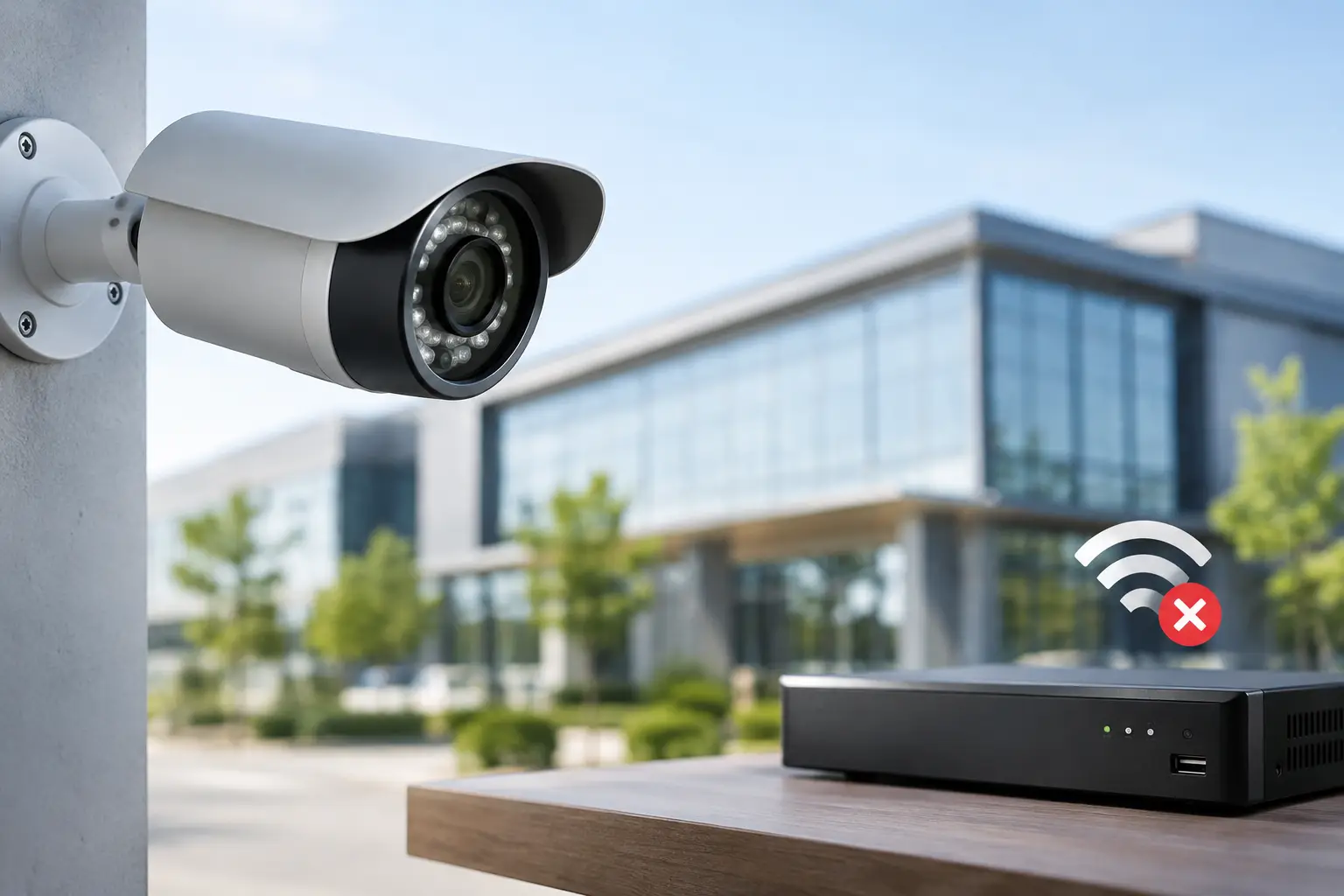
An internet outage should not create a security blind spot at your office, campus, retail outlet, or warehouse. Can CCTV work offline? Yes, provided the system is designed to record locally and has power available. The key distinction is that offline CCTV can continue capturing footage, but remote viewing, cloud backup, mobile alerts, and some centrally managed features may be unavailable until connectivity returns.
For business operators, that distinction matters. A camera system that records through a broadband outage protects the evidence you may need later. A system that depends entirely on cloud connectivity may leave gaps at the exact time your network service is disrupted.
Can CCTV Work Offline Without Internet?
Most professionally installed CCTV systems can operate without internet access. Internet connectivity is not required for a camera to capture video and send it to a local Network Video Recorder, or NVR. In a typical IP CCTV deployment, cameras connect through Ethernet cabling and Power over Ethernet switches to the NVR on the local area network. As long as the cameras, switches, NVR, and local network remain powered, recording can continue even when the internet service provider is down.
This is often the preferred design for offices and operational sites. Video remains within the business environment, recording schedules continue, and authorized staff can usually view live or recorded footage from a workstation connected to the same local network.
What stops during an internet outage is access from outside the site. A manager at home may not be able to open the mobile app. A security team monitoring multiple branches from a central location may temporarily lose visibility of the affected site. Cameras configured to upload clips directly to the cloud may also be unable to back up footage until the connection is restored.
What “Offline” Means for Different CCTV Systems
Not every camera setup behaves the same way offline. The recording method determines what remains available and what is lost during a connectivity interruption.
NVR-based IP CCTV systems
An NVR-based system is the most common choice for business environments that need reliable, scalable coverage. IP cameras transmit video over the local network to the recorder, where footage is stored on surveillance-grade hard drives. The internet is optional for local recording, although it is needed for remote access and off-site services.
This model works well for multi-camera offices, schools, retail locations, and warehouses because storage, retention periods, user permissions, and camera coverage can be managed in one place. It also allows an organization to expand in a controlled way as premises or security requirements change.
Cameras with onboard SD card storage
Some standalone IP cameras can record to a microSD card when they cannot reach an NVR or cloud service. This can provide useful backup recording for a small site or isolated camera location.
However, SD card recording is not usually a complete business surveillance strategy. Storage capacity is limited, cards can fail, and retrieving footage from many cameras is less practical. It is best viewed as a resilience feature, not a replacement for a properly specified NVR or server-based recording system.
Cloud-dependent cameras
Some consumer-oriented cameras rely heavily on an internet connection and cloud subscription. They may still detect motion or capture a short local clip during an outage if they have onboard storage, but their core functionality can be restricted without internet access.
This approach may suit a low-risk residential application. For a commercial site where evidence retention, user access, system health, and operational continuity matter, a cloud-only setup can introduce avoidable dependency on external connectivity.
Analog CCTV with DVR recording
Traditional analog cameras connected to a Digital Video Recorder, or DVR, can also continue recording without internet access. The principle is similar: cameras send video to a local recorder, and the internet is primarily used for remote viewing. Existing analog systems can be suitable in some environments, although many businesses choose IP CCTV for higher resolution, better scalability, and easier integration with modern networks.
Power Is the Real Offline Requirement
Internet loss is only one type of outage. If a site loses electrical power, cameras and recorders will stop unless they are supported by an uninterruptible power supply, generator, or other backup power arrangement.
For a PoE camera system, backup power must cover more than the NVR. The PoE switch powering the cameras, the network switch or router supporting local communication, and any storage or monitoring equipment should be included in the power plan. Protecting only the recorder may not help if cameras lose power at the same time.
The required runtime depends on the business risk. A small office may need enough battery capacity for an orderly shutdown or short utility interruption. A logistics facility, data room, or high-value retail environment may need longer coverage supported by a generator. The right answer depends on the number of cameras, their power draw, the recording equipment, and the operational impact of missing footage.
What You Can and Cannot Do During an Outage
When a locally recorded CCTV system remains powered but loses internet access, staff can generally continue recording and may be able to view footage from inside the site. Motion recording, continuous recording, and local playback should continue based on the system configuration.
Remote monitoring is the main limitation. Off-site users may not receive push notifications, email alerts, or access through a cloud portal. Centralized monitoring across multiple branches can also be affected. If a camera uses cloud-based artificial intelligence analytics, those functions may be reduced or unavailable until the internet connection returns.
This is why incident procedures should not assume that an app notification is the only warning method. On-site intrusion alarms, access control events, local audible alerts, and clear escalation procedures can provide additional protection when external connectivity is unavailable.
Designing CCTV That Keeps Recording
Reliable offline recording starts with system design, not an emergency workaround. A business should define its priorities before selecting cameras or recorders: required coverage areas, retention period, image quality, remote access needs, monitoring responsibilities, and acceptable downtime.
Storage sizing deserves particular attention. Higher-resolution cameras, longer retention periods, continuous recording, and high frame rates consume more capacity. If the recorder reaches capacity sooner than expected, it may overwrite footage before an incident is discovered. A practical design balances image quality with retention requirements and the available storage budget.
Network design is equally important. CCTV traffic should be planned so it does not interfere with core business systems such as voice, point-of-sale terminals, guest Wi-Fi, and cloud applications. For larger deployments, separating surveillance traffic through appropriate network segmentation can improve performance, control access, and simplify troubleshooting.
Physical resilience also matters. Recorders and network equipment should be located in a secured area rather than left exposed at a reception desk or retail counter. Camera cabling needs professional routing and labeling, particularly during office relocations, renovations, and multi-floor installations. A camera that records locally is of limited value if its cable can be easily disconnected or its recorder can be removed.
Security Considerations for Offline CCTV
Local recording should not be confused with isolated security. Cameras, NVRs, and network devices still need strong passwords, role-based user accounts, firmware maintenance, and restricted administrative access. When remote access is required, it should be configured carefully rather than exposing devices directly to the public internet.
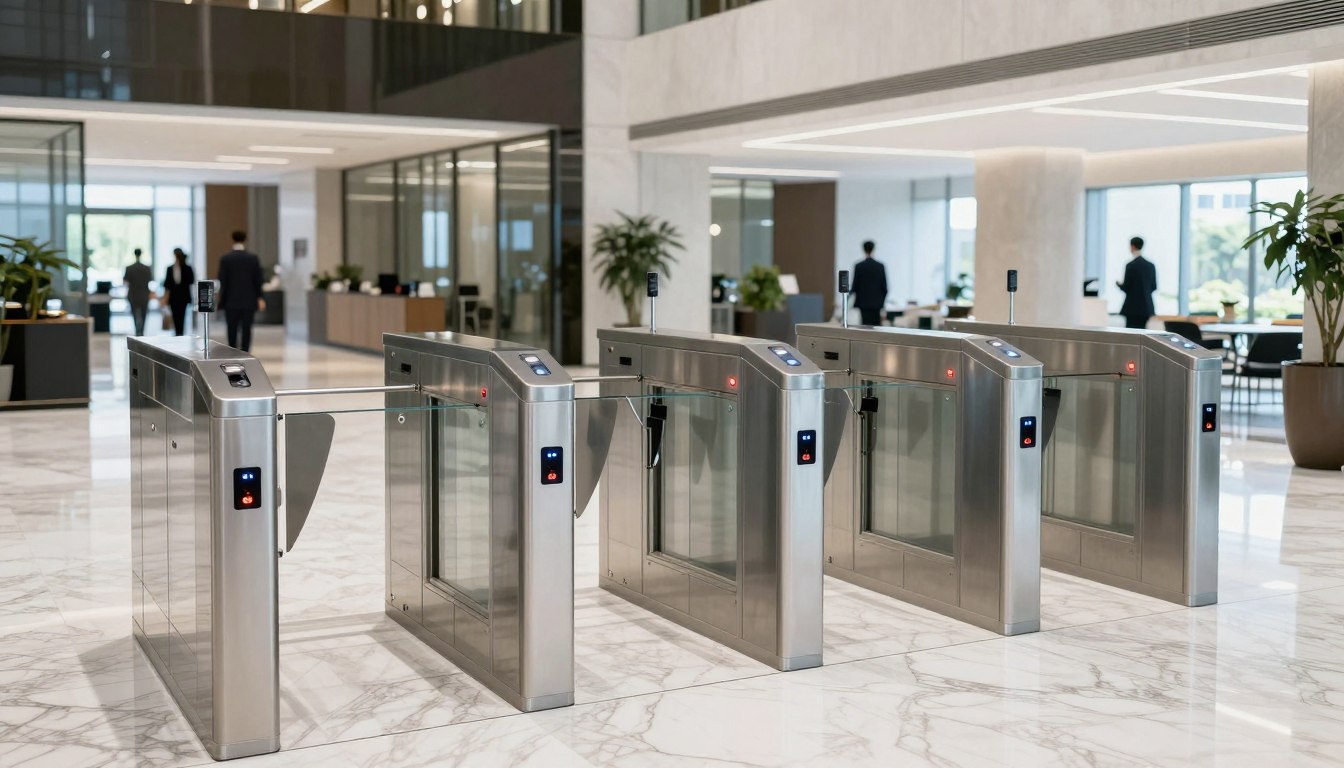
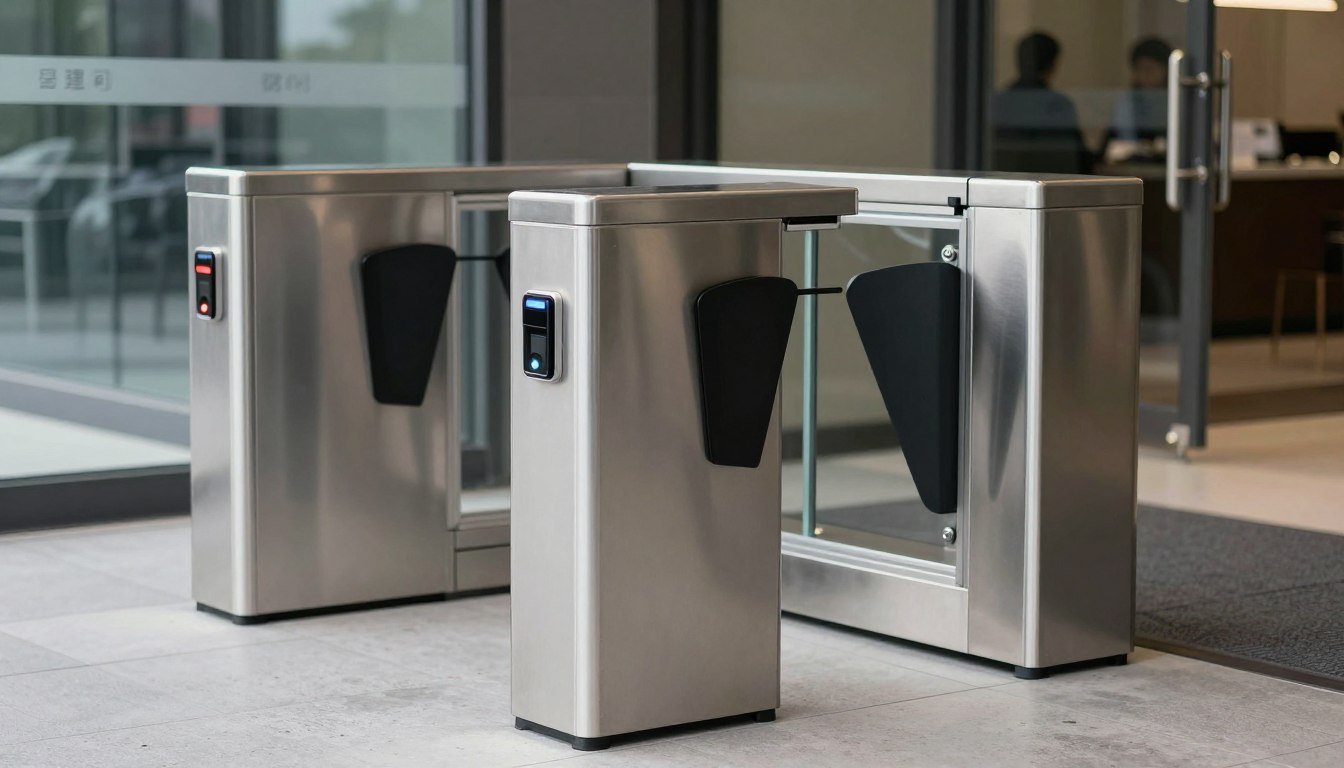
A layered approach is usually more appropriate for business premises. CCTV can be combined with biometric access control, keyless entry, turnstiles, alarms, and well-designed wired or wireless networks. For example, an access event at a restricted door can help an investigator locate the corresponding camera footage quickly. These integrations can improve response and accountability without making the CCTV system dependent on an always-on internet connection.
Testing is part of the design. Periodically simulate an internet outage and confirm that cameras remain online locally, the NVR continues recording, staff can access footage on site, and the backup power behaves as expected. This simple exercise often reveals overlooked dependencies, such as a switch that was not connected to the UPS or a camera configured only for cloud recording.
When Offline CCTV May Not Be Enough
Some organizations need continuous off-site visibility. Multi-site retailers, security operations centers, and facilities with no staff on location may depend on remote monitoring to respond quickly. In those cases, local recording should still be the foundation, but network resilience becomes more important.
A secondary internet connection, such as business-grade cellular failover, can keep remote viewing and alerts available when the primary service fails. It should be sized realistically, however. Streaming many high-resolution cameras over cellular service can be expensive and may not deliver the same performance as a wired connection. A sensible policy may prioritize alarm-triggered clips, selected critical cameras, or low-bandwidth substreams during failover.
The best system is not necessarily the one with the most features. It is the one that continues to collect usable evidence, supports the people responsible for security, and fits the organization’s actual risks. A properly planned CCTV installation from an experienced systems integrator such as I-Weblogic can align local recording, backup power, structured cabling, network capacity, and remote access into one dependable operating design.
Before the next internet interruption tests your premises, verify where footage is stored, how long it is retained, and which components will remain powered. Those answers determine whether your cameras are simply connected devices or a security system your business can rely on.