
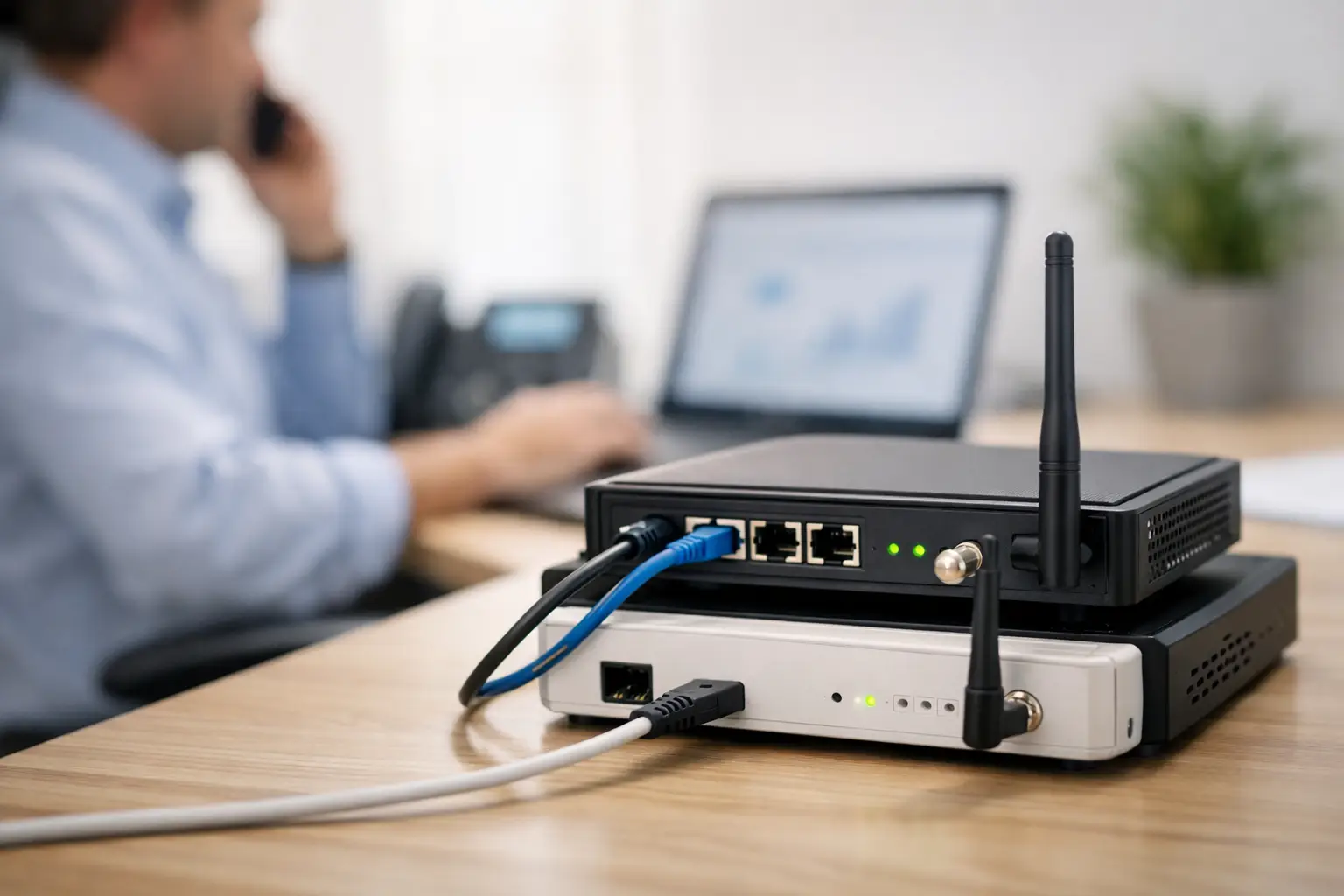
When the primary internet circuit drops, work does not simply pause. Cloud applications time out, card payments fail, IP phones go quiet, CCTV monitoring can be interrupted, and staff may be unable to access the systems they need to serve customers. A properly planned business internet failover setup gives your organization a second path to connectivity and a clear process for switching to it when the first path fails.
For offices, schools, retail outlets, and multi-site operations, failover is not just an IT feature. It is a continuity decision. The objective is to keep essential services available while the primary provider restores the fault, without creating security gaps or relying on someone to manually reconnect equipment under pressure.
What a Business Internet Failover Setup Should Protect
The first question is not which backup connection to buy. It is which business functions must remain available during an outage. For some organizations, that means email, video meetings, and cloud file access. For others, the priorities are point-of-sale terminals, VoIP calling, remote access, CCTV viewing, door access management, or connectivity between locations.
Not every application requires the same level of protection. A retail location may need payment processing and security systems to take priority over guest Wi-Fi. A corporate office may prioritize cloud productivity platforms, VPN access, and IP telephony. Separating critical traffic from lower-priority use prevents a limited backup connection from being consumed by software updates, streaming, or personal devices.
This assessment also establishes a realistic expectation for performance. A cellular backup can keep a small office operating, but it may not support dozens of video calls, large file transfers, and high-resolution camera feeds at the same time. The right design matches backup capacity to the services that cannot wait.
Choose Two Connections That Can Fail Independently
Failover only helps when the backup is unlikely to fail for the same reason as the primary service. Two circuits from the same provider, entering through the same building route and terminating on the same local infrastructure, may offer less protection than expected.
The strongest approach combines diversity in provider, access technology, and physical path where practical. A fiber primary circuit paired with fixed wireless, cable broadband, or 4G/5G cellular service is often a sensible design. A larger site may use two dedicated circuits from separate carriers, ideally with separate building entry routes.
Cellular backup is attractive because it can be deployed quickly and does not depend on local wired infrastructure. However, coverage, signal quality, data allowances, carrier congestion, and static IP requirements need to be reviewed before it is treated as a business continuity solution. Installing an external antenna or locating the cellular gateway correctly can make a significant difference in reliability.
For organizations with multiple branches, another option is to use a secondary site or data center path for selected applications. This can work well when the wider network has been designed with sufficient capacity and security controls. It is not a substitute for local internet backup if a branch still needs to process payments, make calls, or access cloud platforms during a circuit outage.
Design the Failover Policy, Not Just the Hardware
A dual-WAN firewall or router is typically the control point for failover. It monitors the primary connection and moves traffic to the secondary connection when it detects an issue. The device can then return traffic to the main circuit after service has stabilized.
The details matter. A firewall that checks only whether its local gateway is reachable may miss a wider internet outage. Better configurations test reliable external destinations and use more than one health check. This helps distinguish a genuine service interruption from a temporary response delay.
Failback also needs care. Switching back the moment a circuit briefly responds can create repeated disruption if the line is unstable. A suitable recovery timer and verification period reduce this risk. The goal is not the fastest possible switch at any cost, but a controlled response that avoids unnecessary flapping between connections.
Some applications are sensitive to an internet address change. Active VPN sessions, hosted voice services, payment systems, and remote desktop connections may drop when traffic moves to a backup circuit. That does not mean failover has failed. It means the business should understand which sessions will need to reconnect and whether a static IP, SD-WAN service, or application-specific configuration is justified.
Keep security active on the backup path
A common mistake is treating backup connectivity as an emergency shortcut around normal security standards. The same firewall rules, content controls, network segmentation, and remote-access policies should remain in effect regardless of which internet circuit is active.
This is particularly relevant where CCTV, biometric access control, IP telephony, and business Wi-Fi share the same network environment. A failover design should preserve the separation between corporate devices, security systems, voice traffic, guest access, and other network segments. If staff can work through the backup link but cameras or access control systems become unreachable, the organization has only solved part of the problem.
Plan Capacity and Prioritization Before an Outage
Backup bandwidth is finite. Rather than sizing it around normal internet consumption, size it around essential operations during disruption. Review current traffic patterns, then identify what can be paused or restricted while the primary circuit is unavailable.
A practical failover policy may allow business applications, payment terminals, critical voice traffic, and approved remote access while limiting guest Wi-Fi, cloud backups, operating system updates, and nonessential video streaming. Quality-of-service settings can give latency-sensitive services such as VoIP a higher priority.
There are four areas worth confirming during the planning stage:
- Expected backup speed, latency, data limits, and cellular signal strength.
- The users, devices, and applications that must receive priority.
- Whether public IP-dependent services, VPNs, and voice platforms will behave correctly after switching.
- How long the backup service can sustain operations during an extended primary outage.
This information turns a generic backup line into an operational plan. It also helps management make a sensible cost decision. A basic cellular service may be enough for a small administrative office, while a busy customer-facing site may need a higher-capacity secondary circuit with stronger service assurances.
Test the Business Internet Failover Setup Regularly
A failover design that has never been tested is an assumption, not a continuity measure. Testing should include more than unplugging a cable and confirming that web browsing still works. The business should verify the applications and devices that matter in an actual outage.
Schedule controlled tests during an appropriate maintenance window. Confirm that the firewall detects loss of the primary circuit, switches traffic to the backup connection, and restores service according to the planned policy. Check cloud applications, VoIP calls, payment processing, remote access, CCTV viewing, and connectivity to key branch or hosted systems.
Record the results, including switch-over time, services that required reconnection, bandwidth constraints, and any alerts that did not arrive. These findings are valuable for improving the configuration and setting realistic staff expectations. They also provide evidence that the organization has tested its continuity controls.
Testing should be repeated after office moves, firewall replacements, carrier changes, major network upgrades, or changes to critical cloud applications. A new cabling layout, Wi-Fi deployment, or security system can alter traffic patterns and power requirements in ways that affect failover performance.
Do Not Overlook Power and Physical Infrastructure
Internet redundancy is ineffective if the firewall, switches, cellular gateway, or modem lose power during the same incident. Critical network equipment should be supported by appropriately sized uninterruptible power supplies, with runtime based on the services that must remain active. For sites requiring longer protection, generator planning may also be relevant.
Physical installation deserves attention as well. Backup equipment needs secure placement, appropriate ventilation, correctly labeled cabling, and a documented connection path. A cellular antenna should be installed where it can maintain usable signal strength, not hidden in a communications closet because it is convenient. Structured cabling and clean rack organization make maintenance faster when every minute of downtime matters.
For organizations managing networking, cabling, IP telephony, and physical security together, a coordinated design avoids conflicting decisions between separate contractors. I-Weblogic approaches these systems as connected parts of the workplace infrastructure, helping businesses plan continuity around how their people, premises, and services actually operate.
A dependable failover arrangement is built before the outage, not during it. Start with the operations you cannot afford to lose, design independent connectivity paths around them, and test the result until your team knows what will happen when the primary line goes down.


Pingback: Network Monitoring Tools for Preventing Downtime - I-Weblogic Pte Ltd