
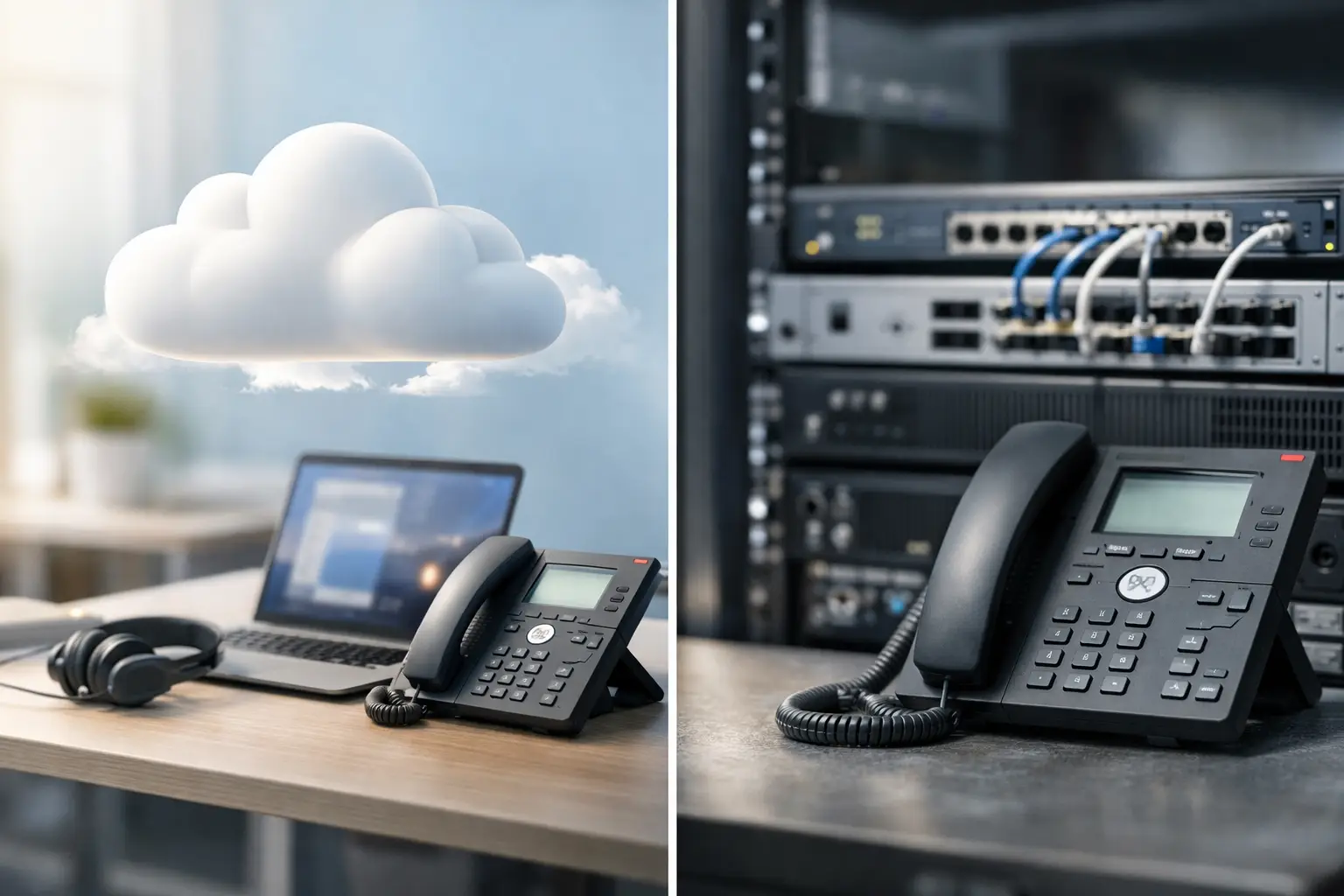
A business phone system is not simply a set of desk phones. It is part of how reception handles customers, how teams coordinate across locations, and how quickly an office can continue operating after a move, outage, or expansion. The cloud PBX vs IP PBX decision therefore comes down to more than monthly cost. It affects control, security responsibilities, network readiness, and the level of support your business needs.
Both options use internet protocol to carry voice calls. The difference is where the phone system runs and who is responsible for maintaining it. A sound choice begins with that distinction, then looks closely at your sites, users, network, and operational priorities.
Cloud PBX vs IP PBX: The Core Difference
An IP PBX is a private branch exchange that uses an IP network rather than traditional analog phone lines. It manages extensions, call routing, voicemail, auto attendants, call queues, and other business calling functions. An IP PBX can be installed on physical equipment at your office, deployed as a virtual appliance in your own environment, or provided as a hosted service.
A cloud PBX is the hosted version. The PBX platform is operated in a provider’s data center or cloud environment, while your users connect through desk phones, softphone applications, or mobile devices over the internet. The provider generally manages platform updates, core infrastructure, and service availability.
That means cloud PBX and IP PBX are not always opposing technologies. Cloud PBX is an IP-based phone system, but an IP PBX may be owned and managed by your organization on-site. For decision-makers, the practical comparison is usually cloud-hosted PBX versus on-premises IP PBX.
When Cloud PBX Makes Business Sense
Cloud PBX is often a strong fit for businesses that want faster deployment with less equipment to manage. A new office can typically be configured without installing a dedicated PBX server room setup. Users can retain extensions while working from home, at a branch office, or on the road, provided their connection and devices are properly secured.
The commercial model is usually subscription-based, with a recurring per-user or per-feature cost. This reduces the up-front capital expense associated with PBX hardware, software licenses, and local redundancy. For a growing business, adding users, call queues, or additional locations is generally straightforward.
Cloud PBX can be particularly practical for distributed teams, retail groups with multiple outlets, and businesses that expect staffing levels to change. Centralized administration also helps an IT or operations team maintain consistent call handling across sites. A receptionist at headquarters, for example, can route calls to a specialist at another location without customers needing to understand the organization’s internal structure.
The trade-off is dependency on internet connectivity and the service provider’s platform. If the office internet connection fails and there is no secondary connection or call-forwarding plan, users may lose their normal calling capability. Quality can also suffer when voice traffic competes with large file transfers, video conferencing, guest Wi-Fi, or unmanaged devices on the same network.
A cloud system is not automatically hands-off. Someone still needs to manage users, access permissions, phone provisioning, call flows, and network performance. The provider maintains the platform, but your business remains responsible for using it securely and effectively.
When an On-Premises IP PBX Is the Better Fit
An on-premises IP PBX places the system under your organization’s control. The PBX hardware or virtual server operates within your own office, data center, or managed private environment. Your team or implementation partner has direct authority over configuration, integrations, upgrades, and the timing of system changes.
This approach can suit organizations with established IT resources, specialized call-routing requirements, or strict internal policies around data and system control. Larger campuses, manufacturing facilities, healthcare environments, and organizations with complex integration needs may prefer the flexibility of an on-premises deployment. It can also be appropriate where local calling must continue during an external internet outage, as long as the design includes local gateways, power protection, and suitable carrier connectivity.
The cost model is different. An IP PBX generally requires a larger up-front investment for servers or appliances, licenses, installation, backup power, and possibly redundant components. Ongoing expenses include software maintenance, security patching, system monitoring, replacement hardware, and technical support. The system may offer lower long-term costs in some higher-user-count environments, but only when the organization can manage those responsibilities well.
Control brings accountability. A poorly maintained IP PBX can become a security risk or a source of operational disruption. Default passwords, outdated firmware, exposed management interfaces, and weak network segmentation can create serious problems, including unauthorized call charges and service outages. The platform should be treated as a business-critical application, not a one-time installation.
Compare the Operational Trade-Offs
The right model depends on how your business operates, not on which option appears more modern. Cloud PBX favors simplified operations and flexible scaling. On-premises IP PBX favors direct ownership and deeper customization. Neither choice compensates for unreliable cabling, insufficient internet capacity, or a poorly designed local area network.
For budget planning, look beyond the price of handsets. Cloud systems typically convert more costs into predictable operating expenses, while on-premises systems require capital spending and a realistic allowance for maintenance. A lower first-year price can be misleading if it excludes network upgrades, backup connectivity, implementation work, or support after installation.
For resilience, determine what happens if a site loses power, internet service, or access to the PBX. A cloud PBX can redirect calls to mobile devices or alternate locations, but that requires planning. An on-premises PBX can maintain certain local functions, but only if the server, switches, phones, gateways, and power systems are protected. Business continuity is a design decision, not a feature that appears automatically in either model.
Security should receive the same attention. Cloud PBX customers should confirm how user access, administrative permissions, multifactor authentication, call records, and provider support access are managed. On-premises IP PBX deployments need disciplined patching, firewall policies, secure remote access, backups, and restricted administrator accounts. In both cases, voice systems should be separated from guest and general data traffic where appropriate.
Your Network Is Part of the Phone System
Voice quality is often blamed on the PBX when the real issue is the network. Every call depends on the cabling, switches, wireless coverage where softphones are used, firewall configuration, and internet connections between the user and the service.
A business-ready implementation should assess whether structured cabling supports the required phone locations and whether switches provide adequate Power over Ethernet for IP handsets. Voice traffic should be assigned to the correct VLAN and given appropriate quality-of-service priority, so a large download does not interrupt a customer call. Firewall and router settings also need to support voice traffic without exposing the system unnecessarily.
For cloud PBX, verify available bandwidth in both directions and test performance during peak business activity. A secondary internet circuit or cellular failover can provide valuable protection for customer-facing teams. For an on-premises IP PBX, consider local network redundancy, UPS coverage, server backups, and failover options for essential services.
These details matter most during office relocations, branch openings, and technology refreshes. Coordinating cabling, Wi-Fi, switching, internet access, physical access control, and telephony under a single implementation plan reduces the risk of discovering missing dependencies on move-in day.
Questions to Ask Before Selecting a PBX
Start with the way calls move through your business. How many users need desk phones, mobile access, shared reception coverage, call recording, or queue management? Will teams work from multiple sites? Do you need the phone system to integrate with door intercoms, CRM platforms, paging systems, or existing analog devices?
Next, assess internal ownership. If your business does not have the time or technical resources to maintain PBX software, monitor security updates, and troubleshoot voice routing, cloud PBX may be the more practical choice. If you have a capable IT team and a clear reason to retain local control, an on-premises IP PBX can be a strong long-term platform.
Finally, ask for a design that addresses failure scenarios. Confirm how inbound calls are handled during an internet outage, how emergency calling information is maintained, how new users are added, and who supports the system when a problem occurs. A phone system should be evaluated by its behavior on a difficult day, not only by its feature list during a sales demonstration.
I-Weblogic approaches IP telephony as part of the wider business infrastructure. Since 2003, the focus has been on coordinating reliable cabling, network design, security controls, and communications systems so each component supports the next.
The better choice is the one that gives your people dependable calling without creating avoidable work for your IT and operations teams. Build the decision around your network, your continuity requirements, and the way your business expects to grow.

