
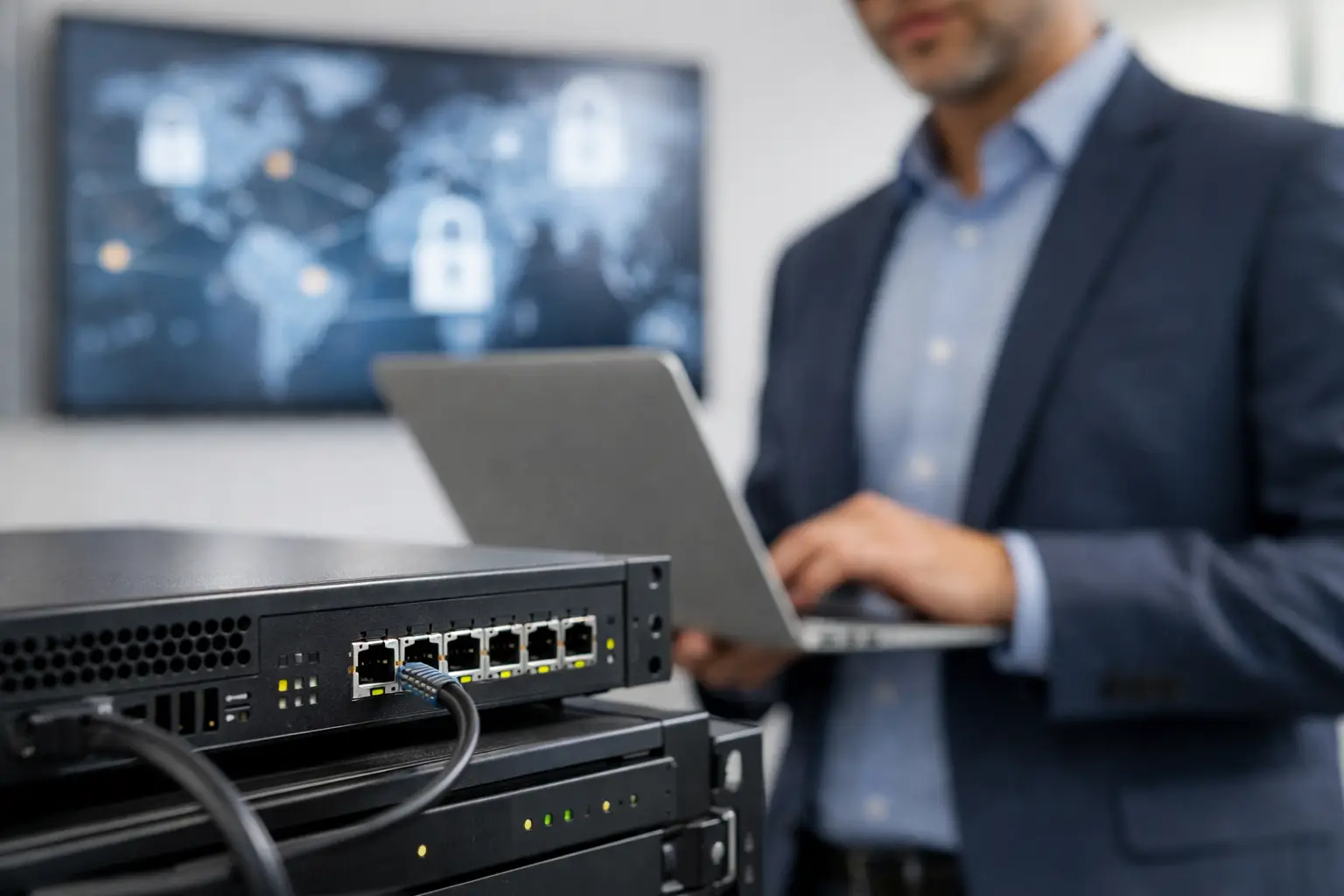
A firewall purchase often begins after an uncomfortable event: a suspicious login, an unreliable remote connection, a new branch office, or an insurer asking tougher security questions. The right response is not simply to buy the appliance with the highest throughput rating. Knowing how to choose a business firewall means matching security controls to the way your company actually operates, including its users, locations, applications, and capacity for ongoing management.
For an office with a few dozen staff, a retail group with multiple outlets, or a growing organization moving to a new site, the firewall should protect the business without becoming the reason applications slow down or staff cannot work. That balance comes from a clear assessment before comparing models and licenses.
Start With the Risks Your Business Needs to Control
A firewall sits between your network and untrusted networks, but its value depends on the threats and traffic it can inspect. Basic packet filtering is no longer enough for many businesses. Employees use cloud applications, work from home, connect mobile devices, and may access company systems from several locations. Each activity creates a different exposure.
Begin by identifying what you are protecting. A company handling customer records, payment information, financial data, or confidential designs may need more detailed inspection, stronger segmentation, and reporting than a small office using email and cloud accounting software. A school or retail business may place greater emphasis on separating guest Wi-Fi, point-of-sale systems, staff devices, cameras, and access-control equipment.
Also consider the cost of disruption. If internet downtime stops sales, prevents calls from reaching customers, or takes an entire site offline, resilience matters as much as threat prevention. In that case, the firewall design may need dual internet connections, automatic failover, or high-availability hardware rather than a single device.
Assess Traffic, Not Just Internet Speed
Firewall sizing is one of the most common sources of avoidable performance problems. A device may support a stated firewall throughput that looks comfortably above your internet connection. However, that figure can fall significantly when security services are enabled.
Features such as intrusion prevention, antivirus scanning, web filtering, application control, SSL inspection, and VPN encryption require processing power. A firewall that handles simple traffic at high speed may struggle when it is asked to inspect encrypted cloud traffic for a growing number of users.
When reviewing capacity, look at the performance ratings with the security services you expect to use, not the headline number alone. Account for peak usage, video meetings, cloud backups, IP telephony, large file transfers, and future bandwidth upgrades. A practical design leaves room for growth instead of running at its limit from day one.
For multi-site businesses, include traffic moving between offices and cloud platforms. A branch may have a modest local internet connection but still need enough VPN capacity to support secure access to centralized applications, file servers, or voice services.
Choose Security Features That Fit Real Operations
The firewall should enforce policies your team can maintain. More features do not automatically mean better protection if they are poorly configured, generate alerts nobody reviews, or interrupt business-critical traffic.
Most businesses should evaluate these core capabilities:
- Next-generation application control to identify and manage applications, rather than relying only on ports and IP addresses.
- Intrusion prevention and malware protection to block known malicious activity and suspicious files.
- Web and DNS filtering to reduce exposure to phishing sites, harmful downloads, and inappropriate categories.
- Secure remote access through VPN or zero-trust access controls for remote employees and external support teams.
- Network segmentation to separate sensitive systems, guest networks, cameras, phones, and general user devices.
The right mix depends on the environment. SSL inspection, for example, can improve visibility into encrypted traffic, but it must be planned carefully. It may affect performance, require certificate management, and create exceptions for certain applications or privacy-sensitive services. A business should not enable it broadly without testing and a clear policy.
Similarly, advanced threat detection can be valuable for organizations with higher risk, but it should be paired with a process for responding to alerts. Security tools create value when someone can investigate, contain, and document incidents in a timely manner.
How to Choose a Business Firewall for Multiple Sites
A single-office firewall and a multi-site security design are not the same purchase. When offices, retail outlets, warehouses, or campuses need to work as one organization, centralized visibility and consistent policy enforcement become essential.
Look for a platform that can manage multiple firewalls from one console. This allows IT teams to apply common security rules, monitor device health, review logs, and update firmware without visiting every location. It also reduces the risk that one outlet is left on an outdated configuration while the head office has stronger protections.
Secure site-to-site connectivity should be considered early. VPN tunnels can connect sites over public internet services, while SD-WAN capabilities can help prioritize important traffic and select the best available connection. This is particularly useful where cloud applications, voice calls, and point-of-sale systems share limited bandwidth.
Do not overlook local continuity. A remote site may need a backup internet service, cellular failover, or defined rules that allow essential systems to continue operating if its connection to headquarters is interrupted.
Plan the Network Around the Firewall
A firewall is not a standalone security answer. Its effectiveness depends on the network connected to it. Flat networks, where every device can communicate freely with every other device, make it easier for an incident to spread.
A better design uses separate network segments and clear rules between them. Staff workstations might need access to business applications and printers. Guest Wi-Fi should access the internet only. CCTV cameras, biometric readers, IP phones, and building systems should be isolated from employee devices unless a legitimate operational need exists.
This is where infrastructure planning matters. During an office relocation, expansion, or network refresh, it is often more cost-effective to design cabling, switching, wireless access points, and firewall policies together. The result is clearer device placement, better Wi-Fi coverage, simpler troubleshooting, and fewer security exceptions later.
For example, a retailer installing new cameras and access-control systems should not place those devices on the same open network as payment terminals. The firewall can control permitted communications between segments, while properly configured switches and wireless networks enforce the design at the access layer.
Check Management, Licensing, and Support Before You Buy
The purchase price of the appliance is only one part of the cost. Many business firewalls require annual or multi-year subscriptions for security updates, threat intelligence, web filtering, cloud management, and support. Compare these costs over the expected life of the device, usually three to five years, rather than choosing based only on the initial quotation.
Ask practical questions about administration. Who will monitor alerts? Who will apply firmware updates? How quickly can policies be changed when a new application is introduced or an employee needs remote access? If the internal team is small, a managed service or implementation partner can provide a more reliable operating model than leaving the firewall unattended after installation.
Support expectations should be written into the decision. Consider replacement options for failed hardware, escalation paths, configuration backups, response times, and whether after-hours assistance is needed. A firewall that protects a 24-hour operation needs a different support arrangement from one serving a standard office schedule.
Established vendors may offer strong feature sets, but the best choice still depends on local implementation quality. A well-configured solution with documented policies, tested failover, and regular review will generally provide better business protection than a more expensive device installed with default settings.
Use a Structured Evaluation Before Deployment
Before selecting a model, document your current users, devices, internet services, applications, remote-access requirements, and planned growth. Then ask vendors or implementation partners to size the solution against those details, including security services turned on.
A useful proposal should explain the recommended architecture in business terms: what is being segmented, how remote users will connect, what happens during an internet outage, which services are licensed, and who manages the system after go-live. It should also include a deployment plan that minimizes downtime and confirms that critical applications, phones, cameras, and wireless networks work as intended.
I-Weblogic approaches firewall projects as part of the wider business infrastructure, coordinating network, wireless, cabling, and physical security requirements where needed. This helps organizations avoid fragmented designs that are difficult to support as they grow.
The most suitable firewall is the one your business can operate confidently every day. Choose a design that protects current operations, leaves capacity for change, and gives your team a clear plan for maintaining security long after installation day.

