
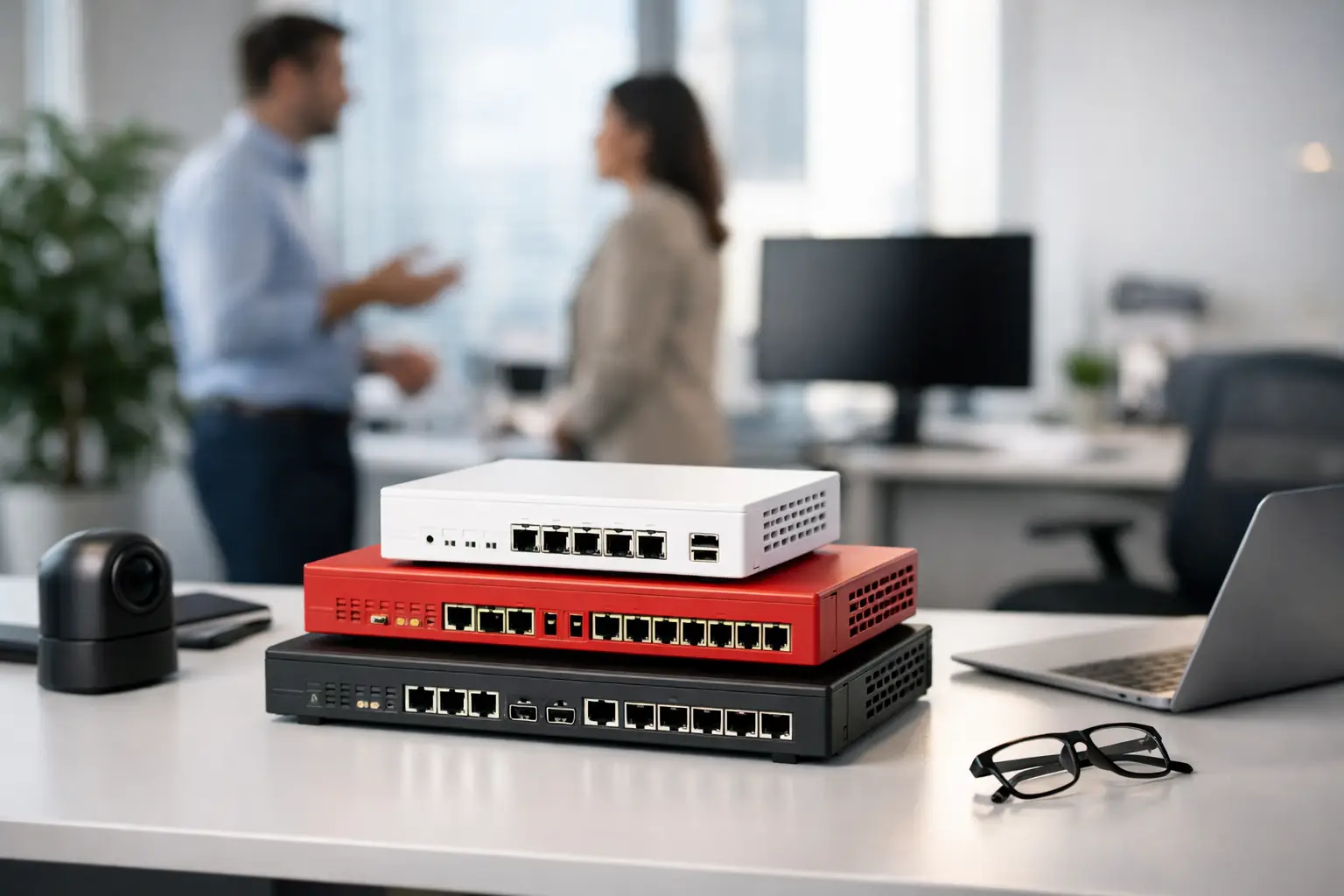
A small office firewall is often expected to do far more than block unwanted traffic. It may support remote staff, connect cloud applications, separate guest Wi-Fi, protect IP phones and CCTV, and keep a second branch connected. That is why choosing among the best small office firewall appliances is less about finding the highest specifications and more about matching security, performance, and management to the way the business operates.
For a 10-person professional office, the right appliance may be very different from the right choice for a 50-user retail group with several locations. Subscription costs, internet speed, VPN demand, available IT support, and planned growth all matter. A lower-cost firewall that becomes a bottleneck after an office move is rarely a saving.
What a small office firewall should do
At its core, a firewall controls which traffic can enter and leave a network. Business-grade appliances add inspection and policy controls that give an organization more visibility than a standard internet router. Depending on the platform and licensing selected, this can include intrusion prevention, web filtering, application control, malware protection, VPN access, and reporting.
The practical goal is to reduce risk without interrupting normal work. Staff should be able to use approved applications, access cloud services, and connect remotely under defined policies. Guest devices should not reach business systems. A compromised laptop should not have unrestricted access to a file server, camera network, or access-control system.
This is especially relevant where the firewall sits at the center of a wider infrastructure project. Structured cabling, managed switches, wireless access points, IP telephony, CCTV, and door access systems work better when network segments and rules are planned together rather than added one device at a time.
Best small office firewall appliances by business need
There is no universal winner. The best platform depends on how much security oversight the business needs and who will manage it after installation.
Cisco Meraki MX for cloud-managed offices
Cisco Meraki MX appliances are a strong fit for organizations that value centralized cloud management, particularly those with multiple small sites or limited on-site IT resources. An administrator can apply policies, review connectivity, manage VPN settings, and troubleshoot from a single dashboard.
This approach is useful for businesses with a head office, retail outlets, training centers, or satellite offices. Auto VPN can simplify site-to-site connectivity, while consistent templates help keep configurations aligned across locations. Meraki also integrates naturally with its switching and wireless ecosystem.
The trade-off is the ongoing licensing model. The appliance depends on active licensing for full operation and cloud management, so renewal costs should be included in the total budget from the outset. It is well suited to businesses that prioritize operational consistency and visibility over the lowest initial hardware cost.
Fortinet FortiGate for strong security value
FortiGate appliances are frequently selected when a business wants broad security capabilities and high performance at a competitive price point. Models such as the FortiGate 40F, 60F, or current equivalent ranges can suit many small offices, depending on user count, internet bandwidth, and inspection requirements.
Fortinet offers a deep set of firewall, VPN, web-filtering, and threat-protection functions. It is particularly compelling where the business has faster internet circuits or wants to inspect traffic without sacrificing too much performance. Its ecosystem can also extend into switching, wireless, endpoint protection, and centralized management.
The platform has more configuration depth than some cloud-first alternatives. That is an advantage for an experienced IT team or managed partner, but it can be excessive for a business that only wants a simple gateway with minimal policy needs. Correct sizing and professional policy setup make a meaningful difference here.
Sophos Firewall for endpoint-led security teams
Sophos Firewall is a practical option for companies already using Sophos endpoint protection. Its synchronized security features can share information between protected devices and the firewall, helping administrators identify and respond to a device that presents a risk.
For a small office with limited security staff, the interface and reporting can make daily management more approachable. The platform supports remote access, web controls, application policies, and network segmentation, while providing a clear view of users and devices.
Sophos is most compelling when it fits the wider security stack. If the business uses a different endpoint platform and has no reason to adopt the Sophos ecosystem, the operational benefit may be smaller. As with other next-generation firewalls, confirm which protection services are covered by the selected subscription bundle.
Ubiquiti UniFi for cost-conscious network standardization
A UniFi gateway or security appliance can be a sensible choice for smaller offices that already use UniFi switches and wireless access points. Management is unified in one interface, making it easier to see clients, create VLANs, control guest access, and maintain a consistent network design.
This option works well for straightforward office connectivity, guest Wi-Fi isolation, remote administration, and basic VPN requirements. It can be particularly attractive for organizations that need dependable networking controls without the licensing structure of some enterprise firewall platforms.
However, UniFi should not automatically be treated as a replacement for a full security appliance in every environment. Businesses with compliance requirements, advanced threat inspection needs, complex VPN policies, or a larger attack surface may benefit from Fortinet, Cisco, or Sophos instead. The decision should reflect the risk profile, not just the device price.
How to size a firewall correctly
Do not size a firewall by employee count alone. A 15-person architecture office moving large design files and using video calls can create more demand than a 40-person office with light web and email use. Start with the internet connection, then consider the services that will be enabled.
Firewall data sheets often show maximum throughput under ideal conditions. The more relevant number is threat-protection throughput with intrusion prevention, web filtering, and other inspection features active. If the office is purchasing a 1 Gbps internet service but the firewall can inspect only a fraction of that speed, users may experience slow cloud access at busy times.
Remote access also needs a clear estimate. Count staff who may use VPN concurrently, not just total headcount. Consider whether remote users need access to all internal resources or only specific applications. Restricting access by role reduces exposure and can simplify support.
Finally, allow room for growth. A firewall generally has a longer replacement cycle than an access point or switch. If a new branch, warehouse, cloud migration, or additional cameras are likely within the next two to three years, select an appliance and licensing tier that can accommodate the change.
Security policies matter more than the box
Even the best small office firewall appliances cannot compensate for weak implementation. A useful installation begins with a clear network design: business users, guest Wi-Fi, servers, IP phones, cameras, access-control panels, and building-management devices should be separated where appropriate.
The firewall should use a default-deny approach for inbound traffic. Remote access should use multi-factor authentication where available, and unnecessary management ports should never be exposed to the public internet. Outbound rules should be purposeful as well, especially for isolated networks that contain CCTV or physical-security devices.
Routine updates are equally important. Firmware updates address security issues, while subscription services need timely renewal to maintain threat intelligence and filtering features. Logging should be reviewed often enough to detect unusual activity, failed VPN attempts, or a recurring bandwidth problem before it becomes an outage.
Questions to ask before purchasing
Before approving a firewall, ask the supplier to document the expected protected throughput, the number of VPN users, the licensing term, and the support arrangement. Clarify whether installation includes network segmentation, policy creation, testing, administrator handover, and a rollback plan should the cutover encounter an issue.
Also ask how the solution will integrate with the existing environment. A firewall project may reveal outdated cabling, unmanaged switches, overlapping Wi-Fi coverage, or a poorly separated camera network. Addressing these dependencies during implementation is usually less disruptive than fixing them after an incident or office expansion.
For businesses that need one accountable partner across cabling, wireless, physical security, and network protection, I-Weblogic can help align the firewall selection with the full office infrastructure rather than treating it as an isolated purchase.
The right firewall is the one your business can keep correctly configured, monitored, and supported as operations change. Choose for the real traffic, real risks, and real growth plans of the office, then give the appliance the network design and ongoing attention it needs to protect.


Pingback: Ethernet Switch Versus Router: Business Network Basics - I-Weblogic Pte Ltd