
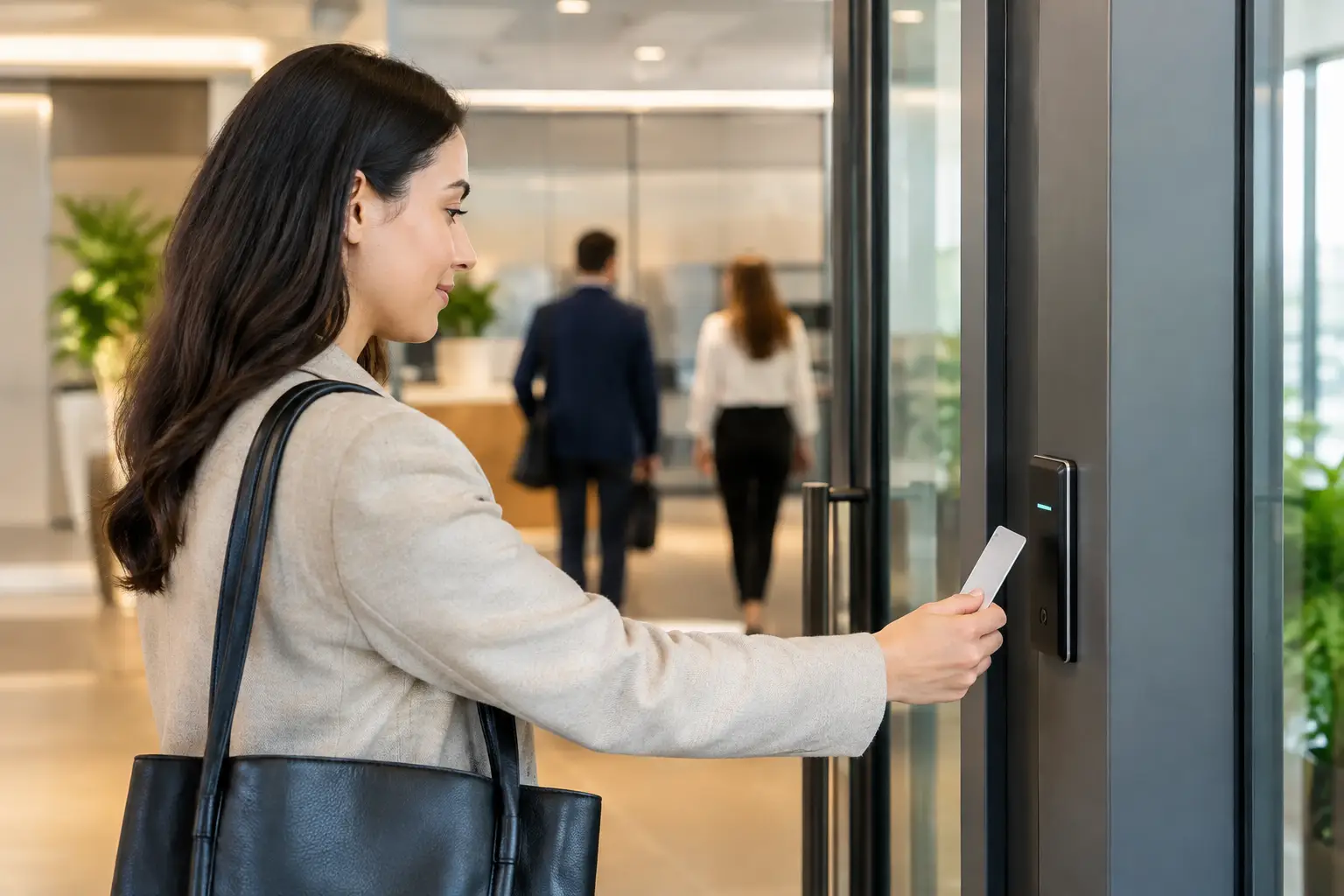
A former employee’s access card still working after their final day is a small oversight with a large consequence. So is a propped-open side door, a shared PIN, or a visitor walking through reception without being logged. Secure office entry methods are not simply about stopping unauthorized access. They give businesses practical control over who enters, where they can go, and what happens when an exception occurs.
For operations, IT, and facilities leaders, the right approach also needs to work on a busy Monday morning. Employees should be able to enter without delays, managers should be able to update permissions quickly, and the system should support future expansion without requiring a complete replacement.
What Secure Office Entry Methods Need to Deliver
The strongest access control systems balance security with day-to-day usability. A method that is difficult for employees will encourage workarounds, while a system that is easy to bypass offers only the appearance of protection. The goal is controlled access that fits the way the organization actually operates.
At a minimum, a well-planned system should verify identity, apply access rules by person and location, record entry activity, and allow permissions to be changed without physically collecting keys. It should also account for failures. If a controller, network connection, or power supply is disrupted, the business needs clear rules for safe entry and emergency egress.
The right level of security depends on the area being protected. A general office entrance has different requirements from a server room, finance department, research area, warehouse, or executive floor. Rather than applying one credential type to every door, organizations benefit from matching the method to the risk.
Key Cards and Fobs: A Proven Starting Point
Proximity cards and key fobs remain common because they are familiar, cost-effective, and quick to issue. Employees present the credential to a reader, and the system checks whether they have access to that door at that time. When a person leaves the company, their credential can be disabled immediately.
For many offices, this is a practical improvement over mechanical keys. There is no need to rekey locks after a lost card or staff departure, and administrators can create schedules for contractors, cleaners, or temporary workers. Entry records also provide a useful audit trail when investigating an incident.
The trade-off is that cards and fobs can be lost, shared, or borrowed. They confirm possession of a credential, not necessarily the identity of the person holding it. That may be acceptable for low-risk areas, but it is less suitable where access must be tied to a specific individual.
Mobile Credentials for Flexible Workplaces
Mobile access uses a smartphone as the credential. Employees can enter through a compatible reader using Bluetooth, near-field communication, or a secure application. For offices with hybrid schedules, multiple locations, or frequent visitors, mobile credentials reduce the effort of issuing, replacing, and retrieving physical cards.
This approach can be especially useful for new hires. Access can be prepared before the employee arrives, while access for departing staff can be removed from a central management platform. It also reduces the common problem of people carrying multiple badges for different offices or restricted areas.
Mobile entry is not automatically the best choice for every organization. Some employees may not want to use a personal phone for workplace access, and businesses need a policy for lost devices, dead batteries, and phone replacements. A good deployment offers an alternative credential, such as a card or PIN, rather than assuming every user has the same device and preference.
PIN Pads: Useful, but Best When Not Used Alone
PIN access can be convenient for shared spaces, short-term entry, and locations where issuing credentials is impractical. It is also often used as a second factor alongside a card or mobile credential. For example, a staff member may present a card at the main entrance but need a PIN to enter a records room.
Used as the only control, however, PINs have limitations. Codes can be observed, passed between employees, and left unchanged for too long. Shared codes also weaken accountability because the entry log cannot reliably identify the person who entered.
If PINs are part of the plan, set individual codes where possible, require periodic changes for sensitive areas, and remove access promptly when job roles change. The keypad should be positioned to reduce shoulder surfing, particularly at public-facing entrances.
Biometric Access for Higher-Assurance Areas
Biometric readers use a physical characteristic, such as a fingerprint or facial pattern, to verify identity. This makes them valuable for high-security doors because an employee cannot casually lend their fingerprint to another person. Biometrics are often deployed for server rooms, laboratories, controlled storage, and other areas where an audit trail must identify the actual individual entering.
The benefit comes with additional considerations. Biometric data requires careful handling, clear internal policy, and appropriate retention practices. Organizations should also plan for accessibility, privacy expectations, and a reliable backup process if a reader cannot validate a user. In many cases, biometrics work best as part of multi-factor access rather than as a standalone solution.
Turnstiles and Door Hardware Address Tailgating
Even the best credential reader cannot prevent someone from following an authorized employee through an open door. This behavior, often called tailgating or piggybacking, is a significant weak point in busy offices.
Turnstiles, speed gates, and optical barriers create a more controlled entry point by allowing one person through at a time. They are well suited to corporate lobbies, education facilities, and multi-tenant workplaces with regular visitor traffic. Door contacts, request-to-exit devices, electric strikes, magnetic locks, and closers also matter. Access control is only as effective as the door hardware that enforces it.
A turnstile is not necessary for every office. Smaller teams may achieve the right result with well-positioned readers, self-closing doors, visitor procedures, and staff awareness. The decision should reflect traffic volume, available reception coverage, the sensitivity of the space, and the cost of an unauthorized entry.
Build Secure Office Entry Methods Into One Operating System
The most dependable security outcomes come from integration, not isolated devices. Access control can work alongside CCTV, intercoms, alarm systems, visitor management, and the company network to give administrators context when an event occurs.
For example, an access event at a restricted door can be matched with camera footage from that time. A receptionist can use an intercom to verify a delivery driver before releasing a door remotely. Security teams can investigate forced-door alarms faster when they can see the relevant entry history and video rather than searching through separate systems.
Integration also affects installation quality. Controllers, readers, cameras, network switches, power supplies, and cabling need to be planned together. Poor cable routing, inadequate power capacity, weak Wi-Fi coverage, or an unmanaged network connection can create avoidable service issues. An experienced systems integrator can coordinate the physical security design with structured cabling and network infrastructure, reducing the gaps that commonly appear when multiple contractors work independently.
Design Access Around Roles, Not Individuals
A scalable system begins with access groups. Instead of manually selecting doors for every employee, create role-based profiles such as general office staff, finance team, IT administrators, facilities personnel, and approved contractors. Each profile should include only the access needed to perform the role.
This makes changes faster and lowers the chance of excess permissions. When an employee moves from sales to finance, an administrator can assign the new role and remove the old one. When a contractor’s project ends, their temporary profile can expire automatically.
Access schedules deserve equal attention. Many businesses do not need every credential to work at all hours. Limiting entry to expected work periods reduces risk while still allowing authorized managers or on-call IT staff to access the building when necessary. Exceptions should be documented and reviewed, rather than accumulating indefinitely.
Questions to Ask Before Selecting a System
Before choosing technology, assess the operational requirements. How many doors need control now, and how many may be added after an expansion? Are there multiple offices or remote sites? Which areas require a simple credential, and which require two-factor or biometric verification? Who will manage access rights, respond to alerts, and maintain user records?
It is also worth considering visitor flow. A busy office may need a reception intercom, visitor credentials, or turnstile integration. A smaller site may prioritize remote administration because there is no full-time facilities team on location. For organizations planning an office move, access control should be designed early, before walls, doors, ceilings, cabling routes, and network cabinets are finalized.
The best entry solution is the one employees can use consistently, administrators can manage confidently, and the business can expand without disruption. Start with the doors and risks that matter most, then build a system that gives your organization lasting control rather than another set of keys to manage.

