
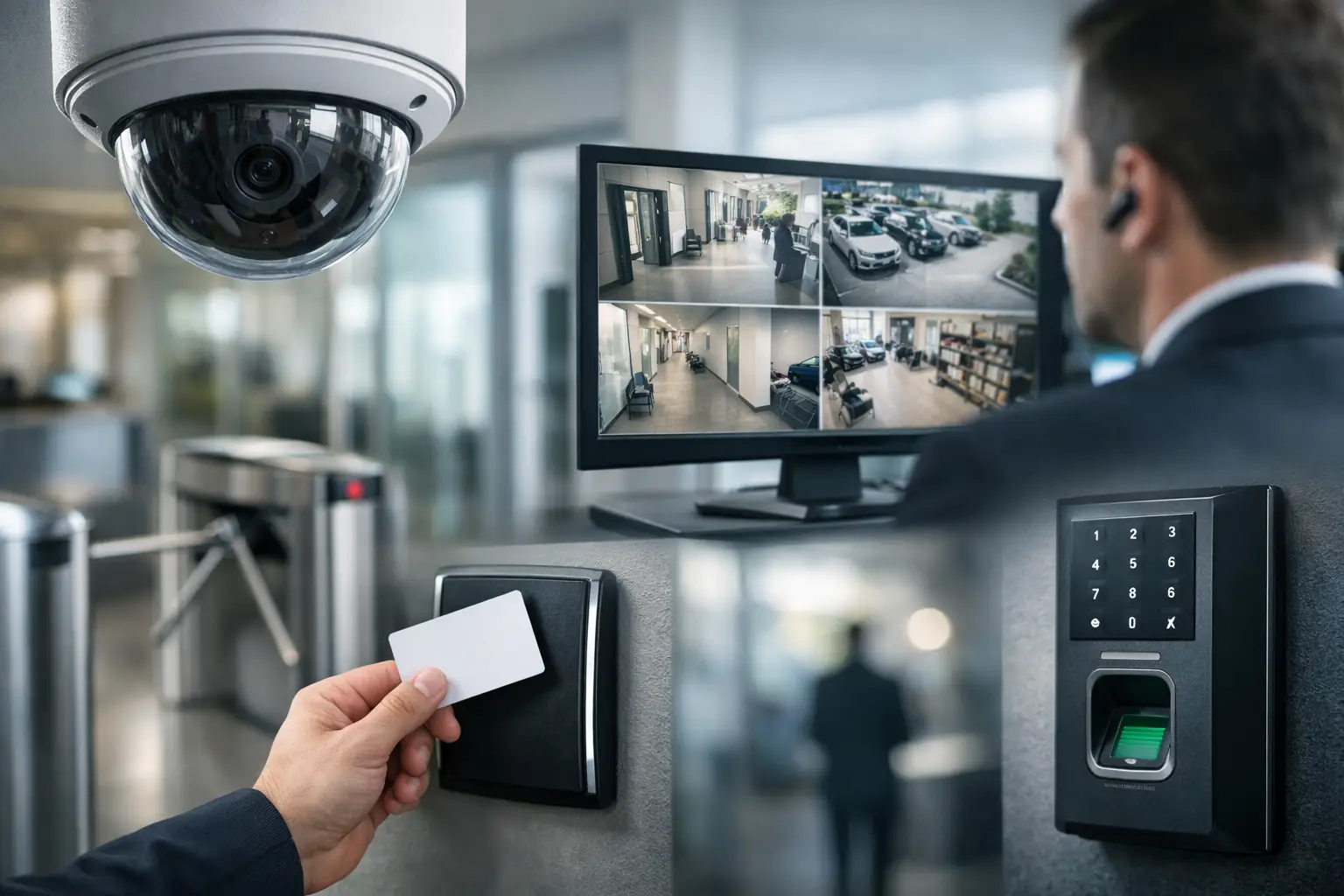
A door controller installed without the right network capacity can become a security gap. Cameras placed before cabling routes are finalized can create expensive rework. This physical security integration guide helps business leaders avoid those common problems by planning security as one operating system, not a collection of standalone devices.
For offices, schools, retail outlets, and multi-site operations, integration means coordinating the physical layer, network, security platforms, power requirements, and daily workflows. The goal is practical: give authorized people appropriate access, provide clear incident evidence, and keep systems manageable as the organization grows.
What Physical Security Integration Means
Physical security integration connects systems that protect people, premises, assets, and information. These systems often include CCTV, biometric or card-based access control, keyless entry, intercoms, turnstiles, visitor management, alarm monitoring, and security lighting. The supporting infrastructure is equally significant: structured cabling, fiber links, PoE switches, wireless coverage, power backup, and firewall policies.
A properly integrated environment lets these components work together without forcing every system into one software platform. For example, an access event at a server room door may be tied to the relevant camera footage. A reception team may view an intercom call, verify a visitor, and release a door remotely. Facilities staff can receive a clear alert when a controlled door is forced open or left ajar.
Integration does not always mean a large, complex deployment. A small office may only need a few cameras, two controlled doors, and a reliable network switch. A campus or multi-outlet retailer may require centrally managed video, role-based access rules, segmented networks, fiber connectivity, and local resilience when an internet link fails. The right scope depends on risk, operating model, budget, and expansion plans.
Start With Operations, Not Devices
The best design begins with how the site actually operates. Before selecting cameras or readers, identify who enters each area, when they enter, what happens during an exception, and who is responsible for responding. This is where many projects gain or lose long-term value.
Consider an office with a public reception area, staff workspaces, executive offices, a storeroom, and an IT room. These spaces should not receive the same level of control. Reception may need visitor visibility and intercom support. The IT room may require access limited to named personnel, entry logs, and a camera view of the door. A storeroom may need scheduled access for operations teams and audit trails for after-hours entry.
It also helps to document the scenarios that matter most. These may include employee onboarding and offboarding, lost credentials, contractors arriving after hours, deliveries, emergency evacuation, attempted tailgating, and a camera outage. A system should make routine tasks faster while providing a clear response path for unusual events.
Build a Site and Risk Assessment
A site assessment should cover the building layout as well as the technology environment. Review entry and exit points, existing conduits, ceiling access, door hardware, lighting conditions, internet availability, network closets, and electrical capacity. For a renovation or office move, assessing these factors early prevents last-minute compromises such as exposed cabling or cameras with obstructed views.
The assessment should also identify assets and risks. High-value inventory, confidential records, cash-handling areas, restricted laboratories, and network equipment rooms each call for different controls. Avoid applying the same camera specification, retention period, or access rule to every area simply for consistency. Security should be proportionate to the risk.
Design the Infrastructure Behind the Security System
Security devices are only as dependable as the infrastructure supporting them. IP cameras, door controllers, intercoms, and wireless readers need stable connectivity. They may also rely on Power over Ethernet, uninterrupted power supplies, correctly sized cable pathways, and secure network configurations.
Structured cabling should be planned around device locations, future additions, and service access. A camera may need a cable run today, but a future layout change could require another camera at the opposite end of the floor. Allowing capacity in cable trays, conduits, patch panels, and network cabinets costs less than reopening ceilings later.
Network design deserves equal attention. Security traffic can be separated from general business traffic through VLANs and appropriate firewall rules. This reduces unnecessary exposure and helps preserve performance when video streams are active. Bandwidth, switch capacity, storage requirements, and remote viewing needs should be calculated from the number of cameras, their resolution, recording settings, retention period, and expected simultaneous users.
There are trade-offs. Higher-resolution video can improve identification, but it increases storage and bandwidth demand. Cloud-managed services can simplify administration, but organizations should evaluate recurring costs, internet dependence, data handling requirements, and local recording options. Wireless devices can reduce installation disruption, but wired connections are generally preferred for fixed, high-priority cameras and controllers where reliability is critical.
Select Systems That Can Grow With the Business
The most suitable platform is not necessarily the one with the longest feature list. It is the one that supports the organization’s current needs, works with its infrastructure, and has a realistic path for expansion.
For access control, look at credential options, user administration, reporting, door hardware compatibility, mobile access needs, and the ability to manage multiple sites. Biometric authentication can add assurance in sensitive areas, but it should be assessed carefully for privacy obligations, user acceptance, and fallback procedures when a reader cannot verify someone.
For CCTV, focus on coverage objectives rather than camera count. A camera intended to monitor a loading bay needs different placement and performance from one used to identify faces at an entrance. Consider low-light conditions, backlighting, weather exposure, viewing angles, privacy zones, and the speed at which staff can find relevant footage after an incident.
When integrating turnstiles, keyless locks, intercoms, or visitor management tools, confirm how events are logged and how exceptions are handled. A secure entrance can quickly become an operational bottleneck if reception staff cannot assist visitors, issue temporary access, or override a door under defined authority.
Implement in Phases Without Losing Control
Phased implementation is often the sensible approach, especially for occupied offices or organizations with several locations. It allows critical areas to be secured first while reducing disruption to employees and customers. However, phases should still follow one coordinated design. Installing different systems at each site without standards can create a costly management problem later.
A practical rollout generally addresses four areas:
- Core infrastructure, including cabling, racks, switches, power backup, and network segmentation.
- Priority entry points and sensitive areas, where access control and camera coverage deliver the greatest immediate risk reduction.
- Administration and operating procedures, such as credential issuance, access approvals, incident review, and user permissions.
- Testing, handover, and documentation so internal teams know how to operate and maintain the environment.
Testing should go beyond confirming that a camera displays an image or a door unlocks. Test failure conditions: power loss, network interruption, attempted forced entry, controller communication loss, emergency release, and remote access permissions. Confirm that doors fail safe or fail secure according to the purpose of the opening and applicable safety requirements.
Manage the System After Go-Live
Physical security is not finished at installation. Access lists change as people join, move roles, or leave. Camera views can be blocked by new signage, shelving, or office partitions. Firmware updates, storage health, battery status, and cybersecurity controls require periodic review.
Assign clear ownership across facilities, IT, security, and HR. HR may authorize employee access changes, facilities may manage doors and building operations, IT may own network policies and user administration, and a security lead may review incidents. The exact model varies, but unclear ownership is a common reason well-designed systems become poorly maintained.
Maintain accurate records of device locations, cable identifiers, IP addresses, credentials, warranties, and configuration changes. These records shorten troubleshooting during an outage and make future expansion more predictable. A qualified integration partner can also help align cabling, networking, CCTV, access control, and site requirements under a single implementation plan.
I-Weblogic approaches these projects with that practical coordination in mind, helping organizations build security environments that support daily operations rather than complicate them.
The most useful next step is to walk the site with the people who use it every day. Their experience with entry points, blind spots, visitor flow, and operational delays will reveal where an integrated security investment can deliver the clearest return.

