
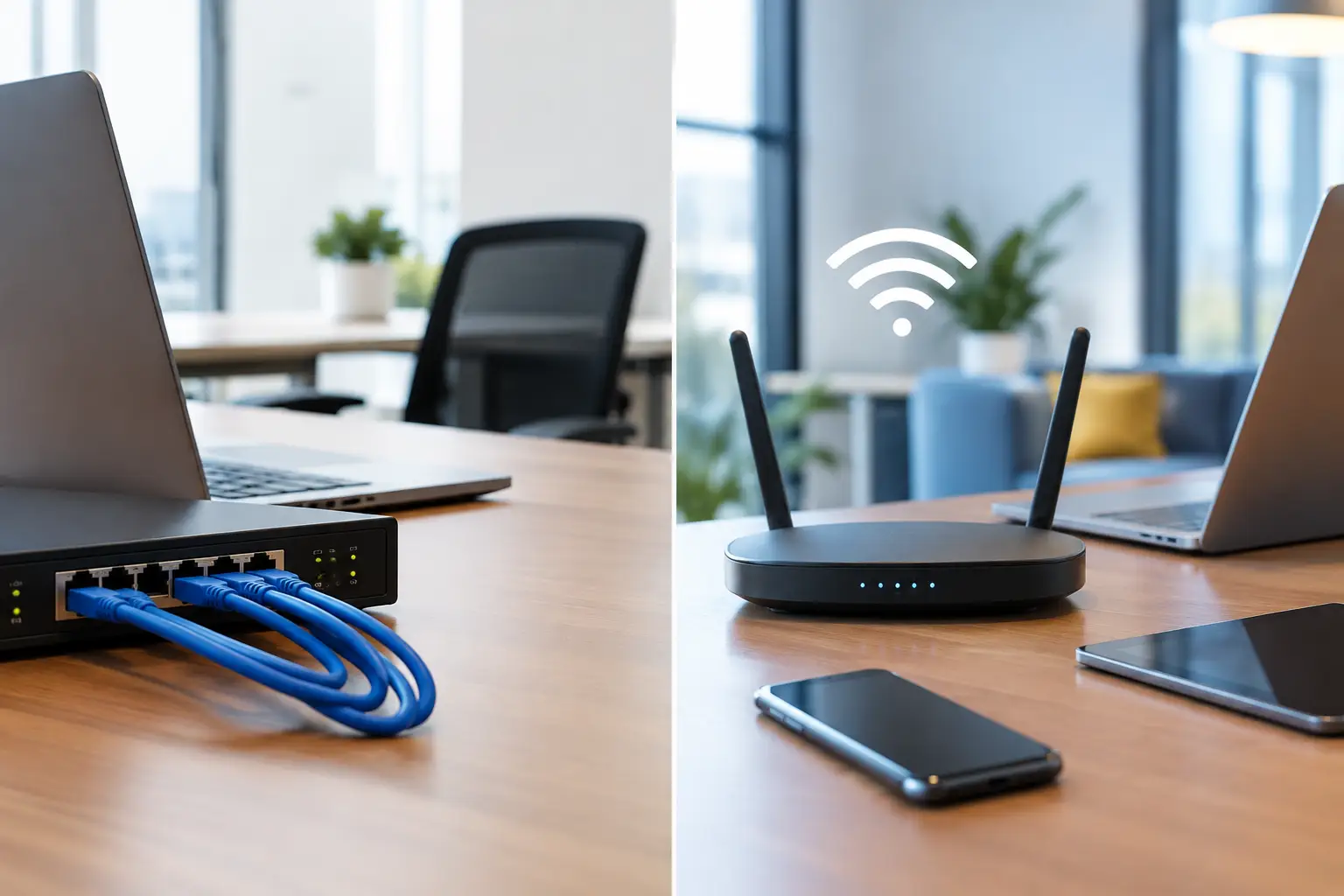
A video call freezes while a large file syncs. A point-of-sale terminal drops connection at the busiest hour. Staff move into a newly renovated area and discover the Wi-Fi signal is poor. These are the practical issues behind a wired vs wireless office decision. The right answer is rarely choosing one technology over the other. It is designing each part of the workplace around how people, devices, and business systems actually operate.
For most organizations, a hybrid network is the sensible direction: wired connectivity for systems that require consistent performance and wireless coverage for mobility, flexibility, and everyday access. The challenge is deciding where each belongs before construction, relocation, or growth turns a manageable network project into a costly retrofit.
Wired vs Wireless Office: What Is Really Being Compared?
A wired office network connects devices through physical Ethernet cabling, typically using Cat6 or Cat6A copper cabling and, where distance or capacity demands require it, fiber optic links. Devices such as desktop computers, IP phones, printers, CCTV cameras, access points, and network switches can be connected directly to the structured cabling system.
A wireless office network uses Wi-Fi access points to connect laptops, mobile devices, tablets, scanners, and other approved devices without a cable at the desk. The access points still need a reliable wired backbone, usually with Power over Ethernet, or PoE, to supply both data and power through a single cable.
That distinction matters. Wireless is not a replacement for network infrastructure. A dependable Wi-Fi environment starts with suitable cabling, switching capacity, internet bandwidth, access point placement, and security controls. When one of those foundations is undersized, users experience the problem as “bad Wi-Fi” even when the root cause is elsewhere.
Where a Wired Network Delivers More Value
Wired connections remain the preferred option for devices where interruption, delay, or inconsistent speed affects operations. Ethernet delivers stable bandwidth with lower latency and is not affected by walls, competing radio signals, or crowded meeting rooms in the way Wi-Fi can be.
For fixed workstations handling large design files, data-intensive applications, or frequent cloud backups, a wired connection provides predictable performance. This is also valuable for finance teams, call centers, engineering departments, and other groups where a connection issue can disrupt output or customer service.
Physical security systems are another clear example. IP cameras, biometric readers, access control panels, and turnstile integrations depend on reliable connectivity. PoE cabling can power and connect many of these devices while allowing centralized management. A properly planned cabling system also supports future changes, such as adding cameras, moving access points, or expanding controlled entry areas.
Wired networks offer meaningful security advantages as well. Access generally requires a physical connection to an active port, making unauthorized access more difficult than joining an open or poorly configured wireless signal. This does not eliminate the need for network segmentation, firewall policies, user authentication, and port controls, but it provides a more controlled starting point for sensitive systems.
The trade-off is less flexibility. Adding a workstation or moving a department may require new cable runs, additional outlets, or adjustments to patching in the communications room. That is why structured cabling should be designed with spare capacity rather than only for the current seating plan.
When Wireless Is the Better Business Choice
Wireless networking gives employees the freedom to work from meeting rooms, hot desks, training spaces, warehouses, and shared collaboration areas. It supports the laptop-first workplaces now common across professional services, education, retail, and multi-site operations.
A well-designed Wi-Fi deployment also makes office changes easier. Teams can reconfigure work areas without requiring every desk move to trigger a cabling change. Visitors can use a separately secured guest network, while staff devices access approved internal resources. In retail or logistics settings, wireless connectivity can support handheld scanners, mobile payment devices, inventory tablets, and operational communications.
However, wireless performance depends heavily on design. A single access point placed near the internet router may be enough for a small, open office with a limited number of users. It is not a reliable model for a multi-floor workplace, concrete walls, high user density, video conferencing, or areas with frequent movement.
Professional Wi-Fi planning considers floor layout, construction materials, expected device counts, application demands, interference sources, and coverage requirements. It also considers capacity. An office may show a strong signal but still perform poorly if too many devices are sharing an access point or if the wired uplink cannot support the traffic.
Compare Reliability, Security, Cost, and Scalability
The best network choice depends on what matters most in each area of the business.
Reliability and performance
Wired connections usually provide the strongest option for consistently high-speed, low-latency performance. They are ideal for fixed business-critical devices and applications that cannot tolerate instability. Wireless performance can be excellent with the right equipment and coverage design, but it is shared across users and affected by the physical environment.
For video meetings and standard cloud applications, business-grade Wi-Fi is often more than sufficient. For a fixed workstation moving large files all day, wired Ethernet is normally the safer choice.
Security and access control
Both wired and wireless networks can be secured effectively, but they require different controls. Wired networks benefit from controlled physical access and can limit which devices connect to specific ports or network segments. Wireless networks should use strong encryption, secure authentication, separate guest access, and policies that prevent unknown or unmanaged devices from reaching internal systems.
For organizations handling customer records, payment data, confidential files, or regulated information, network segmentation is essential. CCTV, access control, guest Wi-Fi, staff devices, and business servers should not all operate on one unrestricted network.
Installation cost and long-term cost
Wireless can appear less expensive because it reduces the number of cables needed at individual work areas. Yet a reliable wireless deployment may require multiple access points, PoE switches, network management tools, and a site survey. Coverage gaps corrected after fit-out can also add cost and disruption.
Wired cabling has a higher upfront installation component, particularly in large spaces or buildings requiring concealed pathways. Its useful life is long, though. Quality structured cabling can support several generations of active network equipment, making it a sound investment during an office move, renovation, or new site setup.
Growth and change
Wireless is better suited to changing seating arrangements and mobile work patterns. Wired infrastructure is better suited to predictable, high-demand locations and permanent systems. A scalable design combines both: enough outlets and backbone capacity for future fixed devices, plus access point locations that can expand with staff and device growth.
A Practical Hybrid Network Design
For many offices, the starting point is not “wired or wireless?” but “which devices need which connection?” A practical allocation might place desktops, IP phones, printers, cameras, door access equipment, conference room systems, and Wi-Fi access points on wired connections. Laptops, tablets, visitor devices, and mobile operational tools use wireless access.
The network should then be organized so that each function has appropriate access and protection. Staff Wi-Fi, guest Wi-Fi, security devices, voice systems, and core business services can be separated into dedicated network segments. This helps limit the impact of faults and strengthens security without making daily use difficult for employees.
The communications room also deserves attention. Network switches, firewalls, patch panels, power backup, cable labeling, and ventilation are operational details that determine whether future troubleshooting is quick or disruptive. A network that looks tidy on installation day but lacks documentation and labeling becomes difficult to manage when staff, equipment, or office layouts change.
I-Weblogic approaches these projects as coordinated infrastructure work, combining cabling, networking, and physical security requirements so organizations do not have to manage separate contractors for interconnected systems.
Questions to Ask Before Making the Decision
Start with the business activity, not the equipment list. How many people and devices will use the network at peak times? Which systems cannot go offline? Will staff rely on video calls, cloud applications, large file transfers, or mobile devices? Are there areas with thick walls, high ceilings, outdoor coverage needs, or many visitors?
Also consider the next three to five years. A new office may have 40 employees today but be planned for 70. A retail operation may add more cameras, self-service devices, or digital signage. An education site may require reliable wireless access for student devices while maintaining separate security and administration networks. Planning for those changes early is usually less disruptive than revisiting cabling and network capacity later.
A dependable office network is not defined by how many access points or cable outlets it has. It is defined by whether employees can work without interruption, critical systems stay protected, and the infrastructure can adapt when the business changes. Start with those outcomes, then assign wired and wireless connectivity where each will deliver the most value.

