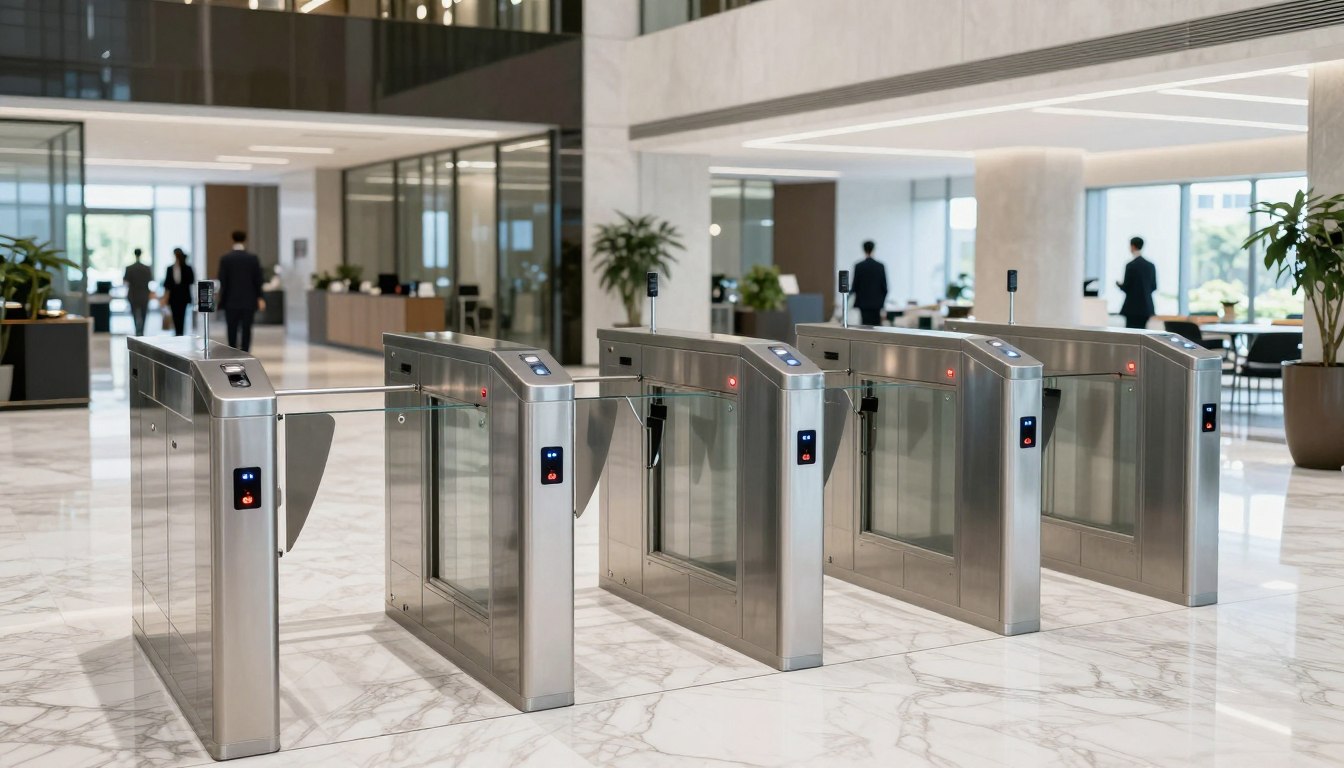
A new office can expose every weak point in your infrastructure plan. Teams arrive on day one expecting Wi-Fi, phones, meeting rooms, access control, and cameras to work immediately. When cabling is incomplete, network coverage is uneven, or security systems are treated as an afterthought, the move starts costing money fast. That is why an office relocation infrastructure guide should begin well before furniture arrives.
For most businesses, the move itself is not the hardest part. The harder part is coordinating structured cabling, network design, telephony, physical security, and cutover timing so operations continue with minimal disruption. The companies that handle relocation well usually make one smart decision early – they treat infrastructure as a business continuity project, not a facilities checklist.
What an office relocation infrastructure guide should cover
A practical office move plan needs to answer three questions. What must be live on day one, what can be phased in after occupancy, and what dependencies could delay the opening? Those answers shape every technical decision that follows.
At minimum, your office relocation infrastructure guide should cover cabling pathways, rack location, internet service readiness, wireless coverage, firewall and switching requirements, IP telephony, surveillance placement, door access control, and user device migration. If you operate across multiple floors or support high-density teams, the planning also needs to include bandwidth modeling, uplink design, and redundancy where downtime carries a meaningful cost.
This is where many relocation projects drift off course. Different contractors may handle electrical, fit-out, internet, and security, but the business still experiences the result as one system. If those parties are not aligned, you end up with common failures such as network cabinets placed too far from endpoint zones, poor camera sight lines, weak Wi-Fi in meeting rooms, or access control doors installed before final device coordination.
Start with business operations, not just floor plans
A floor plan tells you where walls and desks will go. It does not tell you how your team works. Before specifying hardware or cable counts, define how the office will actually be used.
An operations-heavy customer support team has different requirements than an executive office with frequent video calls. A sales floor may need stronger wireless mobility and more collaboration spaces. A finance or legal team may require tighter access control around records, server equipment, or restricted work areas. In hybrid environments, conference rooms often need more attention than open seating because meeting quality now affects both internal productivity and client-facing communication.
This stage is also where trade-offs become clear. Overbuilding every area increases cost. Underbuilding creates expensive remediation after move-in. The right approach depends on headcount growth, device density, business-critical systems, and the cost of future disruption. In many cases, designing for moderate expansion from the start is more cost-effective than retrofitting six months later.
Structured cabling sets the pace for everything else
Cabling is rarely the most visible part of a relocation, but it affects almost every system in the office. If structured cabling is delayed or poorly designed, networking, telephony, cameras, access control, and workstation readiness all suffer.
A sound cabling plan should define outlet locations, cable categories, patch panel layout, labeling standards, and rack organization before installation begins. It should also account for printers, wireless access points, VoIP phones, CCTV cameras, biometric readers, and any specialized devices that need power or network connectivity.
Fiber should be evaluated early, especially for larger offices, multi-floor environments, or spaces with distributed IDF requirements. Copper may be sufficient for many endpoint runs, but uplink and backbone decisions should reflect future performance needs, not just current occupancy. The cheapest option during fit-out is not always the cheapest option over the life of the office.
Good cabling work also reduces support costs after the move. Clear labeling, tested runs, and clean rack presentation make troubleshooting faster and upgrades easier. For business leaders, that translates into less downtime and lower operational friction.
Network design should match user density and application demand
Many office moves inherit an old network design without asking whether it still fits the business. That is a mistake, especially when teams now rely on cloud applications, constant video meetings, mobile devices, and guest access.
The network plan should cover switching capacity, wireless access point placement, firewall sizing, VLAN segmentation, internet bandwidth, and failover options where appropriate. Wireless design is particularly important because a new office layout can change signal behavior significantly. Materials, ceiling height, room density, and partitioning all affect performance.
It also helps to separate what is mission-critical from what is simply convenient. A law firm, healthcare operator, or retail head office may need stronger segmentation and traffic policy controls than a smaller administrative site. A business with heavy conferencing and shared content workflows may prioritize coverage consistency in meeting rooms and collaboration zones over individual desk drops.
This is one reason experienced systems integration matters. A relocation is not just about installing equipment. It is about making sure the wired and wireless environment supports how people work on day one and scales as the office grows.
Security infrastructure should be planned as part of the move
Physical security is often delayed until late in the project, usually because teams focus first on occupancy dates and internet activation. That creates risk. Access control, CCTV, and visitor entry design should be integrated into relocation planning from the start.
Door hardware, reader types, controller locations, camera fields of view, recording requirements, and user permissions all need coordination with the layout and business use of the space. A reception zone may need visitor management and surveillance coverage. Server or communications rooms may need biometric or role-based entry. Shared offices and education environments may need different zoning than a private corporate suite.
There is also a practical sequencing issue. Security systems usually depend on cabling, power, network availability, and final door schedules. If those dependencies are not managed early, installation gets pushed to the end, just when move pressure is highest.
An integrated approach usually saves time here. When one implementation partner can coordinate cabling, networking, and security systems together, the business avoids the gaps that happen when each vendor is working from a different assumption.
Build a realistic cutover plan
The technical move is not complete when equipment is installed. It is complete when users can work without confusion or delay. That requires a clear cutover plan.
Your cutover should define what gets moved, what gets replaced, what is preconfigured, and what is tested before staff arrive. It should include ISP activation dates, firewall configuration, switch staging, wireless validation, phone number migration if relevant, and user communication. If the business operates during the move, phase planning becomes even more important.
Some companies can tolerate a weekend outage. Others cannot. A customer-facing operation, school, or multi-site business may need overlap between old and new locations while services transition. That increases cost, but it may be the right decision if revenue, compliance, or service continuity is at stake.
Pre-move testing is where many problems can still be prevented. Validate internet handoff, internal switching, SSIDs, VPN access, camera recording, access permissions, and patching before occupancy. A conference room that fails during the first client meeting is not a minor annoyance. It shapes confidence in the whole move.
Common mistakes that create avoidable downtime
Most relocation issues are not caused by one major failure. They come from a chain of small planning misses. Internet orders are submitted too late. Rack rooms are undersized. Cable counts are based on old seating assumptions. Wi-Fi is designed around floor plans instead of actual use. Security zones are defined after door installation. Nobody owns the full cutover sequence.
Another common mistake is assuming the office only needs to support current headcount. Businesses move because they are growing, consolidating, or changing how they operate. Infrastructure should reflect that. A network that feels adequate on move-in day can become strained quickly once more devices, more staff, and more cloud traffic are added.
This is where an experienced provider adds commercial value, not just technical delivery. Since 2003, I-Weblogic Pte Ltd has worked across cabling, networking, and workplace security projects where coordination matters as much as hardware choice. That kind of integrated execution is often what separates a stable move from a disruptive one.
How to make the move easier on your internal team
Internal stakeholders already have full-time jobs. IT managers are protecting continuity. Operations leaders are managing vendors and timelines. Office administrators are coordinating people and logistics. A good relocation process reduces that burden instead of adding more meetings and more guesswork.
The simplest way to do that is to establish one infrastructure plan with clear ownership, tested milestones, and realistic dependencies. Not every business needs an enterprise-scale redesign, but every business does need a plan that reflects how its office will operate. When the infrastructure is treated as a connected system, decisions become clearer and handoffs become cleaner.
A successful office move is not defined by how quickly boxes are unpacked. It is defined by how confidently your business can operate in the new space from the first working day onward. Plan for that standard, and the relocation becomes an investment in performance rather than a source of disruption.