
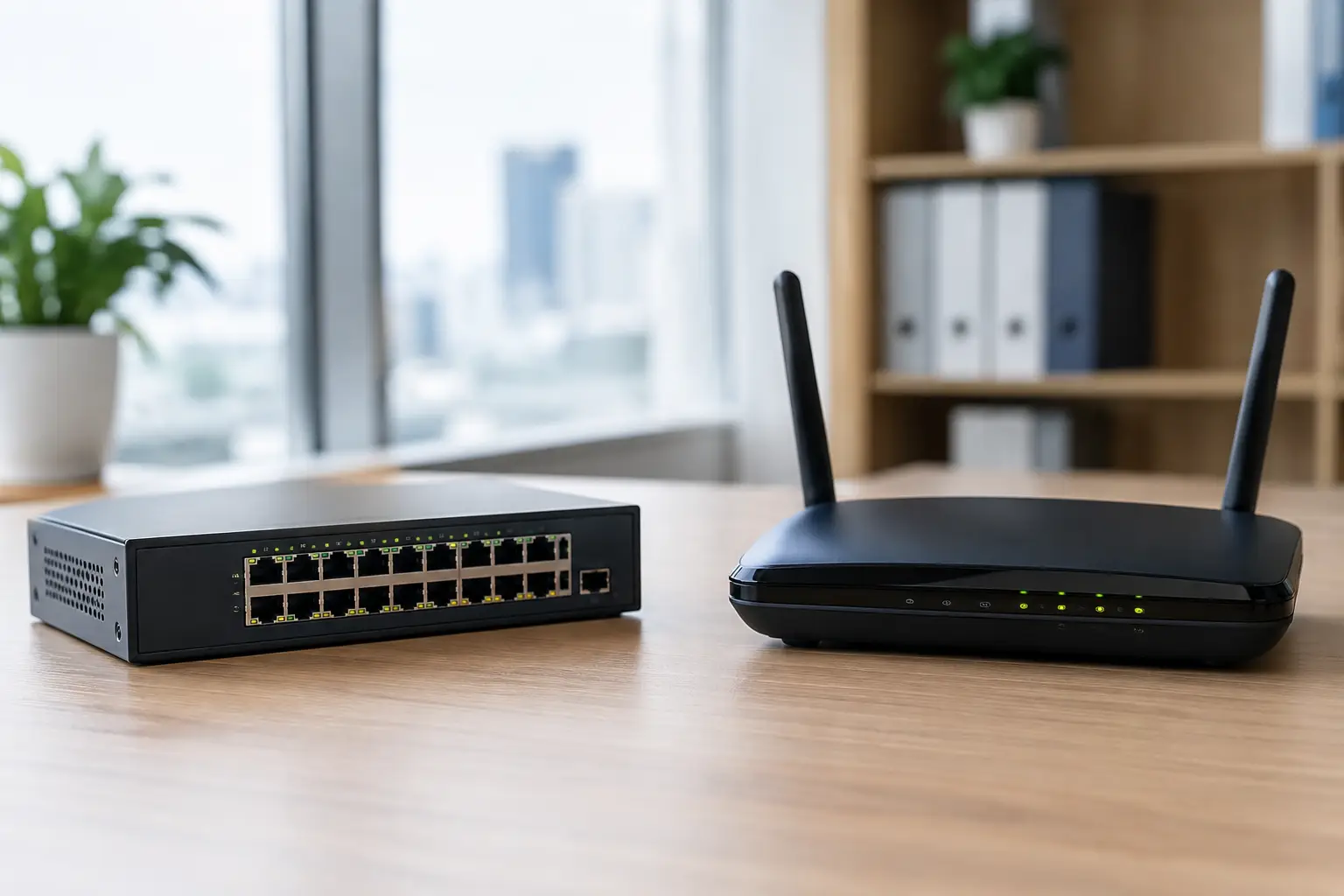
A new office can have high-speed internet, new cabling, and modern Wi-Fi yet still suffer from slow applications, unreliable calls, or disconnected security devices. The issue is often not bandwidth. It is the way network devices are designed and configured. Understanding ethernet switch versus router helps business leaders make better decisions when planning an office move, adding users, or upgrading an aging network.
A router and an Ethernet switch perform different jobs. Most business networks need both, along with properly designed structured cabling, wireless access points, and security controls. Choosing one over the other is rarely the question. The practical question is whether each device is sized, configured, and connected correctly for the organization’s operational needs.
Ethernet switch versus router: the core difference
An Ethernet switch connects devices within the same local network. It gives computers, IP phones, printers, wireless access points, CCTV cameras, access-control panels, and servers a way to communicate with one another at high speed.
A router connects separate networks. In a typical office, it directs traffic between the local network and the internet. It can also connect different internal networks, such as a corporate office network, a guest Wi-Fi network, a CCTV network, and a network used by building systems.
Put simply, a switch is primarily responsible for communication inside the workplace, while a router is responsible for moving traffic between networks and controlling how that traffic reaches external destinations.
This distinction matters because the devices face different demands. A switch may need enough ports and power capacity to support dozens of connected devices. A router may need the processing capacity and security features to inspect internet traffic, support remote users, and manage several internet connections.
What an Ethernet switch does in a business network
A switch uses device addresses, known as MAC addresses, to send data to the correct connected device. When an employee prints a document to a network printer or views footage from an internal CCTV recorder, the switch helps deliver that local traffic efficiently.
For a small office, an unmanaged switch may be sufficient for a simple group of devices. It is usually easy to install, but it provides little control over how traffic is separated, prioritized, or monitored. That can become a limitation as more devices are added.
Managed switches are generally the better fit for business environments. They allow an IT team or systems integrator to create virtual LANs, known as VLANs, that separate different types of traffic. For example, employee workstations can be placed on one VLAN, guest Wi-Fi on another, IP phones on a third, and security cameras on a separate network.
Segmentation improves security and makes troubleshooting more manageable. A guest device should not be able to browse a company file server. A compromised camera should not have unrestricted access to office computers. VLANs, combined with the right firewall rules, help reduce those risks.
Power over Ethernet reduces installation complexity
Many modern switches also provide Power over Ethernet, or PoE. This allows a single Ethernet cable to carry both data and electrical power to compatible devices. Wireless access points, VoIP phones, IP cameras, door access readers, and certain intercom systems can operate without a separate power outlet at every installation point.
PoE can reduce cabling clutter and simplify deployment, particularly in ceilings, entrances, retail outlets, and larger facilities. However, the switch must have an appropriate PoE power budget. A 24-port PoE switch may physically support 24 connected devices, but its total power capacity may not support every port running a high-power camera or access point at the same time.
Port count is only one part of switch selection. Businesses should also consider uplink speeds, fiber connectivity, stacking requirements, redundancy, management features, and the expected growth of the site.
What a router does beyond internet access
A router is often described as the device that connects an office to the internet. That is true, but a business-grade router has a broader role. It determines where traffic should go, manages connections between networks, and can apply policies to control which traffic is permitted.
For example, a router can direct a user’s web request to the internet while keeping traffic between two internal departments on separate network paths. It may perform Network Address Translation, allowing many internal devices to share one public internet address. It can also support virtual private network connections for remote staff or secure communication between branches.
In many business deployments, router functions are included in a dedicated firewall appliance. The firewall examines traffic against defined security rules, blocks unauthorized connections, and may provide threat detection, content filtering, application control, and reporting. In this design, the router and firewall work closely together, even if they are separate functions within one device.
Consumer-grade routers can be suitable for very small or temporary setups, but they are rarely a sound long-term choice for a growing organization. They may lack the performance, visibility, security controls, dual-WAN support, and centralized management required for business operations.
Why businesses usually need both
A router cannot replace a properly sized switch when an office needs to connect 30 desks, 15 cameras, multiple access points, IP phones, and network printers. Most routers have only a small number of physical LAN ports. Even models with built-in switch ports are not designed to provide the port density and management capabilities of a dedicated access switch.
Likewise, a switch cannot independently provide a secure path to the internet. It can move traffic between local devices, but it does not normally perform the routing, public internet addressing, or perimeter security functions needed to protect the organization from external threats.
A common business network follows a straightforward design: the internet service connects to a firewall or router, the firewall connects to one or more managed switches, and those switches connect to wired devices and wireless access points. This structure can be expanded as the organization grows, provided the underlying cabling and equipment capacity have been planned correctly.
Choosing the right equipment for your environment
The right design depends on how the organization operates, not just how many employees it has. A 20-person design studio with cloud-based applications has different requirements from a 20-person clinic with IP telephony, CCTV, secure records, and multiple rooms requiring reliable wireless coverage.
When assessing an Ethernet switch, consider the number of current and planned network points, the need for PoE, whether cameras and access-control devices will be installed, and whether the business needs separate networks for staff, guests, and operational systems. Fiber uplinks may be necessary between floors, buildings, server rooms, or network cabinets where copper cable distance limits apply.
When assessing a router or firewall, consider internet bandwidth, the number of remote users, cloud applications, branch connectivity, and the level of security inspection required. A device that handles basic routing at high speed may slow down considerably when advanced threat inspection, encrypted VPN traffic, or content filtering is enabled. Sizing should account for enabled security services, not only the headline throughput figure.
Redundancy should also be considered where downtime has a direct business impact. Dual internet connections, backup power, redundant uplinks, and carefully configured failover can reduce disruption. Not every organization needs full redundancy, but the risk and cost of an outage should be assessed before equipment is selected.
Security and performance depend on configuration
Buying managed equipment does not automatically create a secure network. VLANs must be assigned correctly, firewall rules must be tested, unused ports should be controlled, and firmware needs regular maintenance. Wi-Fi networks must be tied to the correct network segments rather than treated as an isolated add-on.
Physical infrastructure is equally relevant. Poor cable terminations, undocumented patch panels, overloaded network cabinets, and inconsistent labeling can create faults that look like switch or router problems. A well-planned installation includes structured cabling, clear rack organization, device labeling, test results, and documentation that supports future maintenance.
For organizations deploying CCTV, biometric access control, IP telephony, and workplace Wi-Fi together, coordination is especially valuable. These systems share network infrastructure but have different traffic, power, security, and uptime requirements. Designing them as one environment helps avoid costly rework later.
Plan for the next change, not only the current one
The best time to address switch capacity, routing performance, and cable pathways is before an office opens, a retail outlet launches, or a new floor is occupied. Retrofitting extra ports, power, and network separation after devices are live can interrupt operations and increase installation cost.
A practical network plan leaves room for additional users, access points, cameras, and business systems while keeping critical services separated and protected. For businesses that want one accountable implementation partner across cabling, networking, and physical security, I-Weblogic can help align those decisions with the realities of the site.
Before approving the next network upgrade, ask a simple operational question: if the business adds people, devices, or locations next year, will the network support that change without creating avoidable downtime? The answer should guide the design more than the price of any single device.

