
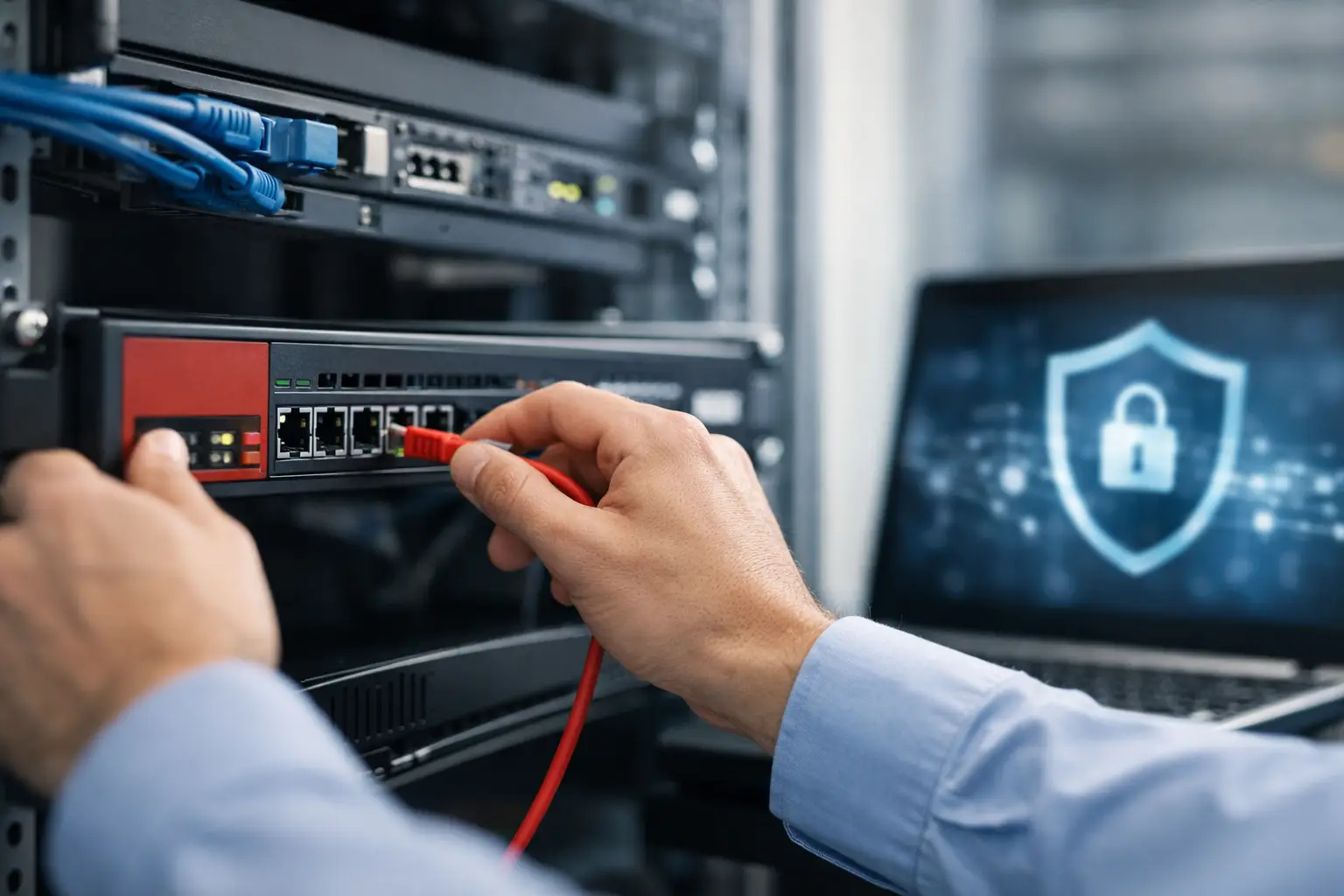
A firewall is often treated as a box to install at the network edge. For a business, it is more accurately a control point for every connection that supports daily work: cloud applications, IP phones, wireless networks, CCTV cameras, remote access, payment systems, and branch connectivity. Well-planned business firewall deployment steps help protect those services without creating unnecessary disruption for employees, customers, or operations.
The difference is in the preparation. A firewall that is selected, configured, and tested around the real network can reduce exposure while giving IT teams better visibility and control. A rushed implementation can block legitimate applications, leave unmanaged devices exposed, or make troubleshooting more difficult than it needs to be.
1. Define the business and security requirements
Start with what the firewall needs to protect and what the business cannot afford to lose. This includes more than employee laptops. Map critical systems such as file servers, cloud platforms, VoIP, point-of-sale devices, visitor Wi-Fi, CCTV recorders, access-control controllers, and any equipment that needs remote vendor access.
The right design depends on the organization. A single office may need secure internet access, network segmentation, and remote-user VPN access. A multi-site retailer may also need centrally managed policies, site-to-site connectivity, and protection for payment environments. A school or campus may prioritize content controls, high wireless-user capacity, and separation between administrative, student, and guest networks.
Set clear objectives before choosing a product or writing rules. These may include preventing unauthorized access, controlling web use, isolating Internet of Things devices, meeting customer or regulatory requirements, and maintaining service availability during an internet circuit failure. Priorities will determine the firewall model, licenses, internet bandwidth, and implementation approach.
2. Assess the existing network before installation
A firewall cannot compensate for an unclear or poorly documented network. Before deployment, review the current topology, IP address ranges, VLANs, switches, wireless access points, internet circuits, servers, and existing remote-access methods. Identify what connects to the internet directly, what traffic travels between internal networks, and where sensitive data resides.
This assessment frequently reveals practical issues that should be addressed alongside the firewall project. A flat network, for example, allows office computers, cameras, printers, and access-control devices to communicate too freely. If one endpoint is compromised, the lack of separation can increase the impact. Segmenting these services into appropriate VLANs gives the firewall meaningful boundaries to enforce.
Document application dependencies as well. Finance software, cloud backup, IP telephony, video conferencing, and vendor support tools may require specific ports, domains, or traffic handling. Guessing after go-live leads to avoidable outages. Speak with department owners and application vendors early, particularly when older line-of-business systems are involved.
3. Select a firewall sized for real traffic
Firewall sizing should be based on enabled security services, not only the headline throughput listed on a datasheet. Features such as intrusion prevention, web filtering, malware inspection, SSL inspection, VPN access, and application control consume processing capacity. A device that appears sufficient for basic routing may become a bottleneck once protection features are activated.
Consider the number of users, internet speed, concurrent remote users, branch connections, expected growth, and traffic from cloud services. Video conferencing and cloud backups can create substantial demand, while CCTV networks may require careful local design so routine camera traffic does not unnecessarily traverse the firewall.
High availability is another business decision. For operations where internet or remote access downtime has a direct financial impact, a pair of firewalls and redundant internet connections may be justified. For a smaller site, a well-supported standalone firewall with a documented replacement plan may be more appropriate. The goal is proportionate resilience, not unnecessary complexity.
4. Build a security policy around least privilege
The most effective firewall policies allow only the traffic that has a defined business purpose. This is known as least-privilege access. Rather than allowing broad communication between every internal network, create rules for the specific services users and devices require.
For example, staff devices may access approved business applications and the internet, while guest Wi-Fi receives internet-only access. CCTV cameras should normally communicate with their recorder or approved monitoring service, not with employee workstations. Access-control systems should be separated from general office traffic, with only the required management connections permitted.
Rules should be named clearly and organized by purpose. A policy labeled “Allow Any” may get a site working quickly, but it creates risk and makes future support harder. Descriptive rules, documented source and destination networks, and defined service ports make it easier to audit changes and investigate incidents.
Avoid treating outbound traffic as automatically safe. Malware often communicates outward to command-and-control servers, and unauthorized cloud tools can create data-handling concerns. Application controls, domain filtering, DNS protection, and web filtering can provide useful safeguards, but the right settings depend on the business. Overly aggressive filtering may interrupt legitimate research, software updates, or third-party platforms.
5. Configure secure remote access and administration
Remote access deserves its own design review. Employees, support providers, and administrators often need access from outside the office, but direct exposure of internal services to the public internet is a common source of risk. Use a properly configured VPN or zero-trust access method rather than publishing remote desktop, cameras, or management portals openly.
Multi-factor authentication should be enabled for remote users and firewall administrators wherever supported. Administrative access should be limited to trusted networks and named accounts. Shared administrator credentials make accountability impossible and should be avoided.
Separate routine user VPN access from privileged vendor or IT administration access. A contractor who needs to support one application should not automatically gain visibility across the entire network. Time-limited access, approval procedures, and activity logs are sensible controls, particularly for organizations managing sensitive information or multiple locations.
6. Test before switching production traffic
Testing is one of the most valuable business firewall deployment steps because it replaces assumptions with evidence. Where possible, stage the firewall configuration before the change window. Review interfaces, VLAN tagging, routing, DHCP behavior, DNS resolution, VPN settings, and security subscriptions before it becomes the live gateway.
During cutover, validate business-critical functions first. Test internet access, email, cloud applications, voice calls, payment transactions, wireless connectivity, remote access, printing, camera viewing, and access-control communications as applicable. Include both typical user activity and traffic between segmented networks.
Prepare a rollback plan before making changes. It should state who can authorize a rollback, how the previous connection will be restored, and what configuration backups are available. A planned maintenance window is still the right choice for many organizations, but a strong rollback plan protects operations if a hidden dependency appears.
7. Monitor, maintain, and improve the firewall
Deployment is the start of ongoing security management, not the end of the project. Review firewall logs and alerts regularly to identify blocked threats, unusual outbound connections, failed VPN attempts, policy violations, and devices attempting to reach restricted networks. Logging is most useful when it is retained for an appropriate period and reviewed by people who know what warrants action.
Keep firewall firmware, threat signatures, and security subscriptions current. Updates need change control because even valid updates can affect compatibility or performance. Schedule them, back up configurations first, and test carefully where the environment supports it.
Firewall policies also need periodic cleanup. Staff roles change, applications are retired, offices relocate, and new devices are added. Rules created for a temporary project can become permanent security gaps if nobody reviews them. A quarterly review is a practical starting point for many businesses, with more frequent checks for higher-risk environments.
Plan the firewall as part of the wider infrastructure
A firewall performs best when it is deployed as part of an integrated environment rather than as an isolated purchase. Structured cabling, managed switches, wireless networks, IP telephony, CCTV, and access control all affect the traffic that the firewall must secure. Coordinating those elements reduces last-minute changes and creates cleaner separation between users, systems, and physical-security devices.
For businesses expanding, relocating, or modernizing an office, this is the right time to establish a network foundation that can scale without repeated redesign. I-Weblogic approaches these projects as coordinated infrastructure work, aligning connectivity, security, and operational requirements before the final configuration is applied.
A well-deployed firewall should not make work harder for the organization it protects. It should give teams dependable access to the systems they need, limit unnecessary exposure, and provide a clear path for controlled growth.

