
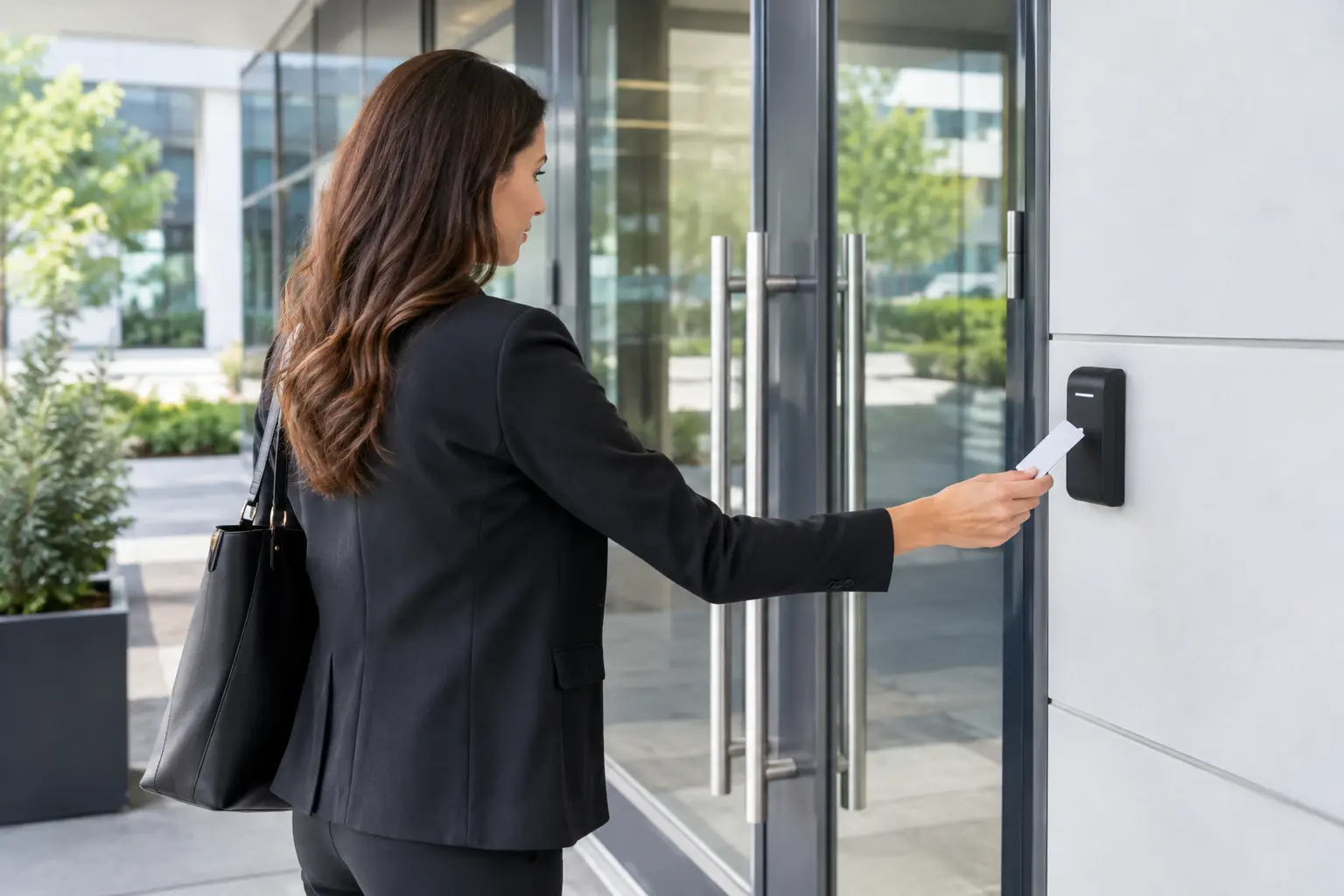
A lost key is rarely just a lost key. It can mean rekeying a suite, uncertainty over who may still have access, and disruption for staff who simply need to get through the door. For growing organizations, commercial door entry solutions replace that uncertainty with clear control over who enters, where they can go, and when access should end.
The right system does more than secure a front door. It supports daily operations across offices, classrooms, retail outlets, server rooms, loading areas, and restricted facilities. The challenge is selecting a design that fits the site, the people using it, and the infrastructure behind it.
Start With the Doors That Create Real Risk
Not every opening needs the same level of control. A main lobby door may need visitor access and reception release, while an IT room may require named-user credentials and an audit trail. A retail stockroom may need simple staff access during trading hours, and a multi-tenant office may need separate permissions for each business.
A practical assessment begins with how people move through the premises. Identify entry points, internal restricted areas, emergency exits, delivery routes, and doors that are regularly propped open because the current process is inconvenient. These habits often reveal more about security gaps than a floor plan alone.
It also helps to define what the business needs to know after an event. Some sites only need to prevent unauthorized entry. Others need reports showing who accessed a sensitive area, the ability to investigate an incident with video, or immediate revocation of access when an employee leaves.
Choose Credentials Around Your Operating Needs
Credentials should match the level of security and convenience required. There is no single best option for every organization.
Key cards and fobs remain a practical choice for many workplaces. They are familiar, quick to issue, and suitable for offices with regular employees and defined access groups. If a card is lost, it can be disabled without changing locks across the site.
Mobile credentials can reduce the need to distribute physical cards, particularly for organizations with hybrid work patterns, frequent contractors, or multiple locations. They can be convenient, but they depend on users keeping their phones charged and on a clear process for device changes or lost phones.
PIN pads work well as a secondary verification method or for lower-risk doors where carrying a credential is unnecessary. Their limitation is predictable: codes can be shared. Regular code changes and individual user PINs are preferable to a single code used by an entire department.
Biometric access control adds stronger identity verification for high-security areas. It can be appropriate for data rooms, laboratories, finance offices, or facilities with strict compliance obligations. However, biometric deployment should consider user consent, privacy policies, enrollment procedures, and a reliable alternative method if a reader cannot verify a user.
Commercial Door Entry Solutions Need the Right Hardware
The access control software is only one part of the system. The physical door hardware must be compatible with the door type, frame, fire-rating requirements, and expected traffic level.
Electric strikes are often effective for many standard swing doors because they allow the mechanical latch to release electronically. Magnetic locks can be useful for certain glass, aluminum, or high-traffic applications, but they must be installed with proper emergency release arrangements and comply with applicable life-safety requirements. Electrified mortise locks, rim devices, and door operators may be better suited to doors that need higher durability, controlled egress, or accessibility support.
This is where a site survey matters. A solution that looks straightforward on paper can become complicated when a door has an existing fire rating, an unusual frame, a concealed closer, or limited pathways for cabling. Selecting hardware before confirming these conditions can lead to delays, change orders, or a system that does not perform as intended.
Plan for Safe Egress From the Beginning
Access control must never compromise a safe exit. Staff and visitors need to leave quickly in an emergency, and local codes may require specific break-glass units, emergency push-to-exit devices, fire alarm integration, or door release behavior during an alarm.
A qualified implementation partner will review both entry and exit conditions. This protects occupants, reduces compliance risk, and avoids the costly mistake of treating security hardware as separate from building safety systems.
Connect Entry Control With CCTV, Networks, and Visitors
The greatest value often comes from integration. When a forced-door or after-hours access event is tied to the relevant CCTV footage, security teams can understand what happened without searching through hours of recordings. When a reception team can release a visitor door from an intercom or video station, entry remains controlled without creating a bottleneck at the front desk.
Network design is equally important. IP controllers, cameras, intercoms, and management workstations need secure connectivity, appropriate network segmentation, power resilience, and sufficient cabling. A poorly planned network can turn a capable access control platform into a source of recurring service calls.
For organizations managing an office move, renovation, or new outlet rollout, coordinating structured cabling, wireless coverage, CCTV, and door access in one project reduces handoffs between contractors. It also makes it easier to test the complete workflow before staff move in.
I-Weblogic approaches these projects as connected business infrastructure, aligning physical security with the cabling and network foundation it relies on. That approach is particularly useful when an organization needs to expand without disrupting core operations.
Design for Administration, Not Just Installation
A door entry system becomes difficult to manage when permissions are overly broad or user records are not maintained. Before deployment, establish access groups based on roles, locations, schedules, and areas of responsibility. For example, facilities staff may need broad after-hours access, while general office staff may only need access during normal working hours.
Decide who can add users, issue credentials, change schedules, and review activity logs. Smaller businesses may assign these tasks to an office administrator, while larger organizations may need separate responsibilities for HR, facilities, IT, and security. The system should support this division without giving every administrator unrestricted control.
Offboarding deserves the same attention as onboarding. Access should be removed promptly when employment or contractor engagement ends. Integrating this step into HR and facilities procedures is more dependable than relying on an informal email request after the fact.
Consider Cloud-Managed and On-Premises Options Carefully
Cloud-managed systems can simplify remote administration across multiple sites and reduce the need to maintain local management servers. They are often a strong fit for distributed retail, regional offices, and organizations with limited internal IT resources.
On-premises systems may suit businesses that require tighter control of data, have existing server infrastructure, or operate in environments where internet connectivity is inconsistent. The trade-off is greater responsibility for server maintenance, backups, updates, and remote access controls.
The decision should be based on operational requirements, not assumptions that one model is automatically more secure. In either approach, administrators should use strong passwords, role-based permissions, regular updates, and documented recovery procedures.
Build for Expansion Without Overbuilding
A small office may only need two controlled doors today, but a system should not force a complete replacement when the business adds a warehouse, another floor, or a second location. Select controllers and software that can grow in a manageable way, while avoiding unnecessary enterprise features that create cost and administrative complexity.
Expansion also affects cabling and power planning. Leaving capacity for additional doors, cameras, and network devices during a renovation can cost far less than reopening ceilings or walls later. For sites that cannot afford access downtime, consider backup power and clearly defined behavior during a network or power interruption.
The best commercial door entry solutions are not the ones with the longest feature list. They are the systems that give the business dependable control at the doors that matter, make access easy for authorized people, and remain manageable as the workplace changes.
Before committing to equipment, walk the site with the people who run it every day. Their experience with deliveries, visitors, shift changes, locked doors, and recurring workarounds will help shape a solution that strengthens security without slowing the business down.

