A front-door intercom can appear straightforward until it fails during a delivery, does not release a secured door, or creates a gap between facilities, security, and IT teams. This intercom installation guide is designed for business decision-makers who need a system that supports controlled visitor access, clear communication, and reliable daily operations.
For a small office, the requirement may be a single door station that rings designated desk phones. For a multi-floor facility, school, retail chain, or warehouse, the solution may need multiple entrances, video verification, access-control integration, after-hours routing, and centralized administration. The equipment matters, but a successful result begins with planning the workflow around the door.
Start With the Operational Requirement
Before selecting an intercom, define what should happen when a visitor arrives. Who receives the call during business hours? What happens when that person is unavailable? Can staff unlock the door remotely, and should they be able to see the visitor before doing so? These decisions determine the right platform, cabling approach, and level of integration.
A useful site assessment looks at entry points, user groups, visitor volume, building layout, and current infrastructure. Reception desks, loading bays, staff entrances, parking gates, and restricted areas may each require different call-routing rules. An executive office may prioritize discreet video verification, while a warehouse may need a weather-resistant unit with loud audio and a wide-angle camera.
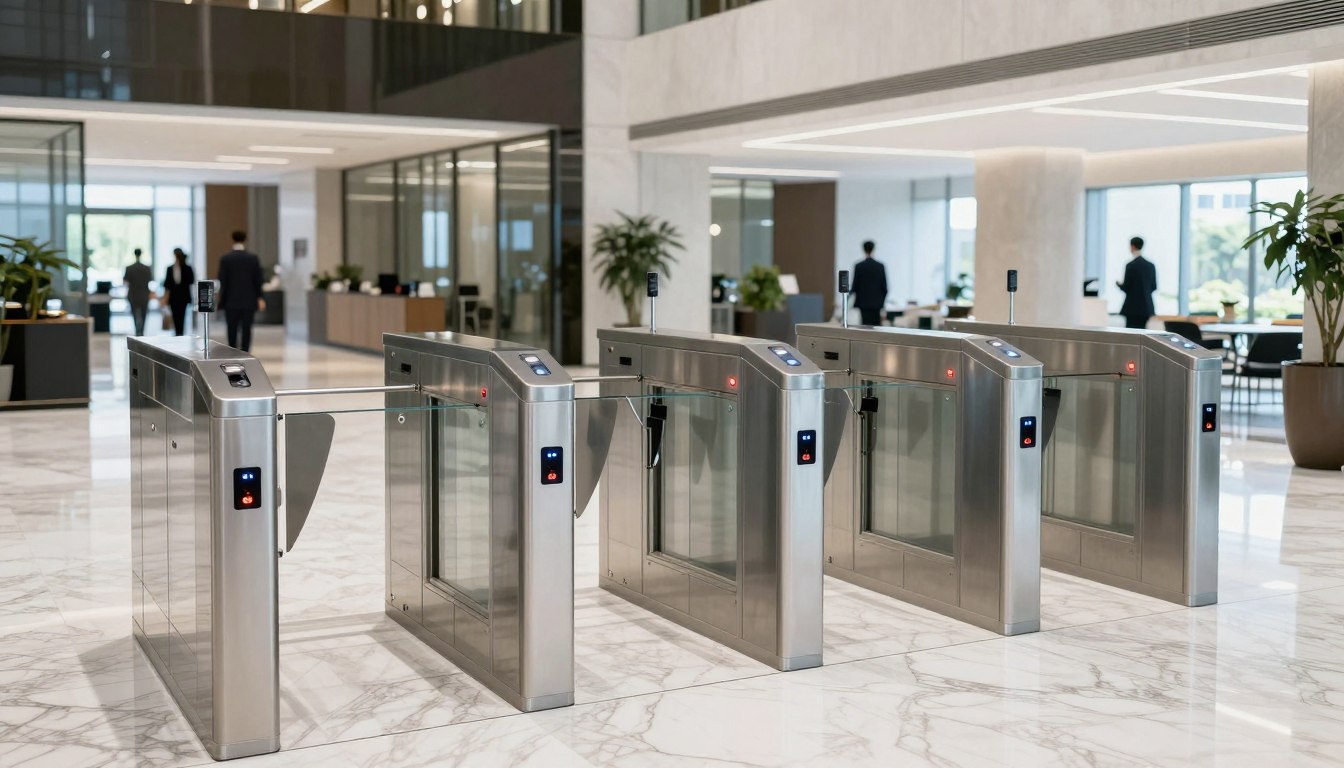
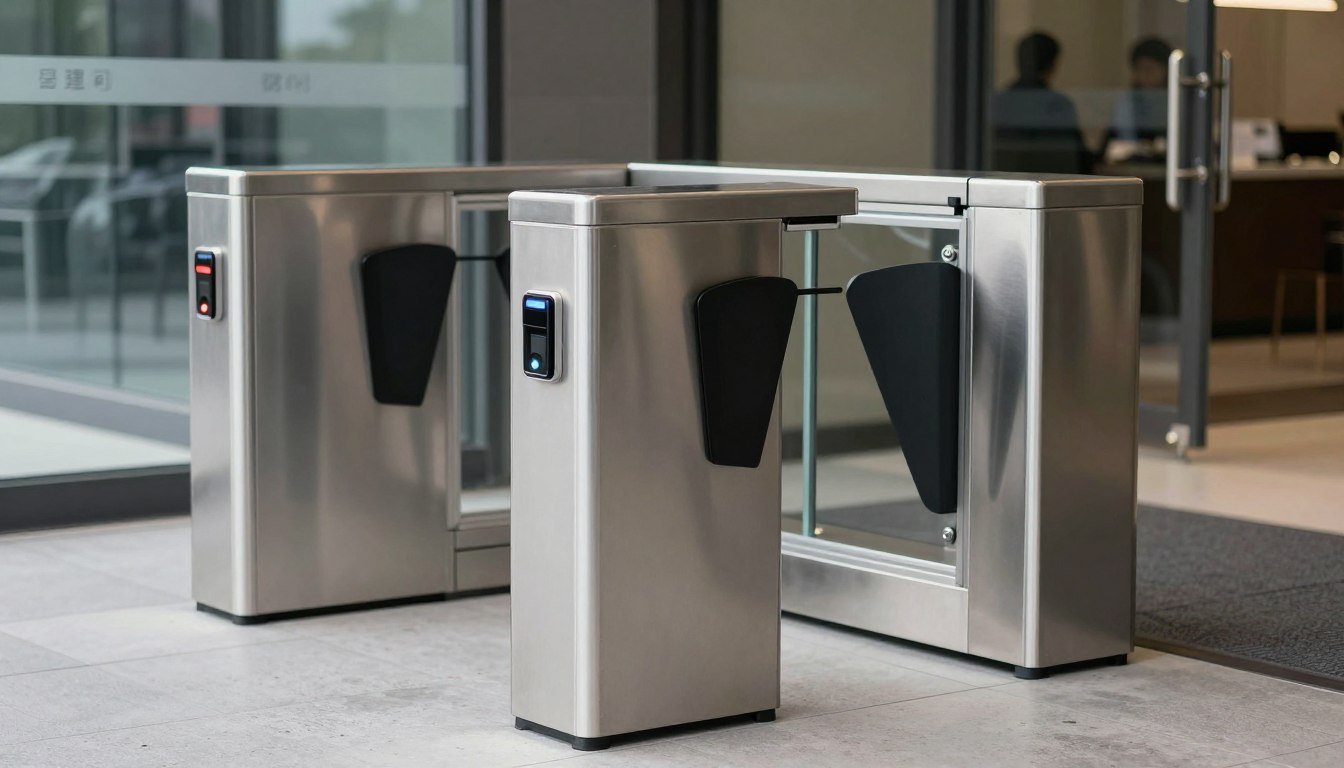
It is also worth identifying what the intercom must connect to. Many businesses want it to work with IP phones, mobile applications, CCTV, card readers, biometric access control, or turnstiles. Planning those connections early prevents duplicate cabling, incompatible equipment, and costly changes after installation.
Choose the Right Intercom Architecture
Most business installations fall into two categories: traditional analog systems and IP-based intercoms. The right choice depends on the existing environment, desired features, budget, and future expansion plans.
Analog intercoms
Analog intercoms can be appropriate for simple, contained locations where the organization needs basic audio communication and door release. They are often familiar to users and can be cost-effective when suitable cabling already exists. Their limitations become more apparent when a business needs video, remote management, flexible call routing, or integration with modern security systems.
IP intercoms
IP intercoms operate over the data network and are generally the stronger option for offices and multi-site environments. They can connect to IP telephony systems, route calls to multiple extensions, support video, and allow administrative changes without extensive rewiring. With Power over Ethernet (PoE), a single network cable can carry both power and data to the door station.
That flexibility comes with a responsibility to design the network properly. An IP intercom is part of the business infrastructure, not a standalone doorbell. It needs adequate switch capacity, appropriate network segmentation, secure credentials, current firmware, and a clear ownership model between facilities and IT.
Plan Cabling, Power, and Door Hardware
Installation quality often comes down to the infrastructure behind the visible device. Cable routes should be planned around distance, environmental conditions, access for maintenance, and the requirements of the selected equipment. Structured cabling provides a dependable foundation for IP door stations, indoor monitors, network switches, and access-control controllers.
For an IP system, Category 6 cabling is a practical choice for most new business installations. It supports PoE and gives the network room to support video and future equipment upgrades. Outdoor runs may require exterior-rated cable, conduit, surge protection, and proper grounding, particularly where equipment is exposed to rain, heat, or lightning risk.
Door release hardware requires equal attention. The choice between an electric strike, magnetic lock, or other locking mechanism depends on the door type, frame construction, access-control design, and life-safety requirements. A magnetic lock may be suitable for some controlled entrances, but it must be installed with the correct emergency release provisions. Fire and building code requirements vary by jurisdiction, so the design should be reviewed against local regulations before work begins.
Power resilience should not be overlooked. If the intercom and door lock need to operate during a power interruption, specify uninterruptible power supplies or battery-backed access-control power supplies. The required backup duration depends on the operational risk. A main office entrance may need only enough time for an orderly shutdown, while a critical facility may require longer continuity.
Design Call Routing Around Real Workflows
A common installation mistake is routing every visitor call to one reception phone. That may work until the receptionist is assisting a guest, away from the desk, or working remotely. Reliable intercom design includes primary and secondary recipients, after-hours rules, and escalation paths.
For example, a corporate office may route daytime calls to reception, then to an office administrator, then to a security desk if unanswered. A loading entrance can ring warehouse supervisors during delivery windows and direct callers to a recorded instruction outside those hours. The goal is not to add complexity. It is to make sure a visitor does not become a security or service issue because one person missed a call.
If staff will release doors from mobile devices, establish clear authorization rules. Mobile access is convenient for managers and distributed teams, but it should not replace accountability. Use individual user accounts, strong authentication, and role-based permissions rather than shared credentials.
Integrate Security Systems Carefully
Intercoms deliver more value when they are coordinated with the wider physical security environment. Video intercom footage can complement CCTV coverage at an entrance. A visitor can call, be visually verified, and be granted access through a controlled door. Access-control events can then record when the door was opened and by whom.
However, integration should be purposeful. Not every entrance needs every feature. A staff-only rear door may need card access and a camera but no visitor intercom. A public-facing entrance may need two-way audio, video, ADA-conscious placement, and clear visitor instructions. Matching the design to the risk at each location controls costs without weakening security.
For IP systems, protect the intercom network as you would any connected business device. Place devices on an appropriate network segment, restrict unnecessary access, change default passwords, and maintain firmware according to the manufacturer’s guidance. Video and audio devices can be overlooked in cybersecurity planning, yet they can create avoidable exposure if left unmanaged.
Installation and Commissioning Checklist
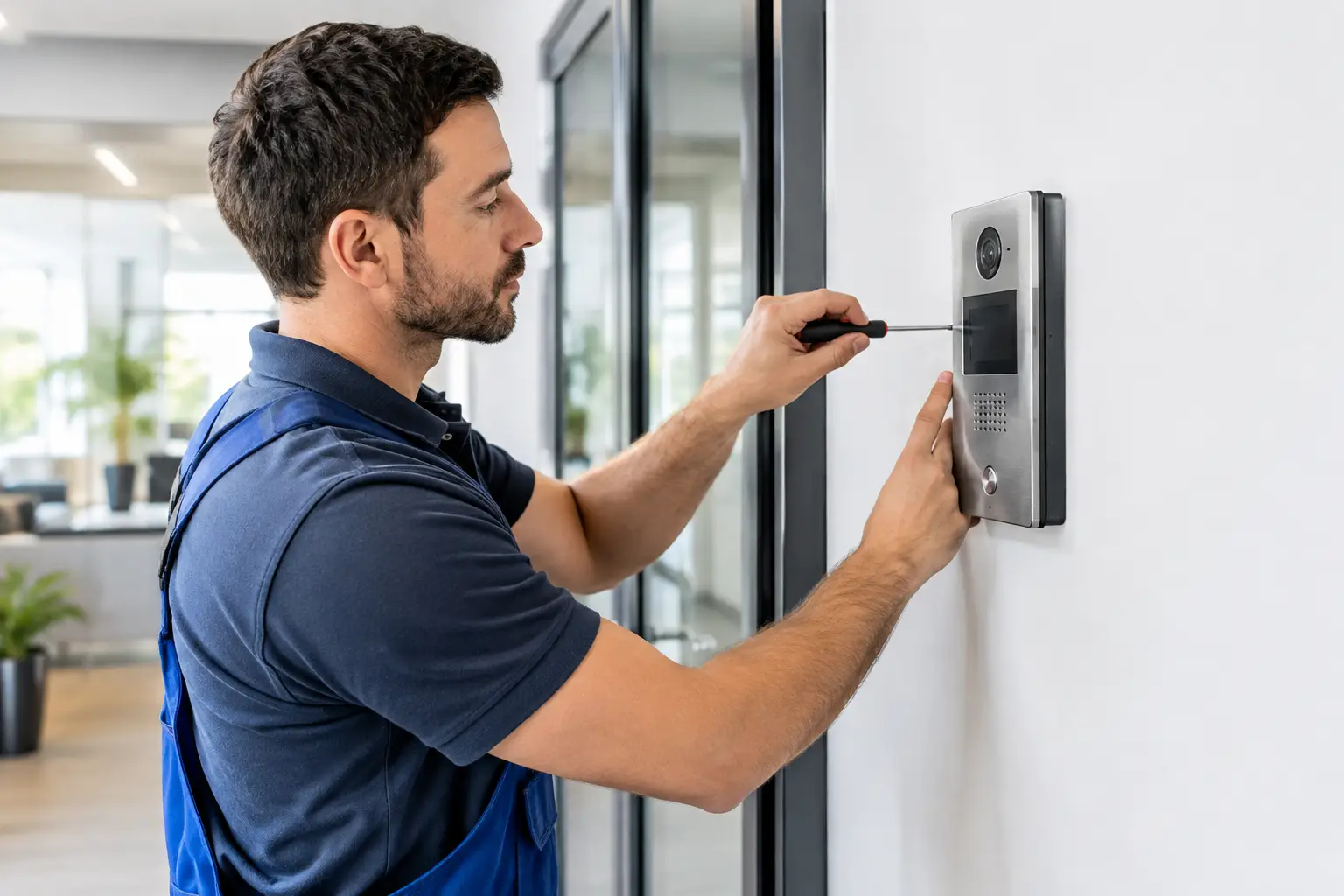
The physical installation should follow the approved design rather than improvised field decisions. Mount door stations at a practical height for users, protect outdoor units from direct weather exposure where possible, and confirm camera views before final fastening. At the same time, installers should label cables, patch-panel ports, switch ports, power supplies, and door hardware connections for future support.
Before handover, the team should test the full visitor journey under normal and exception conditions. This includes:
- Calling each designated extension or user group from every door station
- Confirming two-way audio clarity and video framing in expected lighting conditions
- Testing door release operation, door position monitoring, and emergency release behavior
- Verifying after-hours routing, unanswered-call escalation, and mobile notifications where configured
- Confirming network connectivity, PoE delivery, user permissions, and event logging
- Testing operation after a controlled power interruption where backup power is part of the scope
Testing should involve the people who will use the system daily, not only the installation team. Reception staff may spot a poor call-routing rule. Facilities personnel may identify a door that closes too slowly for a reliable release cycle. These practical observations are often what separates a technically functional installation from one that works well under pressure.
Prepare for Ongoing Support
An intercom system should be documented as part of the business’s wider technology and security environment. Keep records of device locations, network addresses, extension mappings, administrator accounts, cabling identifiers, and door hardware specifications. This information reduces downtime when staff change, offices are reconfigured, or a fault needs to be diagnosed.
Assign clear responsibilities as well. Facilities may own the physical door and visitor process, IT may manage the network and user accounts, and security may control permissions and event review. When these responsibilities are unclear, minor issues can remain unresolved because each team assumes another party owns them.
A well-planned intercom does more than answer the door. It gives staff a dependable way to manage visitors, protects controlled areas, and creates a stronger connection between communications, network infrastructure, and physical security. The best next step is to assess the real entry workflows at your site before selecting equipment, because the right design is the one your team can rely on every day.