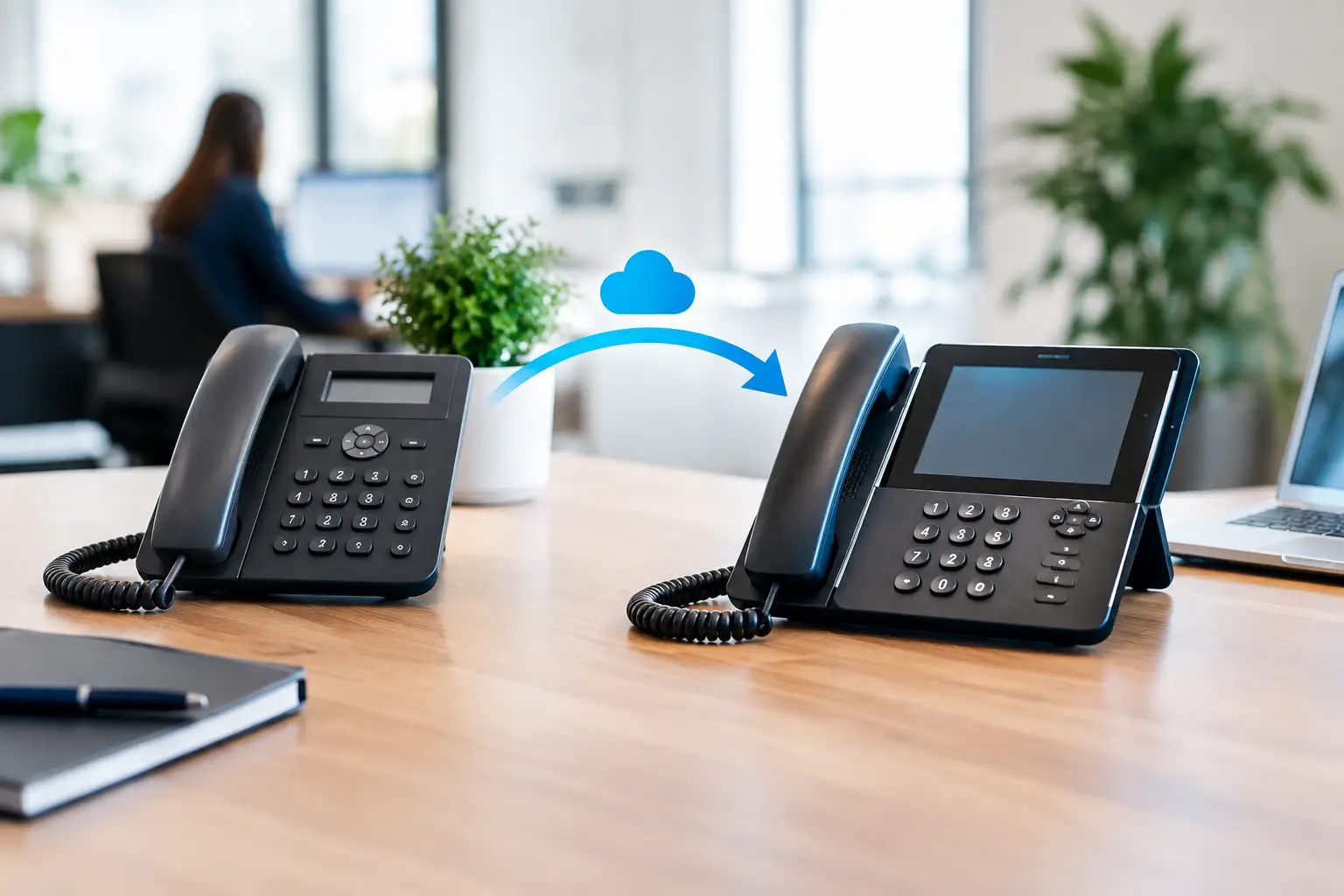
A phone system change often looks simple on a project plan: select a platform, port the numbers, install handsets, and switch over. In practice, a business phone migration guide must account for the details that affect operations – reception coverage, emergency calling, call queues, internet capacity, staff habits, security, and what happens if the new service has an issue at 9:00 a.m. on launch day.
For operations and IT leaders, the objective is not merely to replace desk phones. It is to create a communications environment that is easier to manage, supports growth, and keeps customers and employees connected throughout the transition. A structured approach reduces avoidable downtime and prevents a migration from becoming an interruption to daily business.
Start With the Business Requirements, Not the Phone Models
The right phone platform depends on how people work, not only on how many extensions you have. A 20-person office with a receptionist and customer service team has different priorities from a multi-site retailer, school, or organization with hybrid employees. Begin by documenting how calls enter, move through, and leave the organization today.
Review main numbers, direct inward dial numbers, hunt groups, auto-attendants, voicemail boxes, call recording requirements, paging, conference rooms, and any devices connected to analog lines. These may include fax machines, door intercoms, alarm panels, elevator phones, credit card terminals, or legacy overhead paging systems. Some can move to IP-based alternatives; others may need an adapter or a retained analog service.
This discovery stage should also identify operational dependencies. If a front desk team transfers calls to mobile staff, the new system needs clear presence and mobile application policies. If a contact center relies on reporting, establish which metrics matter before the move. If departments use shared lines or distinct after-hours routing, document those call flows before anyone starts configuring extensions.
A migration is also a good time to remove unnecessary complexity. Old employee extensions, inactive voicemail boxes, and routing rules built around former office layouts should not automatically be recreated. The trade-off is that standardizing call flows can require change management, especially where teams have developed informal workarounds over many years.
Assess the Network Before Migrating Business Phones
IP telephony depends on the network behind it. A modern cloud phone service still needs reliable local switching, internet connectivity, power, and Wi-Fi where cordless or mobile endpoints are used. Installing new handsets without validating these foundations can result in dropped calls, one-way audio, delay, and inconsistent call quality.
Start with an assessment of cabling, switches, wireless coverage, internet circuits, firewall policies, and power resilience. Structured cabling should be labeled, tested, and capable of supporting the location and bandwidth needs of each endpoint. Power over Ethernet switches simplify desk phone deployment and can keep phones running during a local power outage when paired with properly sized uninterruptible power supplies.
Voice traffic should be separated from general user traffic where appropriate through VLAN design and quality-of-service policies. This does not mean every business needs the most complex enterprise network configuration. A smaller office with a stable, correctly sized internet connection may need a straightforward design. Larger sites, high-call-volume teams, and organizations handling sensitive conversations often benefit from more deliberate segmentation, redundancy, monitoring, and firewall controls.
Wireless deserves the same scrutiny. Mobile softphones are valuable for hybrid work and staff on the move, but poor Wi-Fi roaming or congested access points can undermine call quality. Test real call paths in meeting rooms, warehouses, reception areas, and any locations where users are expected to take calls.
Build a Migration Plan Around Real Operating Hours
The lowest-risk migration plans have clear ownership, a tested cutover window, and a fallback path. Do not schedule a number port simply because it is the next available date. Choose a window that reflects business traffic, staffing coverage, vendor availability, and the time needed to validate every critical service.
A practical implementation plan should define at least these six areas:
- Number inventory, ownership records, carrier account details, and porting authorization requirements.
- The target call-flow design, including business hours, holiday routing, escalation paths, and voicemail coverage.
- Network readiness tasks, such as switch configuration, firewall rules, handset provisioning, and power testing.
- User readiness, including extension assignments, training, quick-reference instructions, and mobile application access.
- Cutover responsibilities, with named contacts for the phone provider, network team, facilities team, and business stakeholders.
- Contingency procedures, including temporary call forwarding, retained legacy lines where feasible, and an escalation process for failed ports.
Number porting is often the most sensitive dependency. Port requests can be delayed by incorrect account information, name mismatches, outstanding balances, or numbers that are not eligible to move. Submit porting documentation early, verify every number against the current carrier record, and treat the confirmed port date as a key project milestone rather than an administrative detail.
For many organizations, a phased migration is safer than a single overnight switch. New handsets and network settings can be deployed in advance, while selected departments pilot the service and provide feedback. A phased approach takes more coordination, but it gives the project team time to correct configuration issues before the main numbers move. A single cutover may be appropriate for a small office with a simple call structure and a limited tolerance for running two systems temporarily.
Configure Security and Continuity From Day One
A business phone system is part of the organization’s security environment. Administrative credentials, voicemail access, call recording, mobile applications, and integrations can all create exposure when they are poorly managed. Use unique administrator accounts, multifactor authentication where available, role-based permissions, and a documented offboarding process for departing employees.
Pay particular attention to toll fraud and unauthorized international calling. Restrict outbound dialing permissions to the needs of each role, monitor unusual call patterns, and establish who receives service alerts. For organizations with reception teams or shared phones, make sure personal voicemail PINs are not shared or left at default settings.
Continuity planning is equally important. Confirm how emergency services receive location information for each site and remote user. Define whether calls should reroute to mobile numbers, another branch, or an answering service if an internet circuit fails. If phones rely on Power over Ethernet, test backup power under actual load rather than assuming a UPS will cover the entire rack.
The right continuity approach depends on risk. A professional services office may accept a short disruption if calls can be forwarded to mobile devices. A healthcare-adjacent organization, busy retail operation, or customer support team may require redundant connectivity, secondary routing, and more formal recovery procedures.
Test the Experience Before the Go-Live Date
Testing should reflect everyday use, not just a successful dial tone. Place inbound and outbound calls, transfers, conference calls, voicemail deposits, and calls between sites. Test auto-attendant choices, hunt groups, after-hours rules, caller ID, mobile applications, and any integrations with door intercoms or paging systems.
Call quality testing should include busy periods. A network that performs well during a quiet afternoon may behave differently when video meetings, cloud backups, guest Wi-Fi, and voice calls occur at the same time. Review latency, jitter, packet loss, and bandwidth utilization, then adjust network policies or capacity before launch if results are outside acceptable levels.
It is also wise to give a small group of representative users early access. Include a receptionist, manager, remote employee, frequent mobile user, and someone who handles high call volumes. Their feedback often identifies practical gaps that technical testing misses, such as confusing directory labels, awkward headset settings, or call queue announcements that do not match current procedures.
Support the First Week, Not Just the Cutover
A successful go-live is the start of adoption, not the end of the project. Staff need a simple way to get help with common tasks: transferring a call, setting voicemail greetings, using a headset, accessing the mobile app, and reporting a problem. Short role-based instructions are usually more effective than a long generic manual.
During the first week, monitor call failures, quality complaints, queue performance, and number-porting status. Keep a clear incident log so recurring issues can be separated from one-off user questions. Small configuration changes made promptly can prevent frustration from becoming resistance to the new system.
For organizations moving offices or upgrading wider infrastructure, phone migration should be coordinated with cabling, switching, Wi-Fi, security systems, and access control. I-Weblogic approaches these dependencies as one implementation environment, helping reduce the handoffs that can create gaps between physical infrastructure and communications services.
The best phone migration leaves employees with fewer workarounds, gives administrators better visibility, and lets customers reach the right person without thinking about the technology behind the call. That outcome comes from careful preparation and accountable execution, not from the handset sitting on a desk.