
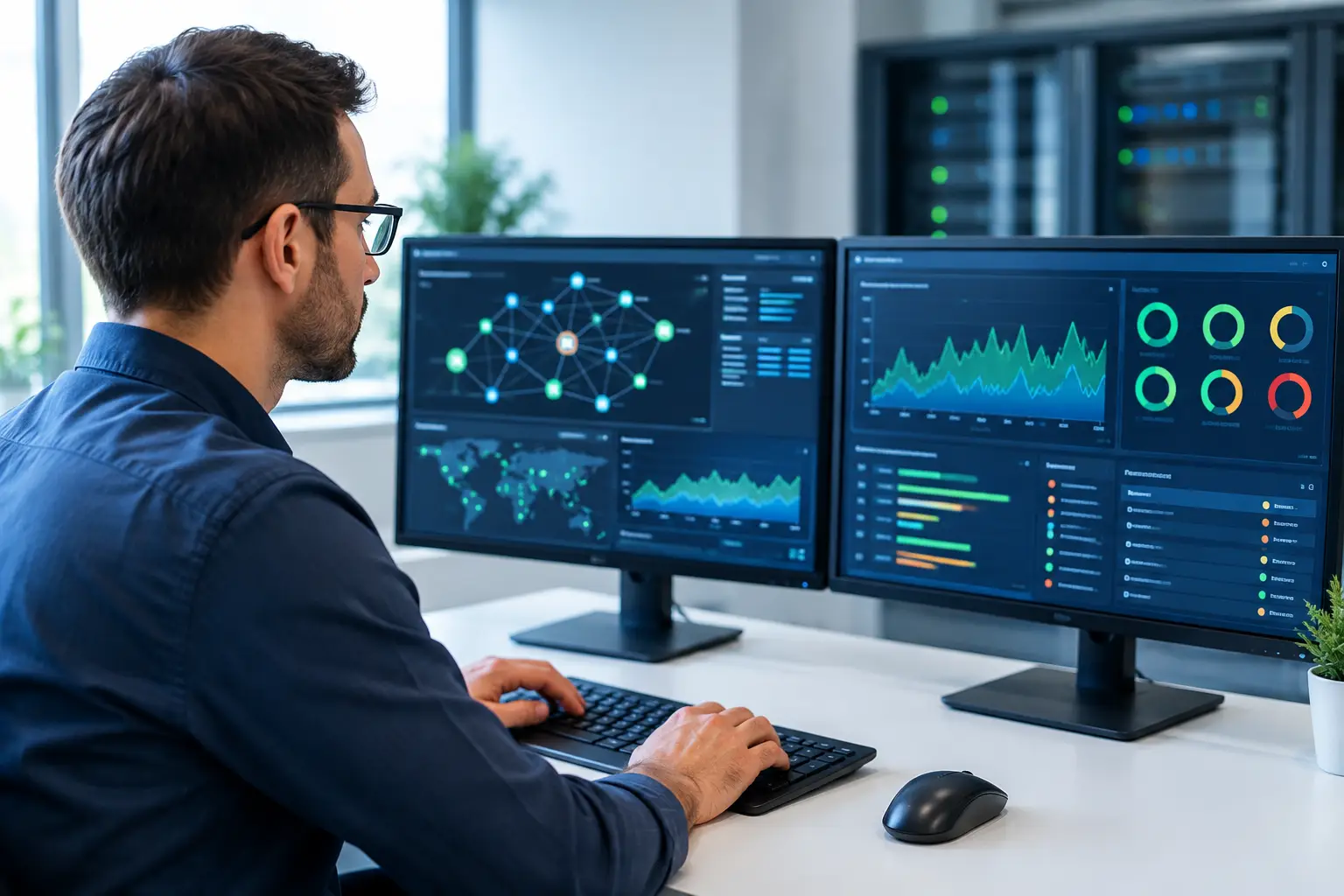
A slow network rarely announces itself as a network problem. It appears as choppy IP calls, delayed cloud applications, failed card transactions, cameras dropping offline, or staff reporting that Wi-Fi is unreliable again. Network monitoring tools give IT and operations teams the visibility to find the real source before a minor fault becomes costly downtime.
For organizations operating offices, schools, retail outlets, warehouses, or multiple sites, monitoring is not simply an IT dashboard. It is a practical control for protecting productivity, security, and customer service. The right approach helps teams identify capacity constraints, equipment faults, suspicious activity, and dependencies that would otherwise stay hidden until services are affected.
What Network Monitoring Tools Should Do
At a basic level, network monitoring tools collect status and performance information from infrastructure such as routers, switches, wireless access points, firewalls, servers, and internet connections. They convert technical signals into useful information: what is unavailable, what is slow, where traffic is concentrated, and whether a device is approaching a limit.
The value is not in collecting the most data. It is in collecting the right data and making it actionable. A facilities leader may need confirmation that security cameras and door controllers remain connected. An IT manager may need to see whether a specific switch port is causing call quality issues. A business owner may only need an alert when a site loses its primary internet connection and switches to backup service.
A useful monitoring platform should provide a clear view of device availability, bandwidth use, latency, packet loss, wireless health, interface errors, and power status where supported. It should also retain enough history to show whether an incident is isolated or part of a developing pattern.
For example, an access point that is online is not automatically performing well. If it is overloaded, serving too many devices, experiencing radio interference, or connected through a restricted uplink, users may still have a poor experience. Good monitoring combines availability with performance indicators rather than treating a green status light as proof that everything is working.
Why Visibility Matters to Business Operations
Network faults have consequences beyond the IT department. A failed switch can interrupt desk phones, payment terminals, printers, meeting rooms, CCTV cameras, and access control systems at the same time. A weak wireless design can slow mobile workers and disrupt inventory scanning. An unstable firewall or internet circuit can prevent teams from reaching cloud systems they depend on throughout the day.
Without monitoring, the usual response is reactive. A user reports a problem, staff try to reproduce it, and the investigation begins after business impact is already apparent. This approach can work for a very small office with simple infrastructure, but it becomes inefficient as sites, devices, and connected services grow.
Monitoring changes the sequence. It can alert the responsible team when a circuit begins showing high packet loss, when a switch starts recording port errors, or when storage space and processor use reach an agreed threshold. That early warning creates time to investigate during a controlled window, replace a failing component, or adjust capacity before users are interrupted.
This is especially relevant when network infrastructure supports physical security. A camera outage may be caused by a camera fault, but it may also indicate a PoE power issue, damaged cable, failed switch port, or loss of connectivity between buildings. Seeing the condition of each layer helps teams avoid sending separate contractors to diagnose one incident in isolation.
The Core Monitoring Capabilities to Prioritize
The best configuration depends on the size and complexity of the environment, but several capabilities are consistently valuable.
Device and service availability
Availability monitoring confirms whether critical devices and services can be reached. This includes internet gateways, firewalls, core switches, wireless controllers, access points, servers, and selected applications. Alerts should distinguish between a device that is unreachable and a service that is unavailable even though the device responds.
For multi-site organizations, availability checks should be designed from more than one perspective. A cloud-based check may confirm that a site is reachable from the internet, while local monitoring can show whether internal users can reach key services. One view alone can leave gaps.
Performance and traffic analysis
Bandwidth charts reveal how circuits and uplinks are used over time. They help identify recurring congestion, unusually high traffic, and the practical case for an internet upgrade or additional switch capacity. Latency, jitter, and packet loss are equally important where voice, video conferencing, cloud applications, or real-time systems are used.
Traffic analysis should support decisions rather than create noise. A busy link is not necessarily a problem if users are unaffected. A link that is only moderately used but shows packet drops or frequent errors deserves attention. Context matters.
Wireless health monitoring
Wireless networks require their own set of measurements. Teams should be able to review client counts, signal quality, channel use, authentication failures, roaming behavior, and access-point uplink status. These details are useful when staff experience intermittent disconnections that are difficult to capture during a site visit.
In larger offices and education environments, monitoring also supports capacity planning. It can show whether a particular floor, meeting area, or classroom has consistently higher demand, allowing wireless coverage and density to be improved where it is needed rather than relying on guesswork.
Environmental and power awareness
Some incidents begin outside the network itself. Temperature, humidity, UPS status, and power supply conditions can affect network closets, server rooms, and edge cabinets. Where the equipment supports it, monitoring these conditions provides another layer of protection for business-critical infrastructure.
This does not mean every device needs every possible sensor. The priority is to monitor conditions that could disrupt operations and would otherwise go unnoticed, particularly at unmanned sites.
Choosing Network Monitoring Tools That Fit Your Environment
There is no single best platform for every organization. The suitable choice depends on infrastructure scale, the technical capability of the team, the number of locations, and how critical continuous availability is to the business.
Smaller organizations may benefit from a straightforward system that monitors key devices, sends clear alerts, and provides simple reporting. A larger enterprise may require centralized dashboards, role-based access, automated discovery, topology mapping, configuration management, and integration with service desk processes. More features can be useful, but they also require planning, maintenance, and staff who can interpret the information.
Compatibility should be assessed early. A monitoring solution needs to work with the hardware and systems already in use, including switches, firewalls, wireless equipment, IP phones, cameras, and cloud services where appropriate. Standard protocols such as SNMP are common, but the depth of available data can vary between vendors and device models.
Alert design deserves particular attention. If every brief fluctuation generates an urgent notification, staff will quickly stop trusting the system. Alerts should be prioritized by business impact, routed to the right people, and configured with sensible thresholds. A core switch failure may require immediate escalation, while an occasional high utilization event may be better reported as a trend for review.
It is also wise to define ownership before deployment. Decide who responds to alerts, who maintains device records, who reviews monthly reports, and who approves changes based on monitoring findings. Technology can provide evidence, but it cannot replace a clear operational process.
Build Monitoring Into Network Design, Not After a Failure
Monitoring works best when considered during network design, office relocation, expansion, or infrastructure refresh. At that stage, teams can document device names, IP addressing, cabinet locations, uplinks, circuit details, and service dependencies. This makes the monitoring system more accurate and makes troubleshooting faster later.
A well-designed network also separates traffic where appropriate, protecting business systems from unnecessary exposure and making it easier to identify unusual activity. For example, guest Wi-Fi, corporate devices, CCTV, and access control may have different performance and security requirements. Monitoring each segment helps verify that the intended design is operating as planned.
At I-Weblogic, this integrated view is particularly relevant because cabling, wireless coverage, switching, firewalls, and physical security systems often share the same underlying infrastructure. Coordinating the design and monitoring requirements from the start can reduce handoffs, improve fault isolation, and support future growth without unnecessary disruption.
Turn Data Into Planned Improvements
The most useful monitoring reports answer business questions. Are recurring Wi-Fi complaints concentrated in one area? Is a branch outgrowing its internet connection? Are firewall resources consistently high during peak periods? Which aging switches show the most errors? Is backup connectivity working when the primary circuit fails?
Review these findings on a regular schedule, not only after an outage. Trend data can guide replacement planning, budget discussions, provider conversations, and decisions about adding capacity. It also gives leadership a clearer basis for approving infrastructure work because the need is supported by measured evidence rather than isolated complaints.
Start with the systems that would cause the greatest disruption if they failed, define what normal performance looks like, and make sure someone is ready to act on the alerts. That practical discipline turns network monitoring from another software expense into a dependable part of business continuity.

