
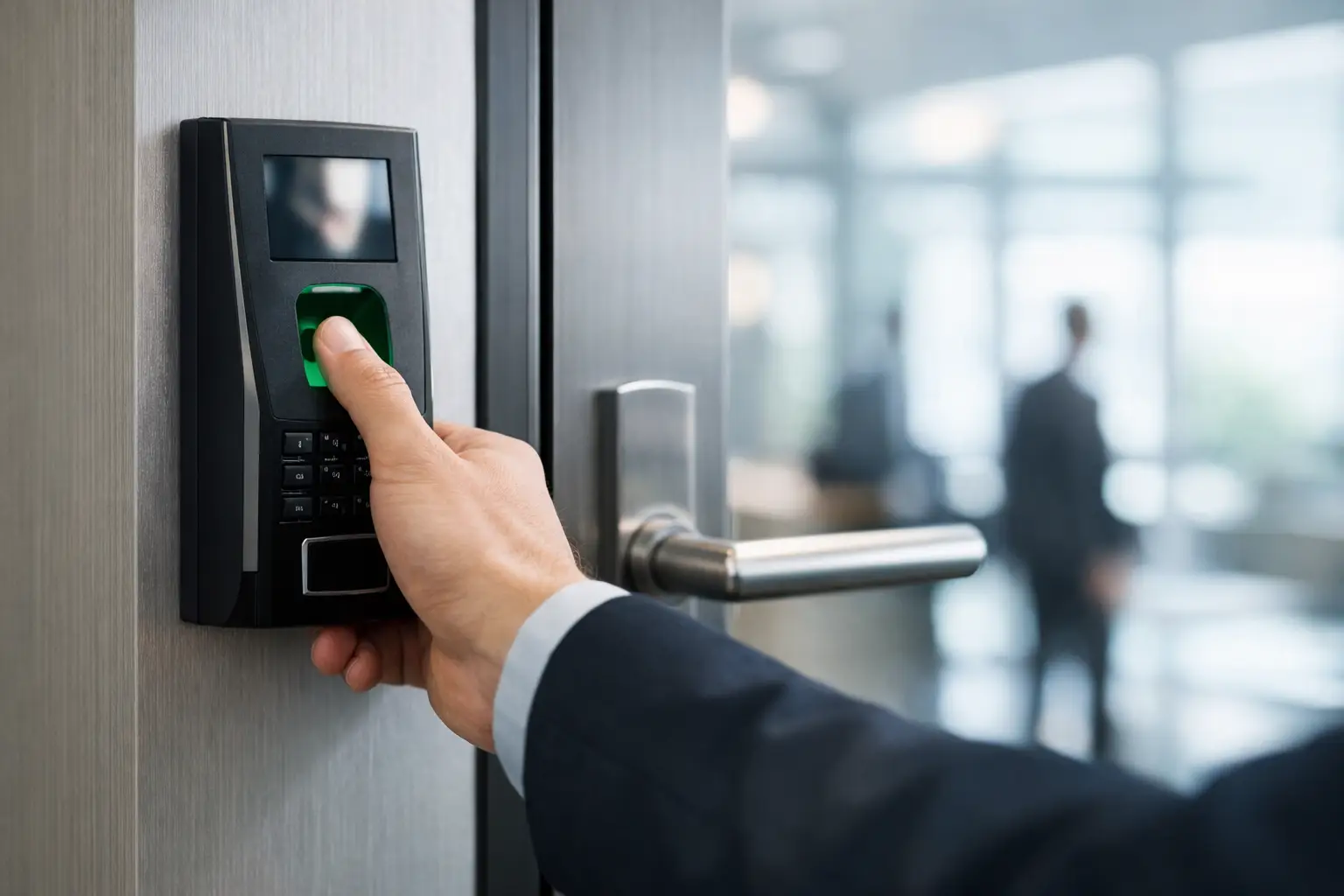
A lost access card rarely causes just one problem. It creates a security risk, an admin task, and often a delay at the door when someone needs to be let in. That is why many organizations start looking at a biometric door access system when cards, keys, or PINs no longer match the pace or security needs of the workplace.
For business leaders, the appeal is straightforward. A biometric credential is tied to the person, not something they can forget, lend, or leave on a desk. But choosing this kind of system is not only about better authentication. It is also about whether the technology fits your building layout, staff workflows, privacy expectations, and existing infrastructure.
What a biometric door access system actually does
A biometric door access system verifies identity using a physical trait such as fingerprint, face, or palm data before granting entry. In practice, it works like any other access control platform with readers, controllers, door locks, software, and audit logs. The difference is the credential.
Instead of relying only on a keycard or code, the system checks a stored biometric template against the person standing at the door. If there is a match, access is granted based on the permissions assigned to that user. If not, the door stays locked and the event is recorded.
For many businesses, that shift matters because it reduces credential sharing and improves traceability. If a staff member enters a restricted room, the log reflects who entered, when, and through which reader. In spaces where accountability matters, that level of certainty is often the reason to invest.
Where biometric access makes the most business sense
A biometric door access system is also useful in organizations. In many buildings, it makes sense to reserve it for areas where the cost of unauthorized access is high. That could include server rooms, finance departments, inventory storage, laboratories, executive offices, or education facilities with sensitive records.
This is also useful in organizations with high staff turnover or multiple shifts. Retail back offices, warehouses, clinics, and multi-tenant workplaces often deal with a steady stream of onboarding and offboarding activity. A biometric credential cannot be passed around as easily as a card, which helps reduce one of the most common weak points in access control.
It can also help in sites where convenience affects compliance. If employees find card-based entry cumbersome and begin tailgating or propping doors open, security policy starts to fail in day-to-day use. A faster and more reliable entry method can improve adoption, provided the reader technology is suited to the environment.
The main options and their trade-offs
Fingerprint remains one of the most widely used formats because it is familiar, relatively cost-effective, and accurate when deployed correctly. It often works well in standard office settings. The limitation is environmental. Dust, moisture, gloves, worn fingerprints, or heavy traffic can affect performance and user experience.
Facial recognition can be a strong fit where touch-free access is preferred, such as shared office entry points or healthcare environments. It can move people through doors quickly, but camera placement, lighting, and privacy policy matter more here than many buyers first expect. A facial reader in a poorly lit lobby will not perform as well as one installed with the right field of view and approach path.
Palm and vein-based systems are often chosen for higher-security use cases because they are difficult to duplicate and can perform well across a broad user base. They tend to come at a higher price point, so they are usually selected for specific doors rather than building-wide deployment.
For many businesses, the best answer is not a pure biometric model. It is a layered one. A biometric reader combined with a card, mobile credential, or PIN can offer stronger control for sensitive zones while giving flexibility in general areas. That balance matters when different departments have different risk profiles.
Why infrastructure planning matters more than the reader
A biometric reader may be the visible part of the system, but the quality of the rollout usually depends on the infrastructure behind it. Door hardware, controller compatibility, power availability, cabling routes, network segmentation, software configuration, and fail-safe or fail-secure behavior all affect the final outcome.
This is where many projects become more complicated than expected. An office may want to add biometric access at the same time it is upgrading CCTV, expanding wireless coverage, or reworking structured cabling during a relocation. If these systems are handled separately, delays and design conflicts are common. If they are planned together, the result is usually cleaner, more scalable, and easier to support.
For example, a biometric door access system installed without reviewing network capacity or switch location can create avoidable bottlenecks. The same applies if new readers are fitted onto doors with unsuitable locking hardware or poor cable pathways. Good implementation starts with the full environment, not just the device specification.
Privacy, compliance, and employee acceptance
Biometric access brings a legitimate question that decision-makers should address early: how biometric data is stored and managed. Employees and stakeholders will want clarity, and they should get it.
Most commercial systems do not store a raw image of a fingerprint or face in the way many people assume. They typically store an encrypted template derived from biometric features. Even so, businesses need clear policies around consent, enrollment, access rights, retention, and data handling. The legal and HR implications depend on industry, region, and internal governance standards. For businesses implementing these systems, it is essential to follow the PDPC Guide on the Responsible Use of Biometric Data to ensure all collection and storage practices remain compliant with Singapore’s data protection standards
This is also where rollout strategy matters. If staff members only hear that a new scanner is being installed, resistance can follow. If they understand why the system is being introduced, what data is collected, and how it supports a safer workplace, adoption tends to improve. The technology decision and the communication plan should move together.
Questions to ask before you invest
The right system depends on how your business operates. A small office with one secure records room has different needs than a multi-site organization managing staff, vendors, and visitors across several facilities.
Start with a few practical questions. Which doors genuinely need higher assurance? How many users will be enrolled, and how often does that list change? Will the system need to integrate with turnstiles, visitor management, alarms, or existing access control software? What happens to your biometric door access system during a power outage or network interruption? And who will manage ongoing administration once the system is live?
These are not minor details. They shape the design, budget, and user experience. A system that looks cost-effective at purchase can become inefficient if enrollment is cumbersome or if the admin team lacks visibility across sites.
Implementation is where value is won or lost
A biometric system performs best when it is matched to business workflow, not installed as a standalone gadget. Reader placement should reflect traffic patterns. Access groups should follow job roles. Backup entry methods should exist for edge cases. And testing should happen before launch, not after complaints start coming in.
An experienced implementation partner will usually begin with a site assessment, identify infrastructure dependencies, and recommend where biometric authentication adds real value instead of applying it everywhere. That approach is more practical than overengineering the entire building.
For organizations already reviewing cabling, network upgrades, CCTV, or office reconfiguration, this is often the right time to assess access control as part of a broader infrastructure plan. That integrated view is where companies like I-Weblogic typically add the most value, because security, connectivity, and physical environment decisions are closely linked in real operations.
Is it the right move for your business?
A biometric door access system is a strong option when you need tighter control, clearer audit trails, and fewer credential management issues. It is less compelling if the site has low security risk, limited user volume, or unresolved policy concerns around biometric data. The point is not to follow a trend. It is to choose a control method that fits the way your business runs.
If your current access setup is creating admin burden, exposing sensitive spaces, or falling behind the pace of your operations, biometric access is worth serious consideration. The most successful projects start with a simple question: where would stronger identity verification make a measurable difference for the business? That is usually where the case becomes clear.


Pingback: Choosing a Keyless Entry System for Office - I-Weblogic Pte Ltd
Pingback: Turnstile Access Control Integration That Works - I-Weblogic Pte Ltd