
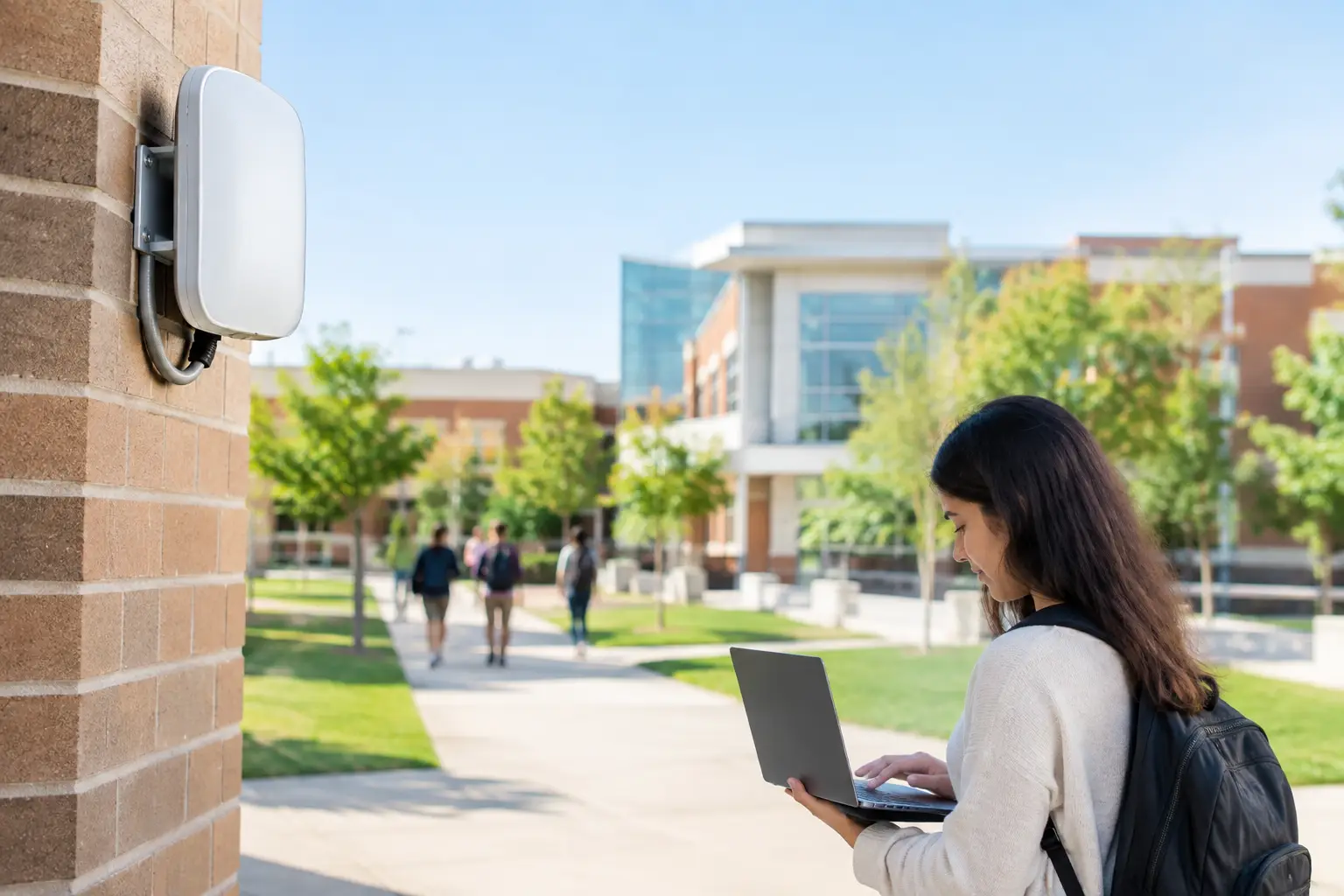
A lesson that stalls while students wait for a page to load is rarely caused by a single bad access point. More often, it reveals a school campus wifi deployment planned around coverage alone, without enough attention to user density, wired infrastructure, security, and ongoing management. For school leaders and IT teams, the objective is not simply to show a WiFi signal in every room. It is to provide dependable connectivity that supports learning, administration, safety systems, and future growth without creating an unmanageable support burden.
Start With Learning and Operations, Not Access Point Counts
Schools place unusual demands on wireless networks. A classroom may have 30 students connecting at the same time, while teachers stream content, take attendance, access cloud applications, and use wireless presentation tools. At the same time, administrative offices, libraries, gyms, auditoriums, cafeterias, outdoor areas, and staff rooms all have different patterns of use.
A campus also has connected systems that are not part of classroom instruction. IP phones, CCTV cameras, visitor systems, digital signage, access control, and building management devices may rely on the same physical network. Treating each system as a separate project can result in duplicate cabling work, inconsistent security policies, and avoidable downtime.
Before selecting equipment, define what the network must support. That includes the number and type of devices per user, peak simultaneous use, critical applications, guest access expectations, and the systems that need priority during a busy school day. A one-to-one student device program requires a different capacity plan than a campus where devices are shared by class periods. Similarly, a large auditorium needs capacity for events, not merely a strong signal when it is empty.
A School Campus WiFi Deployment Needs a Real Site Survey
Floor plans are useful, but they do not show the materials that weaken or redirect wireless signals. Concrete walls, metal lockers, tinted glass, elevator shafts, ceilings, storage areas, and even dense crowds can change wireless performance. A predictive design based on drawings can provide a starting point, but an on-site survey validates what will happen in the actual environment.
The survey should assess both coverage and capacity. Coverage asks whether a device can connect. Capacity asks whether dozens of devices can connect, authenticate, and use applications at the same time without excessive delay. The second question is usually more important in classrooms and shared learning spaces.
A practical design also considers where access points can be installed and serviced. A location that looks ideal on a heat map may be difficult to cable, exposed to damage, or blocked by a future renovation. Coordinating the wireless design with structured cabling, ceiling works, electrical requirements, and facilities access avoids costly changes after installation.
Design for High-Density Areas Separately
Libraries, cafeterias, assembly halls, and multipurpose rooms should not be designed using the same assumptions as standard classrooms. These spaces may need more carefully placed access points, channel planning, and bandwidth controls to accommodate temporary peaks.
Adding more access points is not automatically the answer. Too many radios operating too close together can create interference and poor roaming behavior. The right approach depends on room size, building materials, client devices, and expected demand. Capacity modeling and validation testing are more reliable than a simple rule of one access point per room.
The Wired Network Determines Wireless Reliability
Every wireless access point depends on a wired connection. If the cabling is outdated, poorly labeled, limited to low speeds, or connected to an undersized switch, upgrading access points alone will not solve the problem. The wireless experience is only as good as the path from the classroom to the core network and internet connection.
Modern access points may require multi-gigabit uplinks and higher Power over Ethernet budgets. This does not mean every school needs to replace all switches immediately. It does mean the design should identify where existing switching can remain in service and where upgrades are necessary to prevent bottlenecks.
Structured cabling should be planned for maintainability as well as performance. Clearly labeled outlets, organized racks, documented patching, and tested cable runs allow a school to troubleshoot quickly when an issue occurs. They also make future expansion less disruptive. Leaving capacity in pathways and cabinets is generally less expensive than reopening ceilings during the next upgrade cycle.
Fiber backbone connections are equally important across larger campuses or separate buildings. A reliable fiber design provides the bandwidth and distance needed to connect network closets, while reducing dependence on less predictable point-to-point wireless links. For schools with phased budgets, improving the backbone first can create a stronger foundation for staged WiFi upgrades.
Segment Users and Devices Without Creating Friction
A school network must serve users with different needs and different levels of trust. Students, faculty, administrators, guests, and operational devices should not all sit on the same unrestricted network segment. Segmentation limits exposure when a device is compromised and helps preserve performance for systems that are essential to school operations.
A common approach separates staff, student, guest, and Internet of Things traffic through distinct network segments and security policies. Guest users should receive internet access without visibility into internal systems. Cameras, door controllers, printers, and other managed devices should have only the access they need to function. Staff may require access to protected resources that students do not.
The right authentication method depends on the school environment. Shared passwords are simple to deploy but difficult to control when students and staff change. Individual sign-on through centralized identity services offers stronger accountability and easier access changes, although it requires more planning and integration. For many campuses, the best result is a phased approach that improves security without overwhelming administrators or end users.
Firewall policies, content filtering requirements, and bandwidth controls should be considered early. A network can have excellent wireless coverage and still perform poorly if recreational traffic consumes available internet bandwidth during instruction. Policies should protect learning time while allowing legitimate educational applications to work as intended.
Plan for Roaming, Resilience, and Day-Two Support
Students and staff move through the campus all day. Their devices need to transition between access points without losing a call, video session, assessment, or cloud application. Consistent network names, thoughtful radio settings, and compatible access point configurations support better roaming. This is particularly relevant for teachers using voice-over-WiFi, tablets, or mobile teaching carts.
Resilience also means preparing for predictable points of failure. Network closets need appropriate cooling, power protection, physical security, and documentation. Core switches and firewalls may require redundant designs depending on the size of the campus and the consequences of downtime. Not every school needs full redundancy in every layer, but critical services should not depend on one undocumented device in an unlocked closet.
After installation, the work shifts from deployment to operation. Monitoring tools should show access point status, client counts, signal quality, bandwidth use, and recurring faults. This information lets IT teams identify a congested classroom or failing cable before it becomes a larger complaint cycle. Regular firmware maintenance and configuration backups also reduce risk, but updates should be tested and scheduled around teaching hours whenever possible.
Measure the Experience After Go-Live
Acceptance testing should reflect real use, not only a successful connection test. Validate classroom performance with multiple devices, test roaming routes, confirm guest isolation, and check critical applications during normal operating conditions. Documenting results gives the school a performance baseline for future troubleshooting and expansion.
It is also useful to define who owns each operational task. Facilities teams may manage physical access to ceilings and closets, while IT manages network policies and monitoring. An implementation partner can coordinate cabling, switching, wireless, and security systems under one plan, reducing gaps between contractors and simplifying accountability.
Build for the Next School Year, Not Only This One
Wireless demand rarely stays flat. New student devices, cloud-based curriculum, expanded video use, additional safety systems, and changing teaching methods all increase pressure on the network. A scalable design does not require buying maximum capacity on day one. It requires selecting an architecture that can add access points, switch capacity, licenses, and internet bandwidth without forcing a complete redesign.
A phased rollout can be sensible when budgets are limited. Start with classrooms and high-impact learning areas, address the core cabling and switching constraints that affect the entire campus, then expand into common spaces and outdoor areas. The key is to phase against a complete design, rather than making isolated purchases that may not work together later.
I-Weblogic approaches campus infrastructure as a coordinated system: physical cabling, wired and wireless networking, and security technology planned around how the site operates. That coordination helps schools minimize disruption during installation and establish an environment that is easier to support after handover.
A dependable campus network gives teachers more confidence to use digital tools, gives students more consistent access to learning resources, and gives administrators clearer control over performance and security. The most useful next step is to assess the campus as it is actually used, then make infrastructure decisions that will still support the school when enrollment, devices, and expectations grow.

